Hindustan Times
In Focus

In Focus
ITR Filing: 4 Things To Check In Form 16

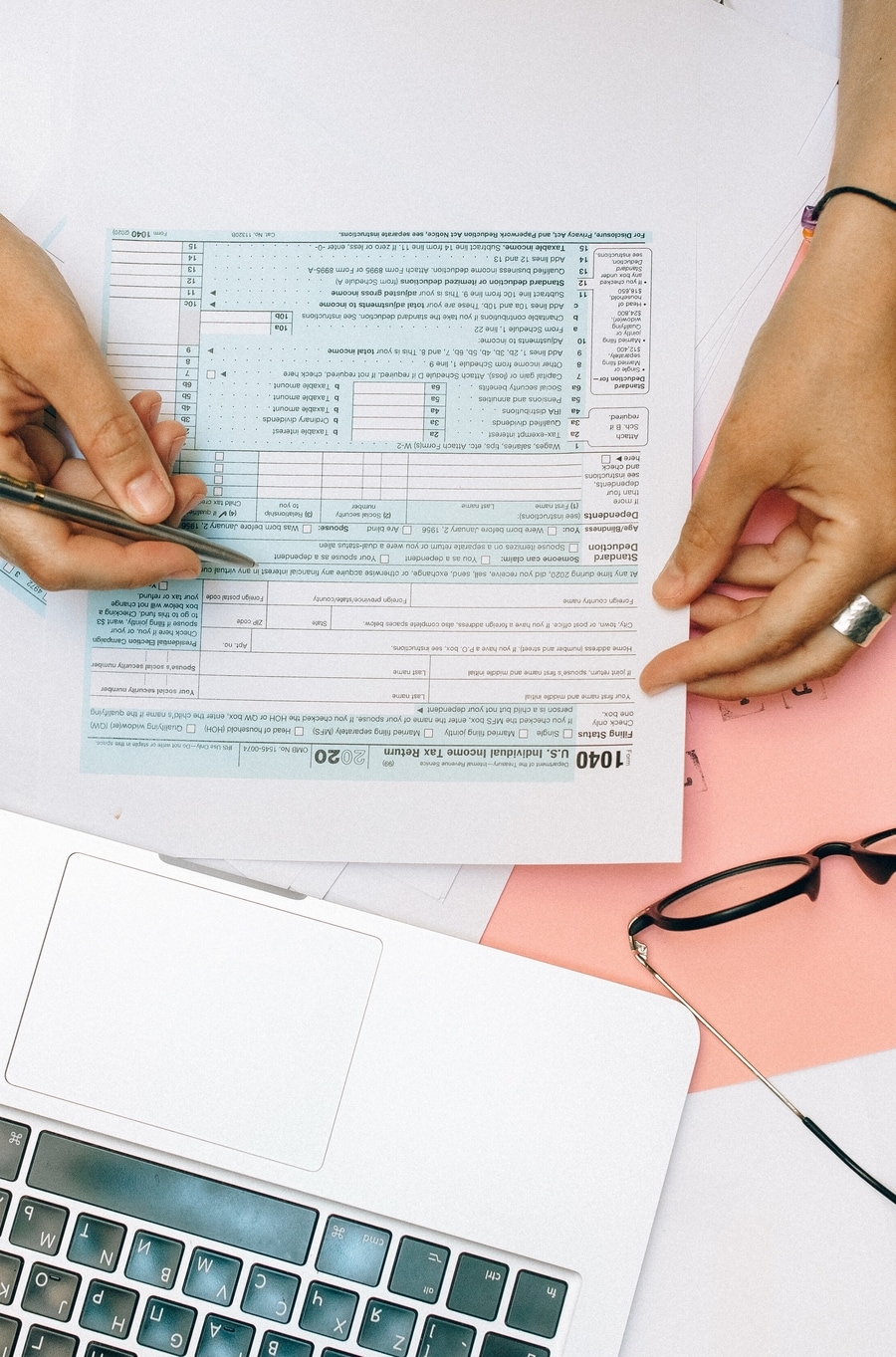
Income Tax Return (ITR) forms come with a few pre-filled information that must be cross-checked before filing your ITR
Photo Credits: Unsplash
Here are 4 things you should check in Form 16 before you start filing your Income Tax Return (ITR)
Video Credits: Pexels

PAN Number
Photo Credits: HT File Photo

Check if the PAN Number mentioned in Form 16 is correct. If it is incorrect then the TDS amount will not reflect in Form 26AS and you will not be able to claim tax credit while filing ITR
Photo Credits: Unsplash

Tax-exempt allowances
Photo Credits: Unsplash

Cross-check the detailed breakdown of your salary and the tax-exempt allowances before filling them in your Form 16 to avoid discrepancies
Photo Credits: Unsplash

Summary of tax deducted
Photo Credits: Unsplash
While employers deduct taxes monthly, they are reflected on a quarterly basis in Form 16. Cross-check the tax deductions and ask your employer to rectify it in case of any errors
Video Credits: Pexels

TRACES logo on Form 16
Photo Credits: Unsplash

Ensure that the Form 16 you receive from your employer has the TRACES logo before you fill it out. An Income Tax Form must be downloaded from the TRACES website by your employer
Photo Credits: Unsplash

Read Next