
 E-Paper



Google Photos brings text search feature to find images- Know how it works
Google rolls out a new text search feature for the Photos app. Know what it is and how it works to find relevant images.

 Prefer HTon Google


Google introduced a new advanced feature to the Photos app that lets users search images using text in quotes. It is a Gemini-powered feature that uses natural language queries to search for relevant images. This text search feature can make image search smarter and more seamless for users who are looking for older images, or even a specific person or place. Photos will also let users put specific words within the image to locate it in the app. Therefore, if you are someone who struggles to find images on the Photos app, then this new text search feature could come in handy. Know more about the new search feature on the Photos app and how it works.
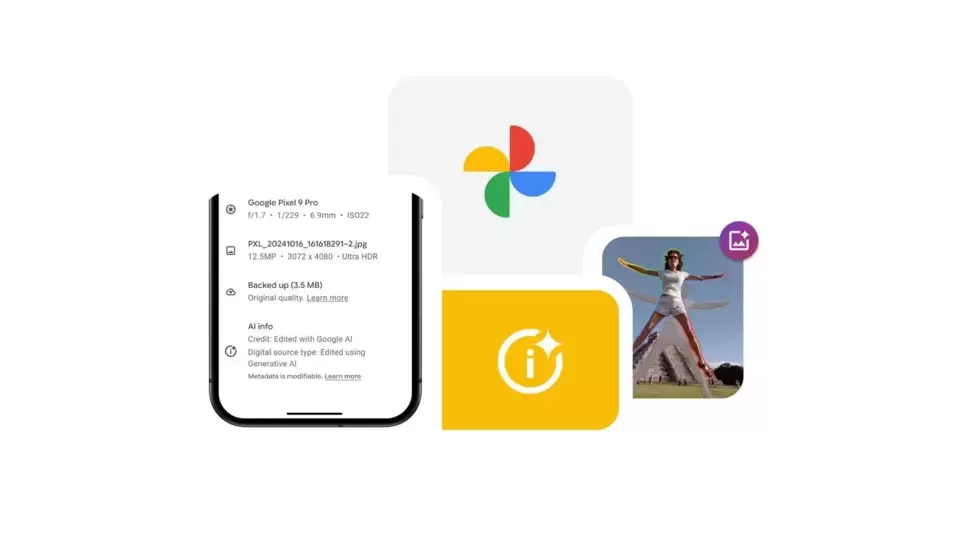

Also read: Google to let users test Android 16 desktop mode on phones with external display support, here’s how
Google Photos text search feature
On Tuesday, Google made a small announcement about the latest Photos app features, which allow users to search images using text. Google said, “You can now use quotes to find words in images” across Android, iOS, and the web. Within the Google Photos app, users can use text matches to find filenames, camera models, captions, or text within photos. However, the query or search prompt should be mentioned in quotation marks. Doing so will enable the app to find exact text and visual matches. Google also provide examples of queries such as “Alice and me laughing,’ colourful sunsets in Mexico, ‘Emma at the playground.” This feature can be useful in finding screenshots and documents using specific keywords.
Also read: Uber users can now book Delhi Metro tickets within the app: Here’s how to do it
How to search images on Google Photos using text
Step 1: Open Google Photos app on your smartphone
Step 2: Click on the Search tab placed at the bottom
Step 3: Type your search queries with quotes.
Step 4: Based on the text, the app will provide users with related text in photos or visual matches.
Mobile Finder: Google Pixel 10 Pro LATEST specs, features, and price
This feature is currently available on Android, iOS, and the web version of Google Photos as well. However, make sure to use natural language queries in English for the best search results. With such AI-powered features, Google is bringing greater AI integration into its apps and services, making it easier for users to manage tasks.


