
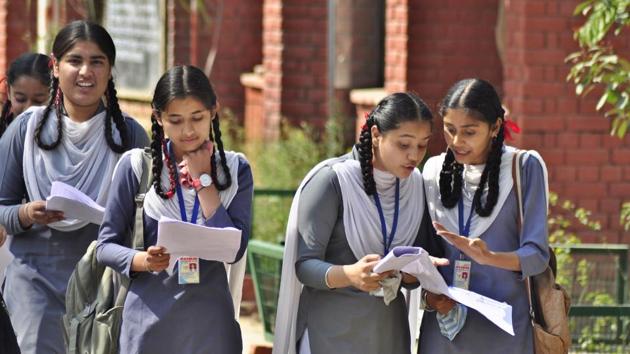
Jammu and Kashmir Board of School Education (JKBOSE) has declared the Class 10th biannual (Summer Zone) Jammu division examination results 2017 on its official website.
Steps to check the results:
1) Click on the link for all results on the official website of JKBOSE
2) Click on the link for ‘11/10/2017 CLASS 10TH BI-ANNUAL (SUMMER-ZONE) JAMMU DIVISION 2017.
3) Key in your roll number or name and click on Find Result
{{/usCountry}}3) Key in your roll number or name and click on Find Result
{{/usCountry}}4) The result will be displayed on the screen
5) Take a print-out
The state school education board earlier declared the results of Higher Secondary (Class 12th) Part two, biannual 2017 Private Jammu (Summer Zone) examination.
ABOUT THE AUTHOR
Nilesh Mathur is online news editor with Hindustan Times. He has worked on the online news desk for the last 23 years. Presently, he covers education and career-related news.