
 E-Paper



iOS 26: 8 Features that could change how you use your iPhone
iOS 26 is out; here’s how these eight new features let iPhone users touch, swipe, and tap to boost efficiency and usability.

 Prefer HTon Google


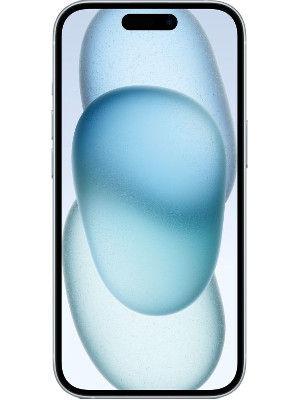


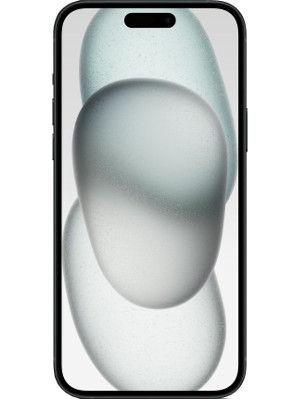
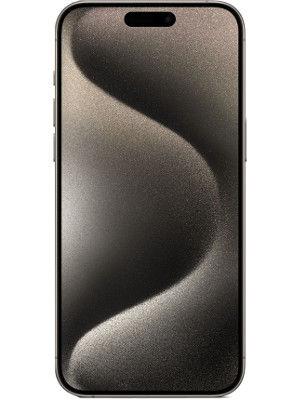
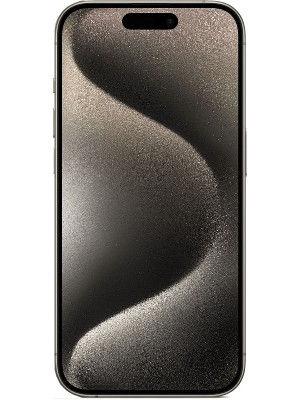


Apple has rolled out iOS 26, bringing updates that aim to make the iPhone more functional and connected across its ecosystem. The update introduces interface changes, new app features, and enhanced intelligence tools to improve everyday tasks. Here are 8 features that could change the way you use your iPhone.
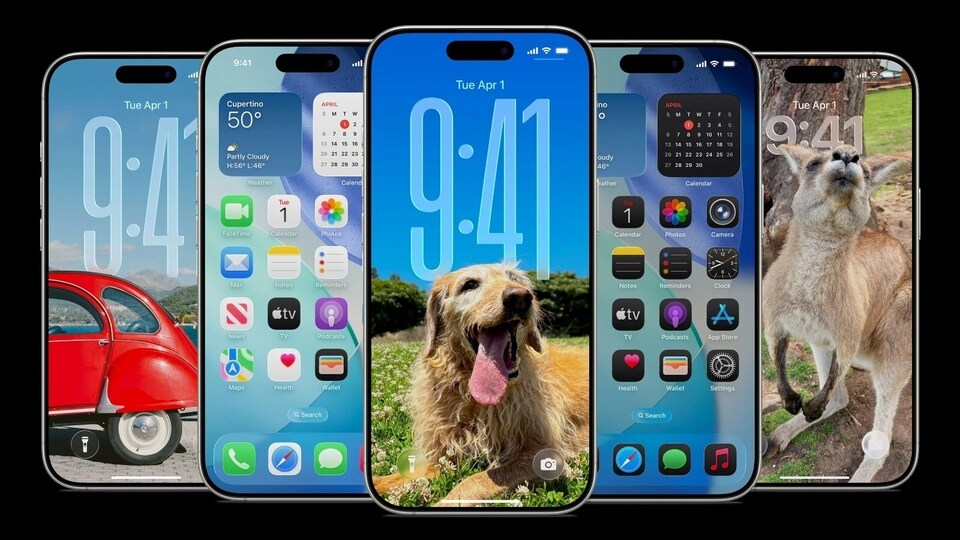

Redesigned Interface: Liquid Glass
iOS 26 features a new interface called Liquid Glass, which spans iPhone, iPad, Mac, Apple Watch, and Apple TV. Menus are simplified, and the design takes cues from Apple’s visionOS. Transparent menus and adaptive animations adjust to on-screen activity, such as the Safari URL bar shrinking as users scroll. New tinting options let users make icons fully transparent, while some icons have been rearranged for quicker access. The lock screen now supports spatial photos and an adaptive clock that blends with the background.
Also read: iPhone 17 vs 17 Pro vs Air: Which new iPhone is best for photography?
Phone and FaceTime Updates
The Phone app consolidates recent and missed calls into one view while retaining the option to switch back to the classic layout. Call screening prompts unknown callers to identify themselves, and users can decide whether to answer. Hold Assist monitors lines when calls are on hold and notifies users when a live representative is available. Both Phone and FaceTime support live translations for conversations in other languages, though the user must download the relevant language via the Translate app.
Camera and Photos
The Camera app now shows only two controls—Photos and Video—while users can swipe for different modes like portrait, panorama, or slow motion. Swiping vertically adjusts exposure and aspect ratio, and video mode presents all settings under a Format button. The Photos app introduces minor tweaks, including tabs to navigate between library and collections, reducing the need to scroll. Spatial photos are available for iPhone 12 and later models, and favorite images on photo widgets automatically convert to spatial visuals.
Also read: Apple Watch SE 3 price in India: What’s new? Sale date and more
Messages and Group Tools
Messages now allows users to add Apple Cash payments to groups, show typing indicators, and include polls for voting. Chats can have custom wallpapers, and filtering for unknown senders is available.
Shortcuts and Reminders
Apple Intelligence extends to Shortcuts and Reminders. Users can create automated processes using tools like Image Playground or on-device AI models, including ChatGPT. Reminders can generate tasks based on emails, websites, and recipes from Apple News Plus. Lists are automatically organised for efficiency.
Also read: iPhone Air, Apple’s thinnest iPhone yet, launched in India: Price, specs and more
Visual Intelligence
iOS 26 adds Visual Intelligence features that analyse screenshots on supported devices. Users can search using Google or ChatGPT or take contextual actions, such as creating calendar events or translations. Specific areas of a screenshot can also be selected for focused searches.
Apple Maps Enhancements
Maps now asks whether users want to track visited locations. A new feature previews favourite routes for routine trips and sends notifications about potential delays.
Other Notable Features
Safari’s toolbar offers customizable controls. Apple Music introduces AutoMix and allows pinning of favourites. Wallet will support a digital passport for TSA domestic travel in a future release. Genmoji now combines two emojis to create new ones with expressions, and Image Playground integrates ChatGPT for enhanced image styles.


