
 E-Paper



Google Gemini’s upcoming changes explained: What Android users should do to keep their data safe
Google’s latest Gemini update has left users questioning what’s really changing with their app privacy. Will your messages and calls stay private?

 Prefer HTon Google











You’re not alone if Google’s latest email about Gemini left you with more questions than answers. The message, which arrived in inboxes this week, announced that from July 7, 2025, Gemini will be able to help with apps like Phone, Messages, and WhatsApp, even if you’ve switched off Gemini Apps Activity. For many, the wording was vague and a little unsettling. What does it really mean for your privacy? Can Gemini still access your messages and calls after you’ve opted out? The lack of clear instructions only added to the confusion.
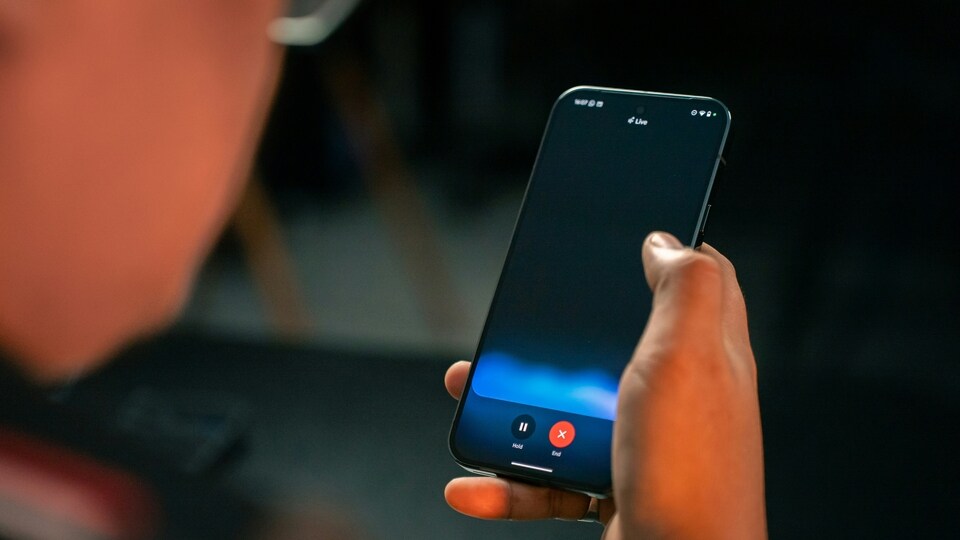

What’s really changing with Gemini?
The email said users could turn off these new features in the app settings, but didn’t give any step-by-step guidance. That left people wondering if their chats or app data might still be accessed by Gemini, even after opting out. The link provided in the email took users to the Gemini Apps Privacy Hub, but that page didn’t make things much clearer either.
After a wave of concern online, Google stepped in to clarify the situation. According to Google, the update is designed to make Gemini more helpful for daily tasks. With the new change, Gemini will be able to send messages, make calls, or set timers, even if you have Gemini Apps Activity turned off. The key point is that if you’ve disabled this activity setting, your chats with Gemini won’t be reviewed or used to train Google’s AI. In other words, Gemini will work more like a local assistant on your phone, handling basic tasks without sending your data back to Google’s servers.
If you want to go further, you can disconnect Gemini’s access to your apps completely by visiting gemini.google.com/apps. Google says users remain in control and can turn off Gemini’s connection to their apps at any time.
How to stay in control
- Check your Gemini settings if you’re worried about privacy
- Turn off Gemini Apps Activity to keep your chats private
- Visit the dedicated settings page to disconnect Gemini from your apps
- Review app permissions regularly to make sure you’re comfortable with what Gemini can access
While the original email may have sounded alarming, the reality is that your privacy is still protected if you manage your settings. If you’re unsure, it’s always a good idea to double-check your app permissions and visit the privacy hub for more details.
For anyone who relies on Gemini for daily tasks, these changes are meant to make the assistant more useful without compromising your privacy. As always, staying informed and keeping an eye on your settings is the best way to keep your data safe.


