
 E-Paper



iPhone 17 series is here. New iOS 26 update is releasing on…
Apple finally announced the iOS 26 stable rollout date for compatible iPhones. Here’s everything you need to know.


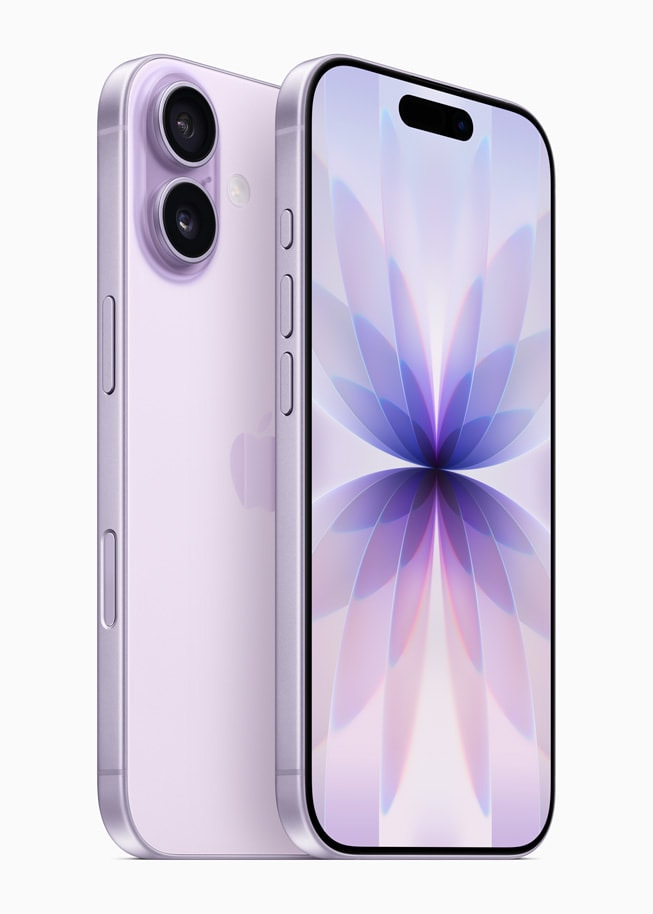

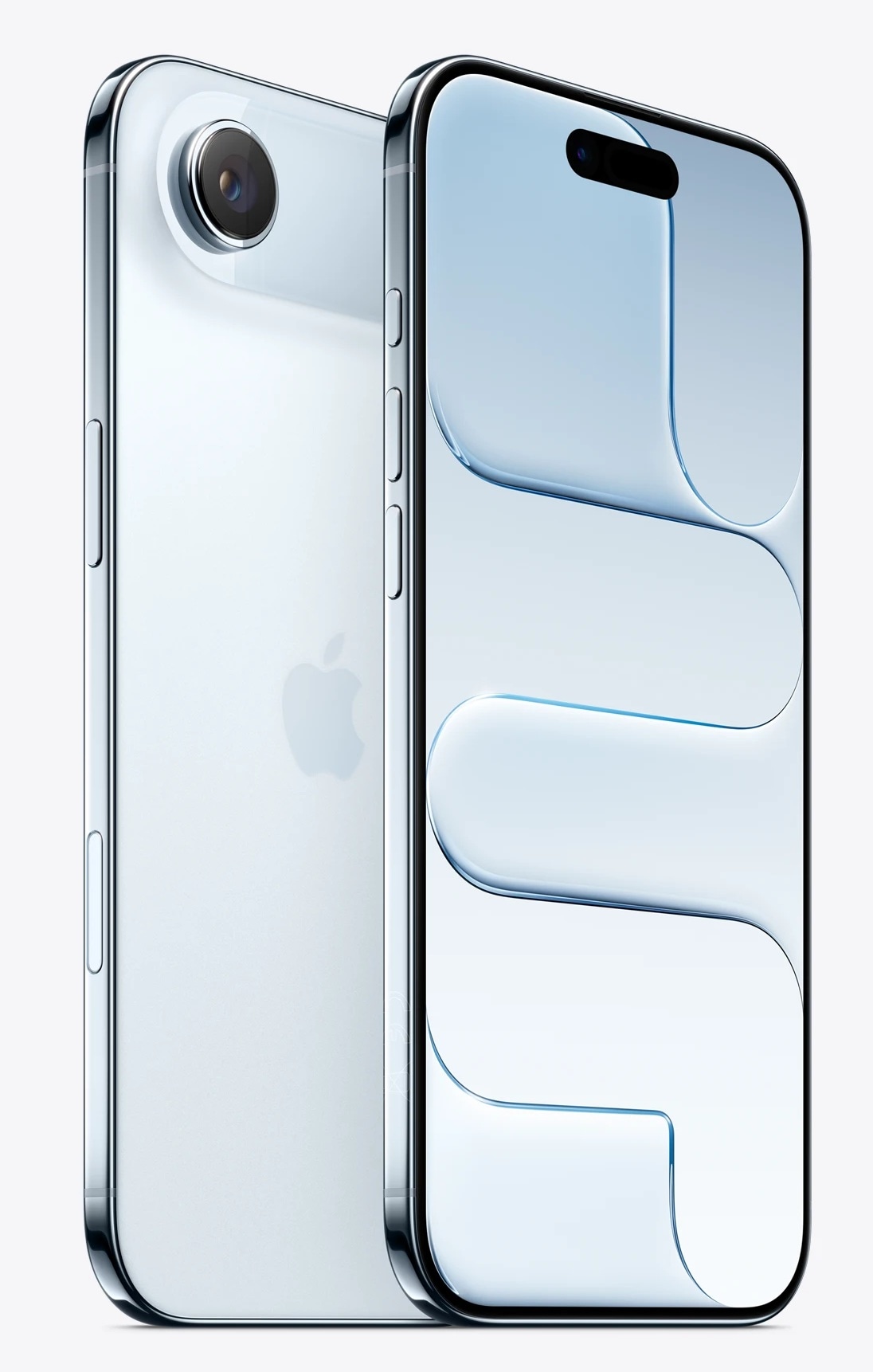
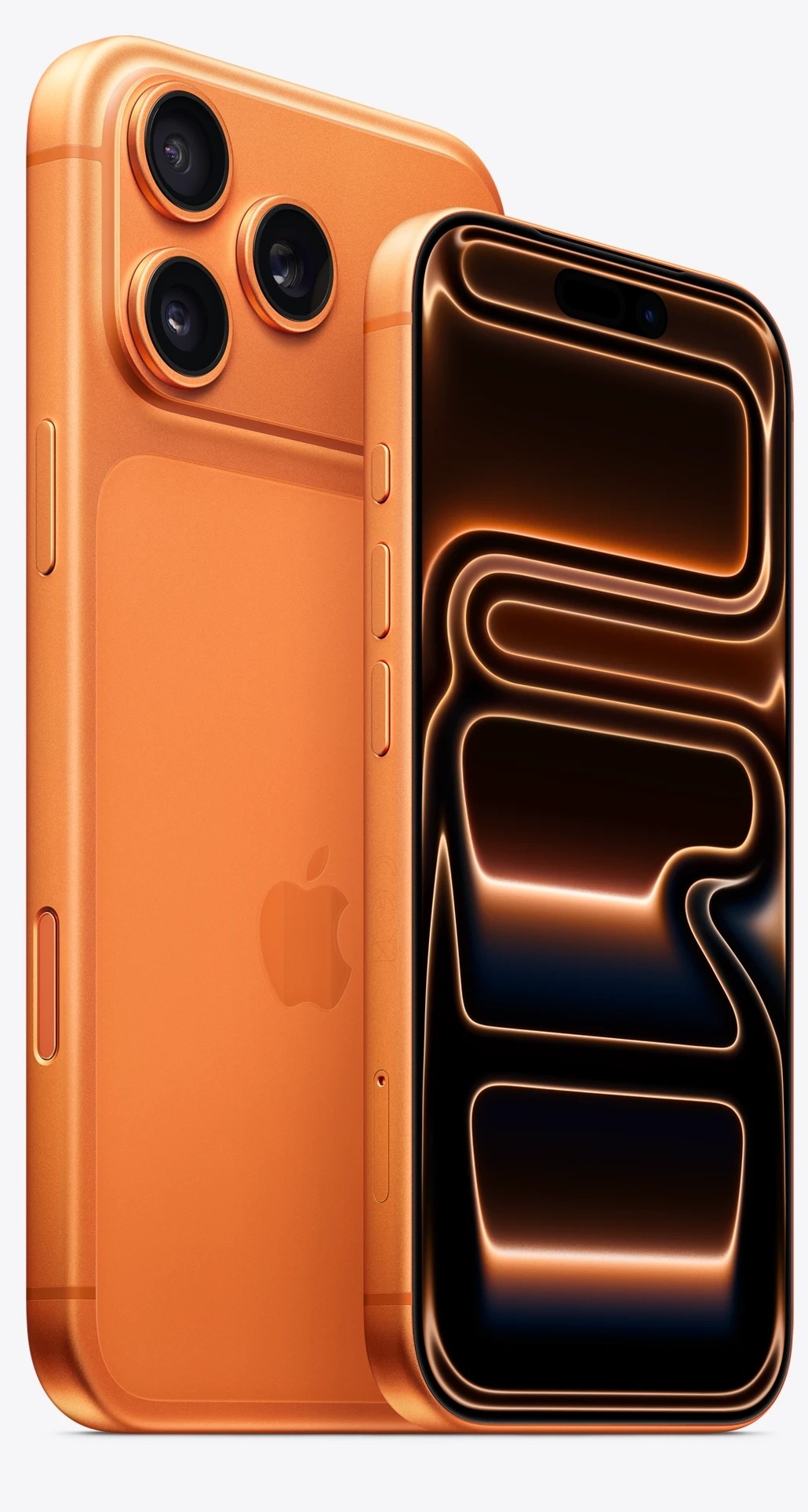


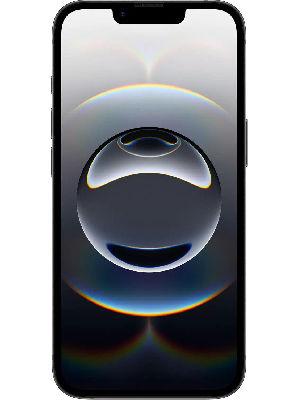

Apple has officially announced the iPhone 17 lineup with iOS 26 out of the box. The new update brings a redesigned UI, dubbed Liquid Glass. Several first-party apps like Photos, Messages, Mail, and others have received new features and UI, making the interaction more seamless across touch points. With iOS 26 making a stable debut with iPhone 17, several older-generation iPhone users may be wondering when they will get the new iOS update. Well, Apple has announced a release date for iOS 26 for iPhone 16 series, iPhone 15 series, and other older generation models which are compatible.
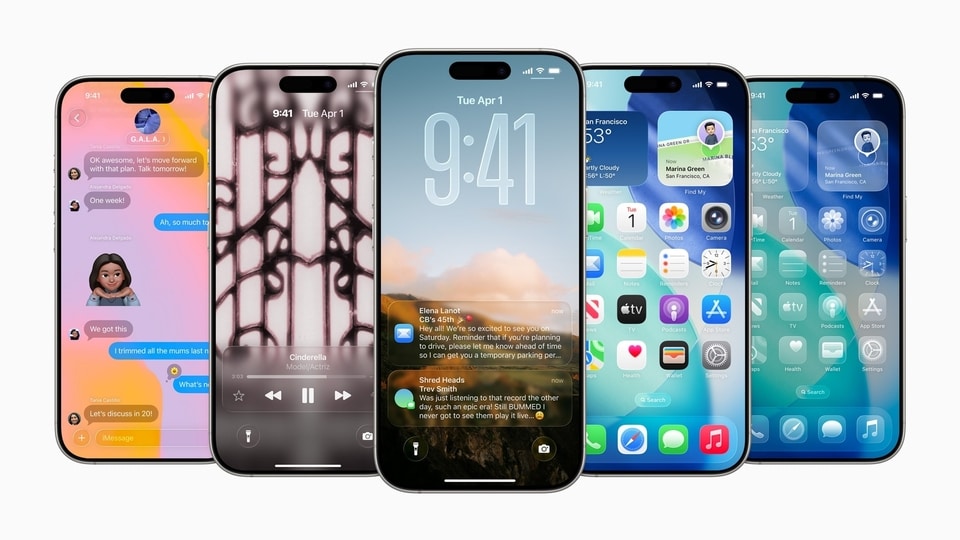

iOS 26 release date
Apple first unveiled the iOS 26 update at the Worldwide Developers Conference in June 2025. Now, the company is finally ready to roll out the stable version of the update to older generations of iPhone models. The stable iOS 26 update will officially roll out on September 15, which is coming Monday. Therefore, you may want to keep an eye out for the rollout to install the latest updates on your iPhone.
iOS 26 compatible iPhones
iPhone 16 series
iPhone 15 series
iPhone 14 series
iPhone 13 series
iPhone 13 mini
iPhone 12 series
iPhone 12 mini
iPhone 11 series
iPhone SE (2nd generation and later)
iOS 26: New features and design changes
Liquid Glass UI: Apple has introduced a visual overhaul to iPhones with iOS 26 Liquid Glass UI. It brings transparent and glass-like visuals across the UI, giving a refined look. In addition brings customisation features such as a dynamic lock screen, icon customisation options, redesigned camera app, and more.
New Apple Intelligence features: Apple is also bringing new AI-powered features such as Live Translation, advanced Visual Intelligence, upgrades to Genmoji and Image Playgrounds, and much more to compatible iPhones
App updates: Other app upgrades include Call Screening and Hold Assist features, separate Library and Collections tabs on Photos, chat backgrounds in Messages, and others.
How to install the iOS 26 update
Step 1: Go to the Settings app on your iPhone
Step 2: Click on General, and go to Software Update
Step 3: Once rolled out, the iOS 26 update will prompt users to install.
Step 4: Click on Download and Install and enter your passcode
Step 5: Lastly, click on Install Now to start the update.


