
 E-Paper



iPhone feels unresponsive? Fix long-press speed with this simple iOS setting
Feel like your iPhone responds too slowly when you press and hold? Here's how to speed up Haptic Touch in seconds.




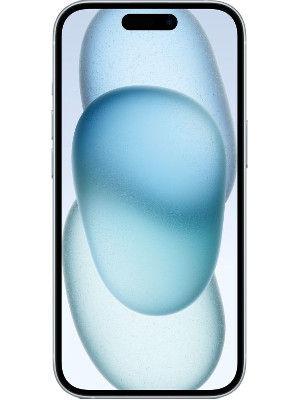

Many iPhone users find the device fast and responsive, but one feature often feels slower than expected: Haptic Touch. This feature controls how quickly your iPhone responds when you press and hold an item on the screen. If the response feels delayed, it can make the phone seem sluggish when opening menus or previews.
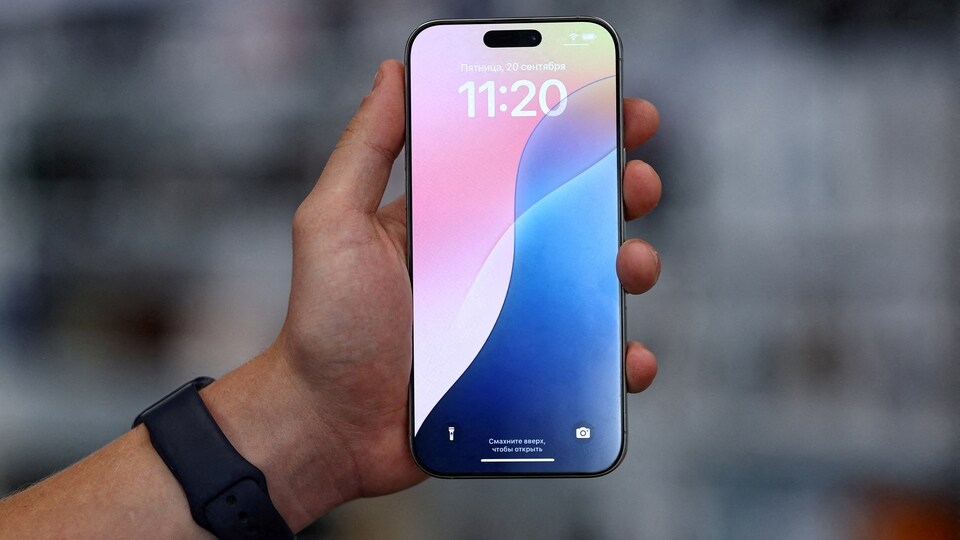

Haptic Touch duration determines how long you must press before the menu or action appears. A slower setting can help prevent accidental long presses, which might be useful for users who need extra time to control their touch input. However, this slower response can also make everyday interactions feel less smooth.
Starting with iOS 17, Apple introduced an accessibility setting that lets users speed up Haptic Touch. This update aims to bring the responsiveness closer to what users experienced with the older 3D Touch feature. For context, 3D Touch was first introduced in 2015 with the iPhone 6s. It allowed the phone to detect varying levels of pressure and unlock extra functions such as "Peek and Pop" gestures. This feature was removed in 2018 with the launch of the iPhone XR and replaced by the simpler Haptic Touch, which only recognises a single level of pressure.
Because Haptic Touch relies on a timed press rather than pressure sensitivity, it tends to feel slower compared to 3D Touch. Many users who preferred the speed of 3D Touch found Haptic Touch less responsive. The new setting in iOS 17 changes this by letting you choose a faster response time for Haptic Touch.
Also read: Starlink Mini Launch – How portable satellite internet is changing connectivity in remote America
To speed up Haptic Touch on an iPhone running iOS 17 or later, follow these steps:
- Open the Settings app.
- Select Accessibility.
- Under the "Physical and Motor" section, tap Touch.
- Tap Haptic Touch.
- Choose from Fast, Default, or Slow settings.
- Test the selected speed by pressing the flower image on the screen.
Also read: How to easily compress data on your iPad to save storage space
This adjustment can make a significant difference, which will make menus and previews appear more quickly and improve the overall feel of the device. Apple’s decision to remove 3D Touch remains unclear, with some suggesting it was hard to discover, while others think it helped standardise gestures across iPhone and iPad. Whatever the reason, the new fast Haptic Touch option offers a way to retain some of the responsiveness users once enjoyed.


