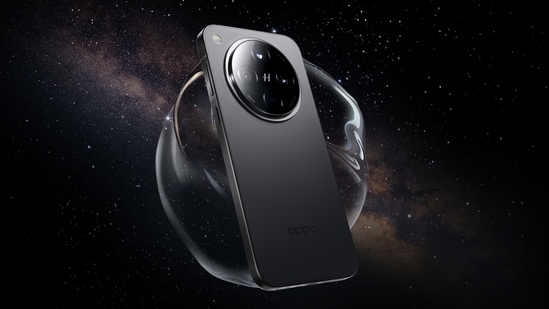
Oppo has rolled out the July 2025 ColorOS 15 update for the Find X8 smartphone, which carries the firmware version CPH2651_15.0.0.840(EX01). This update is approximately 1.01 GB in size and brings multiple enhancements to the device’s camera functions, system apps, and overall user experience.
Oppo Find X8 July 2025 ColorOS 15 update: What’s New
One of the key additions is in the Breeno Memory feature, which now includes a “Save to Mind Space” option. This allows users to save screen content as memories that are automatically summarised and stored within the app, which makes it easier to revisit important information.
On the other hand, the camera app now includes a soft light filter option for Portrait and Photo modes. This aims to adjust lighting effects to create more visually appealing images. The Photos app also introduces two AI-based features: the AI Group Photo Composer, which enables users to insert additional people into existing group photos, and the AI Perfect Shot, which detects and replaces facial expressions of the same individual across multiple images to produce a better final picture. Users can also hide selected albums from the main photo list, which helps to organise content more efficiently.
Updates to System Apps and Controls
Several system app updates are part of the package. The Clock app now offers a gradual alarm volume setting, which increases the sound slowly to avoid abrupt noise. The Recorder app has added a customizable grouping feature and an “In-person recordings” category that automatically sorts recordings made in Standard, Meeting, or Interview modes.
Furthermore, the update expands font options by allowing users to switch between OPPO Sans and One Sans fonts in more languages. Widget stacking is now possible for widgets of the same size. Multi-screen control allows one app to operate in full screen while another runs in a floating window simultaneously. A new feature can temporarily block banner notifications during gaming or video playback to reduce interruptions.
Also read: OpenAI prepares to take on Google Chrome with AI-driven browser, launch expected in weeks
Moreover, the following additional changes have also been made: a Restart shortcut has been added to Quick Settings for faster device rebooting; mini windows can now be dragged to the bottom of the screen; and display location issues have been fixed. The update also includes the Android security patch for July 2025.