
 E-Paper



Paytm Fastag Deactivate: How to do it, a step by step guide for you
Paytm FASTag: Users will be able to close their old FASTag and request for a refund, as per frequently asked questions (FAQs) announced by the RBI.

 Prefer HTon Google


Paytm FASTags: Highway users have been asked to buy FASTags from 32 authorised banks and not Paytm Payments Bank (PPBL) after the Reserve Bank of India's (RBI) directed Paytm to stop accepting deposits and top-ups from any customers after February 29. This deadline has been extended to March 15 after which Paytm FASTags will not work. But users will be able to close their old FASTag and request for a refund, as per frequently asked questions (FAQs) announced by the RBI.
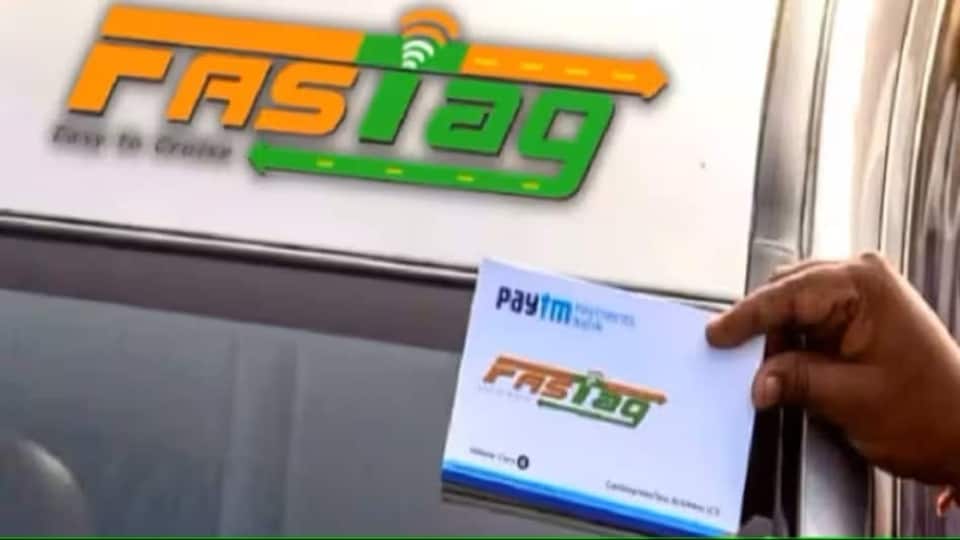
"It is suggested that you procure a new FASTag issued by another bank before March 15, 2024, to avoid any inconvenience," the FAQs noted.
Paytm FASTags: How can I deactivate my Paytm FASTag?
- You can use your mobile number and Tag ID to close existing Paytm FASTag account.
- To do the same, call on 1800-120-4210 and mention your mobile number for which FASTag has been registered.
- Include Vehicle Registration Number (VRN) or Tag ID along with it.
- Following this Paytm's customer support agent will get in touch.
Read more: Paytm FASTag: Can I continue to use it to pay toll? Check RBI FAQs for customers
Is there another way to close Paytm FASTag?
- In the Paytm app, tap on the profile icon and click on "Help & Support".
- Under "Banking Services & Payments" section, select “FASTag” and click on “Chat with us”.
- Ask the executive to deactivate the account and the process will be completed.
How to buy a new FASTag online?
- Download the "My FASTag" app.
- Click on "Buy FASTag" which will lead you to an e-commerce link to buy the tag.
- Purchase the FASTag which will then be delivered to you.
OR
- In "My FASTag" app, click on "Activate FASTag".
- Select Amazon or Flipkart
- Enter FASTag ID and enter your vehicle details.
- It will then be activated.
OR
FASTags can also be bought from member banks including Airtel Payments Bank, Allahabad Bank, Bank of Baroda, HDFC Bank, ICICI Bank, IDBI Bank, Punjab National Bank, State Bank of India, and Yes Bank.


