The Directorate of Higher Secondary Education (DHSE), Kerala on Tuesday declared the results for the Class 12 Save A Year (Save a Year) and Improvement exam.
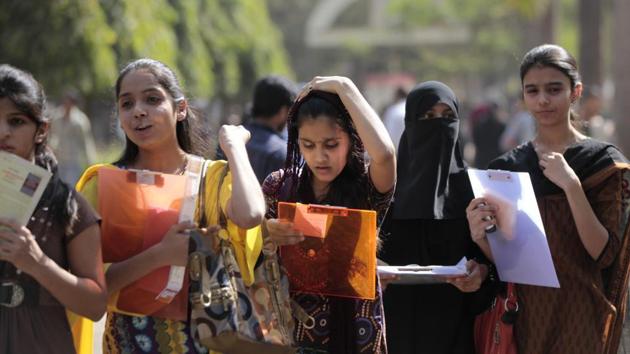
The students who appeared for supplementary exams can view their results at keralaresults.nic.in and dhsekerala.gov.in.
Here is how to check DHSE Kerala Plus 2 SAY result:
1) Visit the official websites of Kerala HSE keralaresults.nic.in
2) Click on the notification for ‘DHSE SAY EXAM RESULTS - 2018’
3) Follow the links on the site, where the student can enter roll number and click on submit
4) The result will appear on screen
{{/usCountry}}4) The result will appear on screen
{{/usCountry}}5) Student can download a copy of the result and take a print out of the same for further reference
Here is the direct link to check DHSE Kerala Plus 2 SAY results.