The Odisha’s Board of Secondary Education (BSE) on Monday declared Class 10 supplementary examinations result on its official website.
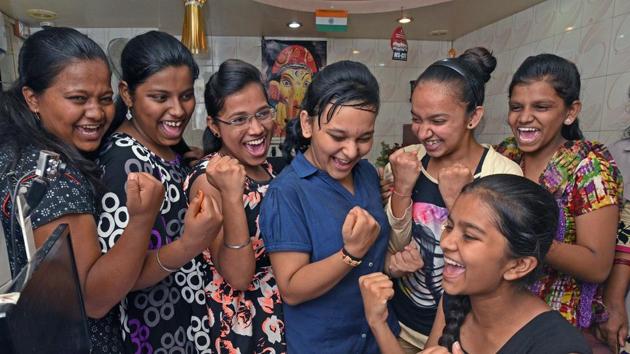
Odisha Spplementary HSC exam result 2018: Here’s how to check
{{^htLoading}} {{/htLoading}}
1) Log on to the official website of Board of Secondary Education (BSE) Odisha at bseodisha.ac.in
2)Click on the result tab
3) You will be directed to another page
4) Click on ‘Result of HSC supplementary examination 2018’
4)You will be directed to a login page
5) Enter your roll no or your name and click Find Results
6) View your result and take a print out
Stay informed with the latest updates on Education News also check NEET PG Result 2026 and Find tips to help you succeed in your academic journey and career planning on Hindustan Times.
Stay informed with the latest updates on Education News also check NEET PG Result 2026 and Find tips to help you succeed in your academic journey and career planning on Hindustan Times.
Advertisement
{{/htLoading}}{{#usCountry}}