
 E-Paper



Govt extends last date for Aadhaar-PAN linking: Here is how to do it
In case one fails to link both of the documents, the PAN card will become 'inoperative' and a penalty of ₹1,000 will be levied.

 Prefer HTon Google


The government has extended the deadline for linking the Permanent Account Number (PAN) with the Aadhaar card by another three months, in view of the coronavirus pandemic. The revised deadline is now September 30, changed from June 30, Anurag Thakur, Union minister of state for finance announced on Friday.
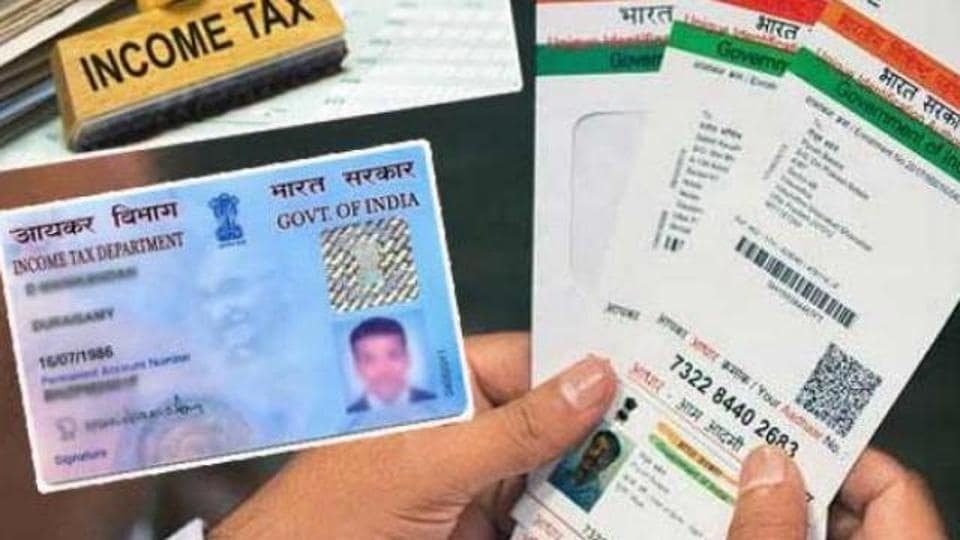
This is the third time that the government has revised the last date for linking the Aadhaar and PAN documents. Earlier, the last date was set as March 31 and it was then extended to June 30. Now the government has extended the deadline once again to provide relief to taxpayers amid the pandemic.
Aadhaar is the Unique Identity number of the 12-digit number and is issued by the Unique Identification Authority of India or UIDAI. It is one of the most significant identification document for Indian citizens. Whereas, PAN is a 10-digit alphanumeric number and is allotted by the Income Tax department. A PAN card is needed for completing finance-related work.
In case one fails to link both of the documents, the PAN card will become 'inoperative' and a penalty of ₹1,000 will be levied. Linking PAN with Aadhaar can be done digitally in just a few minutes.
Here's how to link the Aadhaar with PAN:
Through SMS
> In order to link the PAN with the Aadhaar number, type a message UIDPAN<space><12 digit Aadhaar><space><10 digit PAN>. The message will be sent to 567678 or 56161.
> For representation, this SMS can be referred to: UIDPAN 0000011112222 AAAPA7777Q.
> After sending the SMS to the above-mentioned numbers, the Aadhaar number shall be linked to the PAN number.
Through website
> Visit the new e-filing portal of the income tax department- incometaxindiaefiling.gov.in.
> The portal will show a 'Link Aadhaar' section on the list of services, click on that.
> You will then be redirected to a page asking the user's personal details like name, PAN card number, Aadhaar number.
> Enter the details in the designated fields. After this, you will be required to enter the correct captcha.
> Click on the 'Link Aadhaar' button at the end of the page. It shall be done after this step.


