
 E-Paper



Gemini Live camera and screen sharing rolling out to all users- Here’s how it works
Google is expanding Gemini Live camera and screen sharing capabilities to all Gemini app users.


You may be interested in

42% OFF
DJI Osmo Action 4 Standard Combo - 4K/120Fps Waterproof Action Digital Camera with A 1/1.3-Inch Sensor, 10-Bit & D-Log M Color Performance, Outdoor Digital Camera for Travel, Biking

₹25,990
₹44,999Check Details
40% OFF

Lloyd 1.5 Ton 5 Star Inverter Split AC (5 in 1 Convertible, Anti Corrosion Coating, Copper, PM 2.5 Filter, White with Chrome Deco Strip, GLS18I5KWGGW)
₹39,990
₹19,995Check Details


Google’s popular Gemini Live camera and screen sharing feature is officially rolling out to all Android and iOS users, bringing advanced AI capabilities at the touch of a button. The feature was first teased as part of Project Astra back at Google I/O 2024. Later, the feature was rolled out to Gemini Advanced users for Pixel 9 and Samsung Galaxy S25 series users. While it's available to several Android users from mid-April, Google confirmed the Gemini Live camera and screen sharing capabilities for iOS at the recent developer’s event. Now, the feature has started to roll out to all users, including the free-tier Gemini users. Therefore, if you want to use powerful AI capabilities, then know how this new Gemini Live feature works on smartphones
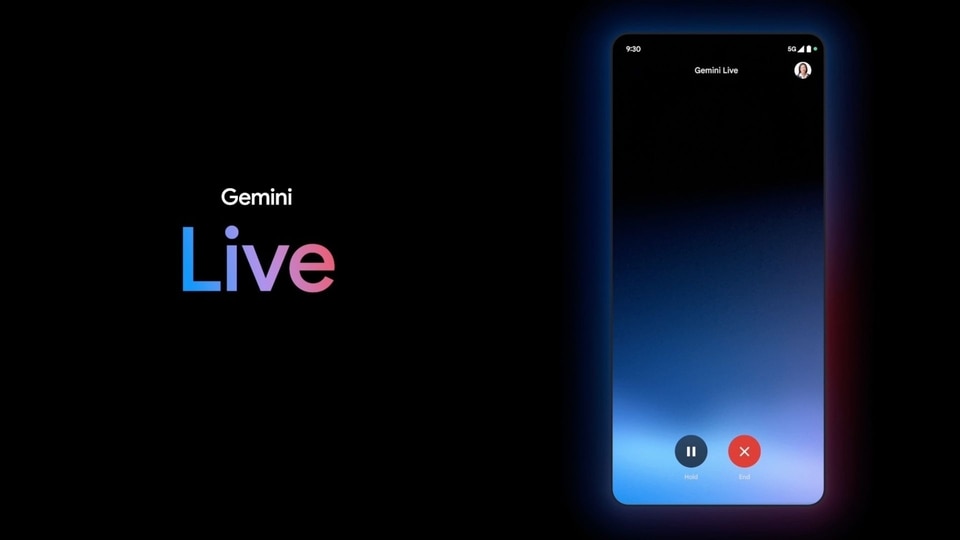

Gemini Live camera and screen sharing feature: What it is and how it works
Gmini Live was introduced last year as a conversational model with an audio-based interface. Now, Google has expanded its capabilities to share the camera or screen within Gemini Live conversation. With these features, users can simply point the camera at to object, place, or monument and ask questions. Gemini will be able to analyse the object for relevant responses. Google also says that, “Gemini will provide real-time feedback based on the new skill you’re learning or task you’re completing.”
In April 2025, the feature was rolled out to several Android devices, now it's also available to iOS users. Additionally, Google has also expanded its access from subscription users to free-tier users. However, we are yet to know about the limitations
How to use the Gemini Live camera and screen sharing feature
Step 1: Open the Gemini app on your Android or iOS device.
Step 2: Click on the Live waveform icon, placed in the right corner, to activate Gemini Live
Step 3: Once activated, you’ll find the camera and screen share option at the bottom left side.
This way, users can interact with Gemini Live via the camera or by sharing their screen to resolve queries and ask related questions. As of now, the feature is not available on iOS devices. However, we expect it to be rolled out soon. Google is also expanding the Gemini Live feature to other apps such as Calendar, Keep, Maps, and Tasks. This integration is expected to roll out in the upcoming weeks.


