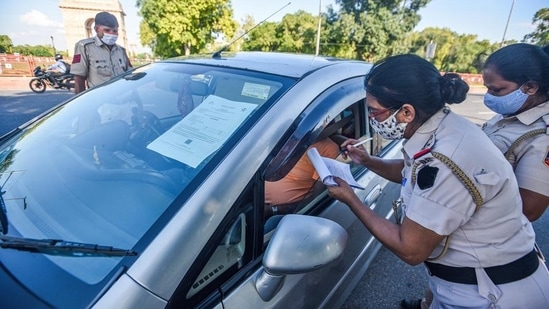
With the help of CCTV cameras, vehicles that fail to adhere to traffic rules, such as zebra crossings or traffic signals, are being e-challaned without drivers even realizing it. Many drivers may be unknowingly breaking traffic rules and may have received an e-challan without even realizing it. To avoid any potential trouble, it's crucial to check and fill e-challans online. Here's how to do it.
How to check the status of e-challan
- To check e-challan, you have to go to e-challan website parivahan.gov.in. Here you have to click on Challan Details.
- Continue by entering the challan number / car number / driving licence number in the window that appears.
- You will also need to provide the car's chassis or engine number if you opt to submit the vehicle number.
- You will then receive the e-challan details after completing the captcha.
{{^htLoading}} {{/htLoading}}
ALSO READ: New national guidelines on traffic cameras in works to keep dangerous driving in check
Online Process of filling e-challan
- To fill the online e-challan, you have to visit the e-challan parivahan.gov.in website.
- Here you will get the option of Pay Online. Click here for payment.
- A form with challan information will now appear. In this form, you will have the choice of entering a Challan Number / Vehicle Number / DL Number; choose whichever one is most convenient for you.
- Then you can make online e-payment by Credit Card / Debit Card / Net Banking / UPI.
{{^htLoading}} {{/htLoading}}
Get the latest Car and Bike News, new launches, upcoming vehicles, reviews, prices, features and comparisons. Stay informed about everything happening in the automobile industry.
Get the latest Car and Bike News, new launches, upcoming vehicles, reviews, prices, features and comparisons. Stay informed about everything happening in the automobile industry.
Advertisement
{{/htLoading}}{{#usCountry}}