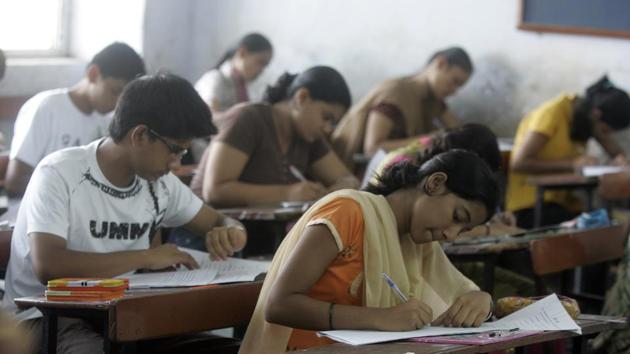
Directorate of Higher Secondary Education, Kerala (DHSE, Kerala) on Thursday declared the result of second year higher secondary equivalency exam. The examination was held in October, 2017.
Steps to check the results:
{{^htLoading}} {{/htLoading}}
1) Visit the official result website of DHSE, Kerala
2) Click on link ‘Results - Equivalency Examination’ in news section
3) Enter your roll number, date of birth in the login page that opens
4) Click on submit
5) The result will be displayed on the screen
6) Take a print out and save it on your computer
Or
Click here to go to Kerala examination results website and click on the link ‘DHSE Second Year Equivalency Examination - October 2017’ to access result.
Stay informed with the latest updates on Education News also check CBSE Class 10 Result and Find tips to help you succeed in your academic journey and career planning on Hindustan Times.
Stay informed with the latest updates on Education News also check CBSE Class 10 Result and Find tips to help you succeed in your academic journey and career planning on Hindustan Times.
Advertisement
{{/htLoading}}{{#usCountry}}