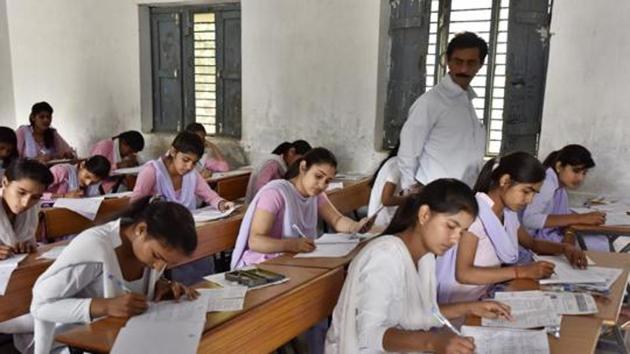
The Madhya Pradesh Board of Secondary Education (MPBSE) on Thursday declared the high school or Class 10 board supplementary examination results on the official website.
Steps to check the MPBSE HSC or Class 10 supplementary exam result 2017:
1) Visit the official website of MPBSE
2) Click on the link for results
3) Click on link for ‘HSC (Class10th ) Supplementary Result - 2017’
4) Key in your roll number on the login page
5) Submit
{{/usCountry}}5) Submit
{{/usCountry}}6) Results will be displayed on the screen
7) Download on your computer and take a printout
Or
Click here to go directly to the log in page.
MPBSE had declared the Class 10 annual (regualar) exam results in May. A total of 12,28703 candidates took the Class 10 examination this year during the months of March and April.