The class 10th supplementary exam results of Punjab School Education Board (PSEB) was announced on Thursday. Students can check their result on the official website of PSEB at pseb.ac.in. To check their results students need to key in their name or roll number to check their result.
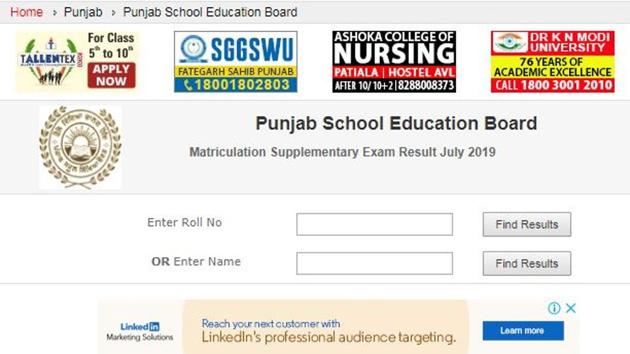
Here is how to check PSEB 10th supplementary result 2019:
Visit the official website of PSEB at pseb.ac.in
Click on the link for result on the top nav bar
Click on the link for PSEB Class 10 supplementary results
Enter your roll number or Name
Click on find result
Your result will be displayed on screen
Download and take its print out of the same
Punjab School Education board (PSEB) had declared the Class 10 annual exam results on May 8 this year. 85.56% students had cleared the annual class 10 examination this year out of 3.80 lakh students who appeared. Neha Verma of Ludhiana district was the state topper. She scored 647 out of 650 marks.