
 E-Paper



Crypto wallet users need to uninstall these apps on their phones right now
Cybersecurity experts have discovered over 20 fake crypto wallet apps on the Google Play Store that are stealing users’ sensitive wallet recovery data.

 Prefer HTon Google


You may be interested in







If you’ve installed any cryptocurrency wallet apps recently, it might be time to double-check. Cybersecurity researchers have uncovered a shocking new scam! Over 20 fake crypto wallet apps on the Google Play Store are stealing users’ sensitive wallet data, putting digital assets worth thousands of dollars at risk.
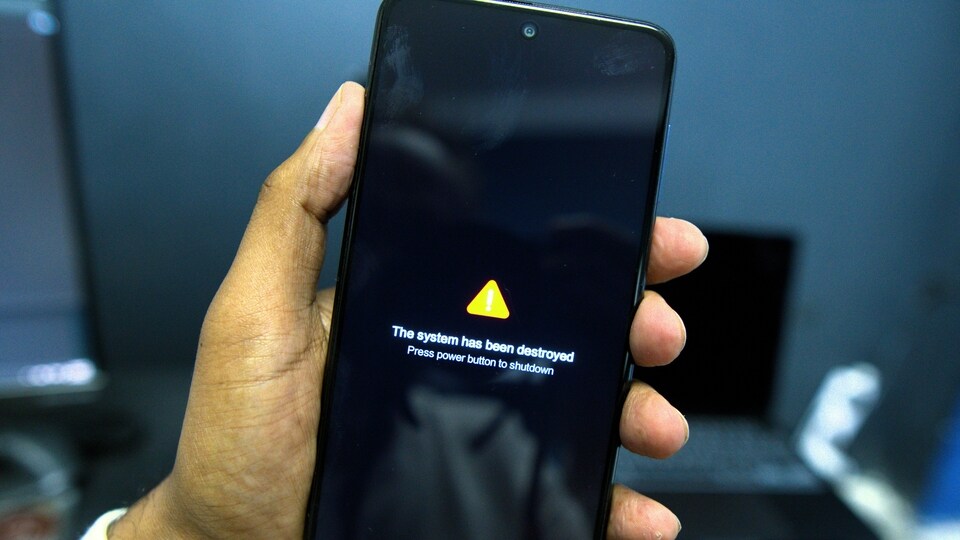

The report, released by Cyble Research and Intelligence Labs (CRIL), highlights how these apps managed to bypass Google’s security checks and landed on the Play Store. They target users of well-known decentralised finance (DeFi) wallets such as SushiSwap, PancakeSwap, Hyperliquid, and Raydium.
What makes this scam so dangerous?
What makes this scam especially dangerous is its method. Once installed, these apps prompt users to enter their 12-word wallet recovery phrase, a secret key that gives complete access to one’s crypto wallet. The moment a user enters this phrase, hackers gain control and can transfer out all funds instantly, leaving victims with nothing.
How these apps work: Sneaky strategy, real damage
The threat actors behind these apps are taking advantage of repurposed developer accounts. These are the accounts that were once used for legitimate apps like games or media tools. Since these accounts already had a good reputation, users were more likely to trust them. The malicious apps also mimic the design, interface, and even package names of genuine crypto wallet apps, making it hard to tell them apart.
Adding to the deception, some apps embed phishing links within their privacy policies, further tricking unsuspecting users into handing over their wallet credentials.
How to stay safe?
If you use a crypto wallet, follow these steps to protect yourself immediately:
- Delete any suspicious wallet apps, especially if you don’t remember installing them from official sources.
- Never enter your recovery phrase into apps that are not directly from the wallet provider’s official site.
- Only download wallet apps from verified developers on Google Play.
- Enable two-factor authentication wherever possible.
- Monitor your crypto wallet activity regularly for any unknown transactions.
List of dangerous apps on Google Play Store
| App Name | Package Name |
| Suiet Wallet | co.median.android.ljqjry |
| SushiSwap | co.median.android.pkezyz |
| Raydium | co.median.android.epwzyq |
| Hyperliquid | co.median.android.epbdbn |
| BullX Crypto | co.median.android.braqdy |
| Pancake Swap | co.median.android.djrdyk |
| OpenOcean Exchange | co.median.android.ozjjkx |
| Raydium | co.median.android.pkzylr |
| Hyperliquid | co.median.android.djerqq |
| Suiet Wallet | co.median.android.noxmdz |
| Suiet Wallet | co.median.android.epeall |
| SushiSwap | co.median.android.brlljb |
| Meteora Exchange | co.median.android.kbxqaj |
| BullX Crypto | co.median.android.ozjwka |
| Suiet Wallet | co.median.android.mpeaaw |
| Hyperliquid | co.median.android.aaxblp |
| Raydium | co.median.android.yakmje |
| Hyperliquid | co.median.android.jroylx |
| Pancake Swap | co.median.android.pkmxaj |
| Harvest Finance blog | co.median.android.ljmeob |
| Hyperliquid | co.median.android.epbdbn |
| Raydium | co.median.android.epwzyq |
How to delete these dangerous apps?
To remove these apps from your Android phone:
- Go to Settings > Apps or Apps & Notifications
- Scroll to locate any of the listed wallet apps
- Tap on the app, then select Uninstall
- If uninstall is blocked, go to Settings > Security > Device Admin Apps
- Disable admin access and try uninstalling again
Your crypto wallet is only as safe as the apps you trust. Act now, deleting these apps could save you from losing everything.


