
 E-Paper



Google blames Instagram for Android battery drain issue; Update now to fix it
Instagram may be draining your Android phone's battery faster than expected, but a recent update from Google offers a quick solution.

 Prefer HTon Google


You may be interested in

10% OFF
Samsung Galaxy S25 edge
 12 GB RAM
- 256 GB Storage
- 6.7 inches Display Size

₹1,09,999
₹1,21,999Check Details




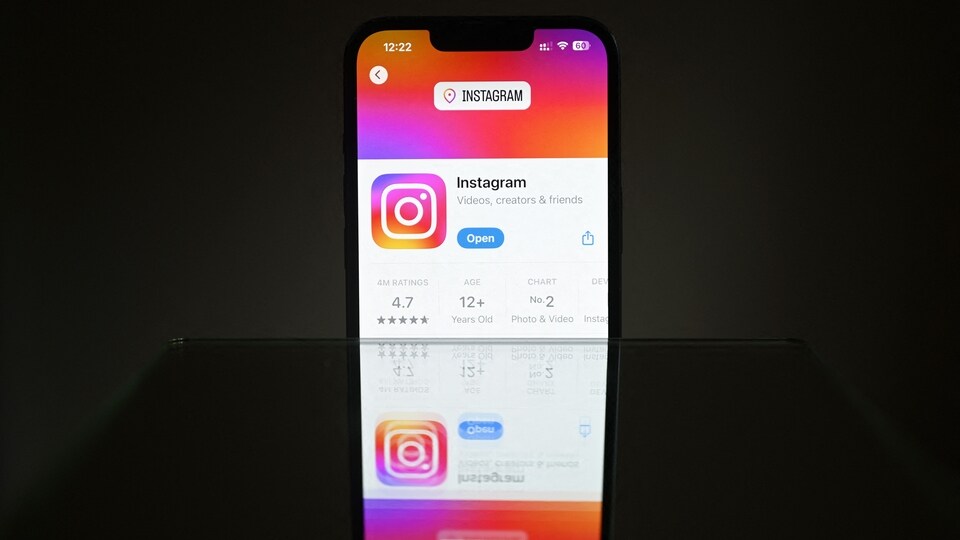
Many Android users have noticed their phone batteries draining faster than usual recently. While battery draining depends on various factors, Google has pointed to one common app as a likely cause: Instagram. The company has confirmed that a recent version of Instagram was causing excessive battery use on Android devices, but has since released a fix.

Instagram App Gets Battery Drain Fix
Google posted a message on the Android Help Community advising users to update Instagram to version 382.0.0.49.84. This update aims to resolve the battery drain problem reported by many users.
To check if the update is installed, users can long-press the Instagram app icon, select “App info,” and scroll down to find the app version. The update appears to be rolling out broadly across Android phones, including models from Google, Samsung, OnePlus and more.
Also read: iOS 19 to take to boost iPhone’s battery life with help of AI
Pixel Phones Reportedly Hit the Hardest
Earlier this month, 9to5Google reported that the issue affected Google Pixel phones shortly after a Pixel software update. According to the report, Google directed users to the Instagram update post when asked about the battery drain. The problem reportedly impacted all Pixel models receiving the May update, from Pixel 6 to Pixel 9. However, it remains unclear whether this problem affected other Android brands or if Instagram was the only app involved at that time.
Furthermore, Google has not specified whether the issue affected certain Android versions or mobile phone manufacturers more than others. The company simply recommends users keep their apps updated, especially widely used ones like Instagram, as developers frequently release fixes and performance improvements.
Also read: PlayStation Days of Play Sale: Spider-Man 2, God of War Ragnarök, and more games get big price cuts
Along with updating apps, Android users can take steps to reduce battery consumption from the screen, which is one of the largest power drains on smartphones. Here’s how:
- Lower screen brightness: Navigate to Settings > Display > Brightness level and adjust the slider.
- Enable adaptive brightness: This allows the phone to adjust brightness based on current lighting conditions.
- Reduce refresh rates: Phones with higher refresh rate displays can often be set to lower rates in the display settings.
- Shorten auto-lock time: Visit Settings > Display > Screen timeout and select a shorter duration.
Also read: Google to let users test Android 16 desktop mode on phones with external display support, here’s how
- Avoid live wallpapers: These use continuous motion and can increase power consumption.
- Use a black wallpaper: On OLED and AMOLED displays, black wallpapers help conserve energy by keeping some pixels off.
It is essential to keep apps updated. Developers routinely use updates to address bugs and improve performance. For now, installing the latest version of Instagram is a sensible move for users experiencing a rapid battery drain issue.


