
 E-Paper



Nothing OS 4.0 open beta now available: Here’s what’s new and how to install
Nothing has rolled out its OS 4.0 beta to the public, offering new features, customisation tools, and performance upgrades for eligible Nothing phone users.

 Prefer HTon Google


You may be interested in

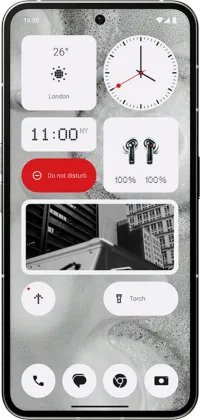






Nothing has rolled out the open beta for Nothing OS 4.0, making the latest version of its operating system available for a wider group of users. The release follows a successful closed beta for the Nothing Phone (3) and allows eligible users to test new features and improvements ahead of the stable update. Here’s what to know about the open beta, how to install it, and which devices can participate.
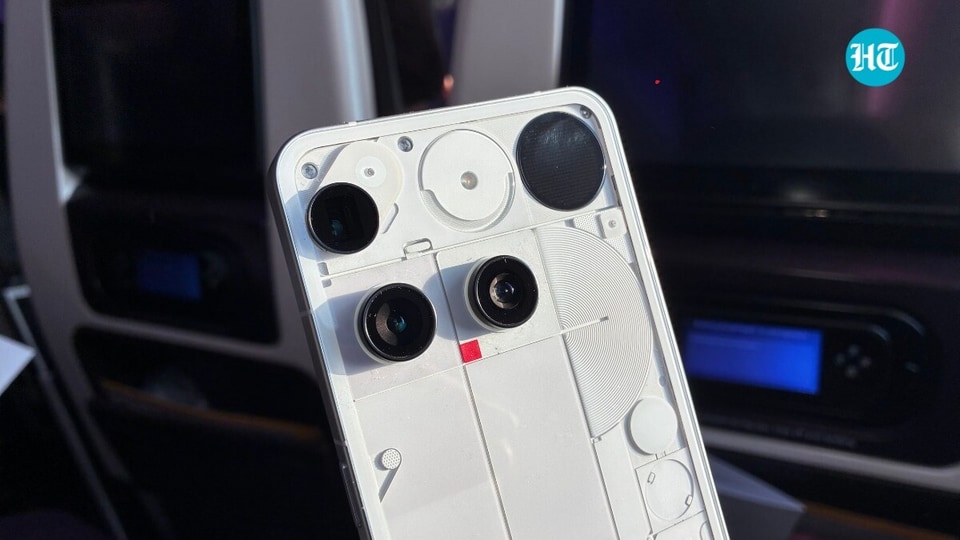

Nothing OS 4.0: What’s New
Nothing OS 4.0 introduces several changes aimed at improving performance, customization, and privacy. The update includes:
- Updated Interface: The system offers smoother navigation with refined transitions and animations, making everyday use more fluid.
- Redesigned Lock Screen: Users can now add widgets, change clock styles, and access more customization options directly from the lock screen.
- Performance Enhancements: The update optimizes resource management, speeds up app launches, and improves multitasking for better responsiveness.
- Stronger Privacy Controls: Nothing OS 4.0 gives users more control over how apps access personal data, with clearer privacy settings and permissions.
- Custom Themes: Users can adjust color schemes, icon styles, and interface elements to match personal preferences.
- Camera Improvements: The camera app receives updates, including improved night mode, AI-driven enhancements, and new filters.
- Battery Management: Adaptive settings optimize battery usage based on user habits to extend device runtime.
Supported Devices
The Nothing OS 4.0 open beta is available for:
- Nothing Phone (2)
- Nothing Phone (3)
The rollout will happen in phases, so the update may appear at different times depending on the device. Other products, such as the Nothing Ear (1), are not included in this beta.
How to Install the Open Beta
Users who want to install the beta should follow these steps:
- Backup Your Data: Ensure all important files are backed up before starting the update.
- Enroll in the Beta:
- Go to Settings > About phone > System updates.
- Select the option for the Nothing OS 4.0 Open Beta if available.
- Follow the on-screen instructions to enroll.
- Download the Update: Once enrolled, a notification will appear when the beta is ready. Tap to download.
- Install the Update: Tap Install after the download finishes. The device will reboot and begin installation. Ensure your phone has sufficient battery.
- Explore Features: After installation, users can explore the new interface, customization options, and system improvements.
Things to Consider Before Installing
- Beta Bugs: Open beta software may contain glitches or instability. Users should consider this before installing.
- Frequent Updates: Beta participants may receive multiple updates as the company addresses bugs.
- Roll-back Option: If problems arise, users may be able to revert to the stable version, though this could require a factory reset.
Stable Release Timeline
Nothing plans to release the stable version of OS 4.0 a few weeks after the open beta concludes. Users who prefer a fully tested update can wait for the official rollout.


