
 E-Paper



Instagram ‘send this to yourself': How to send Reels to your own DM
A new Instagram trend called “send this to yourself” is going viral, with users urging others to share reels directly to their own DMs.

 Prefer HTon Google


In recent weeks, a new trend has taken over Instagram where users are sharing clips with the caption “send this to yourself.” From motivational quotes to self-care reminders, these Reels are encouraging people to save content they’ll want to revisit later. So, if you ever stumble upon such a reel and you want to keep it handy for future viewing, here’s how you can easily send it to yourself via Direct Message (DM).
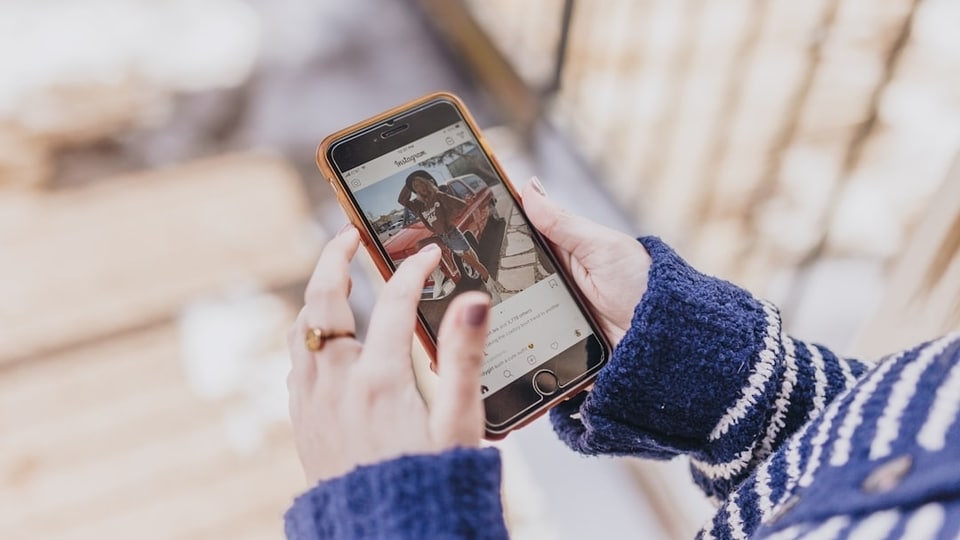
Step-by-step guide to send reels to yourself on Instagram
Step 1: Find the reel you want to save for later
Open Instagram and scroll through your feed or ‘Reels’ tab until you come across the video you want to save.
Step 2: Tap the paper airplane icon
On the right side of the Reel, you’ll see the paper airplane (share) icon. It’s the same one you use to send posts to friends. Tap it to open the share menu.
Step 3: Search for your own profile
In the pop-up list of contacts, type your own Instagram username in the search bar.
Step 4: Select your profile
Once your name appears, tap on it. You’ll see a checkmark next to your profile, confirming the selection.
Step 5: Tap send
Finally, tap the send button at the bottom of the screen. The reel will be delivered to your own inbox instantly.
You can now head to your DMs and open the chat with yourself to view the Reel anytime. This method works just like sending content to a friend. It’s a quick, clutter-free way to save posts without making them public or saving them in folders.
You can also continue using this same chat to send yourself more Reels, posts, or links. It serves as your personal private chat that can be accessed from any device where you’re logged in.


