Fortnite appears to be down for tens of thousands of players as of penning this article. Popular outage tracking site DownDetector details reports of issues began spiking around 10:23 PM Eastern Time.
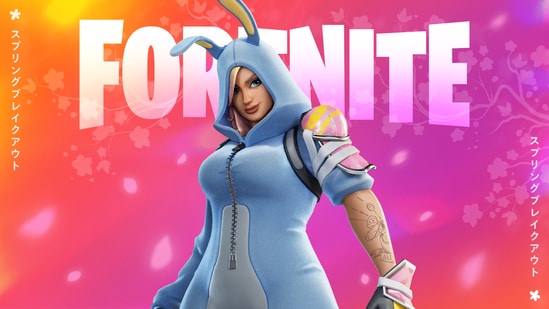
Players are frustrated over Fortnite's repeated server issues
Players are also voicing their frustrations on social media, mentioning everything from being unable to join matches to sudden disconnections.
“Matchmaking isn't working at all,” one user noted, while another complained, “Getting kicked mid-game every time. What’s going on?”
“THE FORTNITE EVENT WAS CRAZY AND THE SERVERS ARE DOWN,” another noted.
{{/usCountry}}“THE FORTNITE EVENT WAS CRAZY AND THE SERVERS ARE DOWN,” another noted.
{{/usCountry}}Notably, earlier this weekend, Epic Games acknowledged the issue on its official X (formerly Twitter): “An update will be provided as soon as we have more info to share or once this is resolved.”
There’s no confirmed timeline for when things will be back to normal. The timing of this disruption, however, follows last weekend’s Death Star Sabotage, which could have added more stress to the servers.
Many players are also encountering the dreaded Matchmaking Error #1, along with others like #2 and #3, or are stuck on a black screen during matchmaking. These types of errors are usually linked to server overload, internet connection hiccups, or local device issues.
Here’s what you can do to potentially fix the problem on your end:
1. Check Fortnite server status
Before trying anything else, visit Epic Games' server status page. If matchmaking is down, the issue is likely on their end, and you’ll just need to wait it out—typically 4–6 hours.
2. Restart the game and your device
Fully close Fortnite and the Epic Games Launcher. On PC, use Task Manager to shut down any running tasks. Restart your computer or console to clear out any temporary system glitches, then relaunch the game.
3. Verify game files
On PC, open the Epic Games Launcher, click the three dots next to Fortnite, go to ‘Manage,’ and hit ‘Verify.’ This will repair corrupted or missing game files.
ALSO READ| National Donut Day 2025: Here’s where to score all the freebies and sweet deals
4. Sync your device clock
Make sure your device’s date and time are set to automatic. On PS4/PS5, go to Settings > Date and Time > Set Using Internet. On Xbox, it’s Settings > System > Time > Set Automatically. PC users can sync their clock in Settings > Time & Language.