E-Paper


Fortnite down: How to solve matchmaking error that is causing black screen during Death Star Sabotage fight?
Fortnite was down for thousands on Saturday. Several gamers complained about seeing a matchmaking error, which cast a complete black screen mid-mission

 Prefer HTon Google


Fortnite was down for thousands on Saturday. Several gamers complained about seeing a matchmaking error, which cast a complete black screen mid-mission. The game's support department addressed the issue. It said that some ‘players may be seeing matchmaking errors when trying to enter the early Death Star Sabotage fight’.
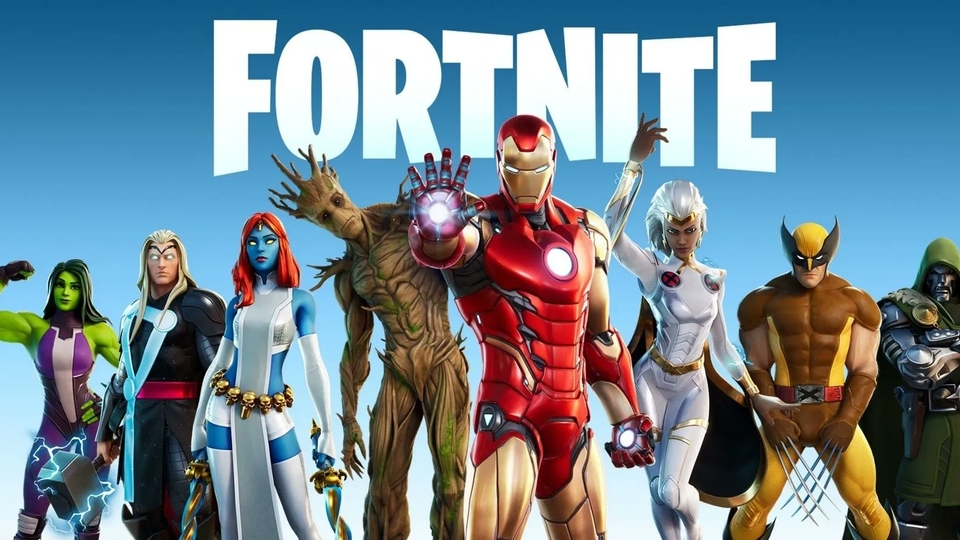
“In the meantime, entering another game mode and switching back to Death Star Sabotage may help resolve this,” the statement on X, platform formerly known as Twitter, further reads.
These errors, often labeled as Matchmaking Error #1, #2, or #3, or manifesting as a black screen during matchmaking, are typically caused by server issues, network problems, or client-side glitches, as per Epic Games.
Here's how to solve issues in Fortnite
Common Causes of Matchmaking Errors and Black Screen
Server Downtime or Overload: The live event and season transition caused scheduled downtime, with matchmaking disabled at 2:30 PM ET, per downdetector.
Network Issues: Unstable internet, high ping, or misconfigured DNS can disrupt server communication, leading to errors or black screens.
Corrupted Files or Cache: Outdated or corrupted game files, especially post-update, can cause matchmaking failures or loading issues.
Device Sync Problems: Console or PC cache overload or incorrect time settings may trigger black screen glitches.
Troubleshooting Steps
Check Fortnite Server Status
Visit https://status.epicgames.com to confirm if matchmaking or game services are operational. If servers are down, wait for Epic Games to restore them, typically within 4–6 hours.
Restart Fortnite and Device
Close Fortnite and the Epic Games Launcher completely. On PC, use Task Manager to end tasks (Right-click Taskbar > Task Manager > End Epic Games Launcher and Fortnite).
Restart your console (PS4/PS5, Xbox, Switch) or PC to clear temporary glitches.
Reopen Fortnite and attempt matchmaking again.
Verify Game Files
On PC, open Epic Games Launcher, click the three dots next to Fortnite, select “Manage,” and click “Verify” to repair corrupted files.
For consoles, check for game updates or reinstall Fortnite as a last resort.
Sync Device Clock
Ensure your device’s date and time are set to automatic:
PS4/PS5: Settings > Date and Time > Set Using Internet.
Xbox: Settings > System > Time > Set Time Zone Automatically.
PC: Settings > Time & Language > Sync Now, per epicgames.com.
Incorrect time settings can disrupt server sync, causing errors, per stealthoptional.com.