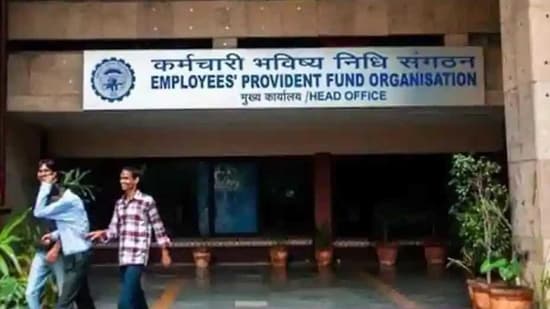
The Employees’ Provident Fund Organisation (EPFO) allows its members to check or withdraw their EPF balance using a Universal Account Number (UAN). An employee can avail a variety of ways to check their PF balance, such as – via the UMANG app, through the EPFO portal, by giving a missed call on 011-229014016 from their registered mobile number, and through a dedicated SMS service.
The SMS and call facilities will work for those who have seeded their UAN number with their KYC details. Employees need only type EPFOHO UAN ENG, send the text to the number 7738299899, and they will receive their PF details on their phone.
Checking EPF balance check without UAN number:
For checking EPF balance without UAN number, users will need to log into their account through the EPF homepage at epfindia.gov.in. Click on 'Click here to know your EPF balance’, which will redirect them to epfoservices.in/epfo/. From there, go to ‘member balance information’, select the state and click on the EPFO office link. After this, enter the PF account number, name and registered mobile number. The very last step is to click on 'submit' and the PF balance will be displayed.
Following these steps will activate the UAN and the password will be sent to the registered mobile number. Employees can check their PF balance six hours after activating their UAN. PF account holders also have the option of checking their EPF balance without UAN number by logging in at passbook.epfindia.gov.in.
{{/usCountry}}Following these steps will activate the UAN and the password will be sent to the registered mobile number. Employees can check their PF balance six hours after activating their UAN. PF account holders also have the option of checking their EPF balance without UAN number by logging in at passbook.epfindia.gov.in.
{{/usCountry}}For withdrawing PF money, employees can either submit a physical application or an online one but for the latter, an activated UAN number, linked to one’s Aadhar card, is mandatory.