The Indira Gandhi National Open University (IGNOU) has released the admit card for DELED TEE for Tripura Region on its official website.
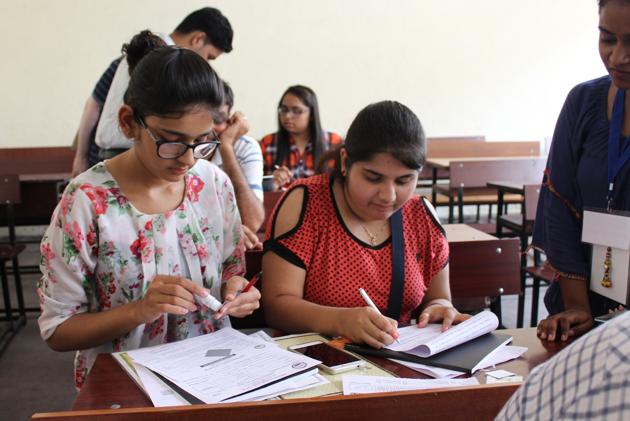
Ignou hall ticket for DELED TEE for Tripura Region : Steps to download
{{^htLoading}} {{/htLoading}}
1) Visit the official website of IGNOU
2) Click on link ‘Hall Ticket for DELED TEE (For Tripura Region only)’ to go to the login page
3) Enter nine digit enrolment number and select programme
4) Click on submit
5) Admit will be displayed on the screen
6) Take a printout and save it on your computer
Candidates must carry the admit card to the examination centre.
Note: Visit the official website for latest news and updates.
Stay informed with the latest updates on Education News also check CBSE Class 10 Result and Find tips to help you succeed in your academic journey and career planning on Hindustan Times.
Stay informed with the latest updates on Education News also check CBSE Class 10 Result and Find tips to help you succeed in your academic journey and career planning on Hindustan Times.
Advertisement
{{/htLoading}}{{#usCountry}}