The Karnataka Examination Authority (KEA) has released the admit card for M.Sc Nursing 2019. Candidates appearing for the exam can download their admit card from the official website, cetonline.karnataka.gov.in.
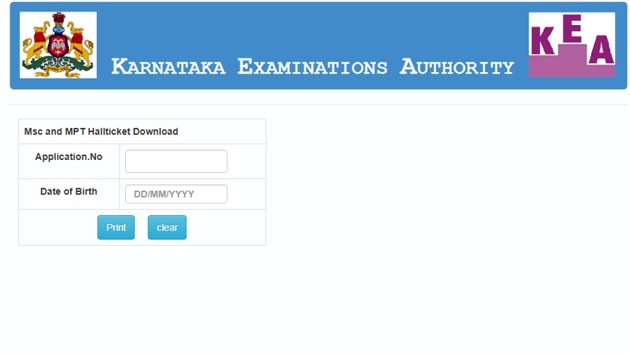
M.Sc nursing entrance exam will be conducted on September 8, 2019. The registration for the examination began on August 27 and went on until August 31, 2019. Candidates are advised to download their hall ticket well before the examination date.
Here’s the direct link to download the admit card.
How to download Karnataka M.Sc nursing entrance admit card:
1.Visit the official website of KEA.
2.Click on the link ‘MSc Nursing and MPT-Hallticket download’, appearing on the left side of the webpage.
3.Key in your credentials and log in.
4.Your admit card will be displayed on the screen.
5.Download the admit card and take its print out.
Candidates are required to carry the copy of hall ticket along with the id proof on the day of examination to their centres. Candidates will not be allowed to sit for the exam without the admit card.
{{/usCountry}}Candidates are required to carry the copy of hall ticket along with the id proof on the day of examination to their centres. Candidates will not be allowed to sit for the exam without the admit card.
{{/usCountry}}