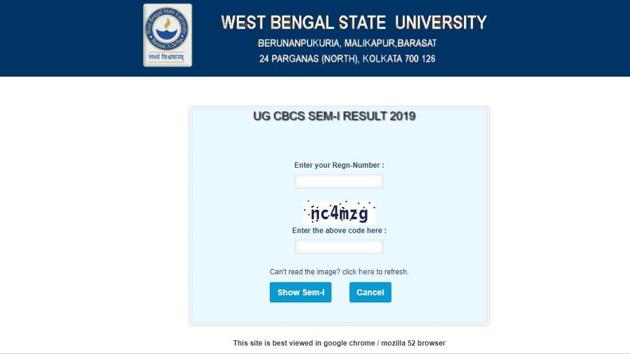
West Bengal State University (WBSU) has declared the results of UG CBCS semester 1 exam 2019 on its official website. Students who have appeared in the examination can check their results online at wbsubregistration.org.
{{^htLoading}} {{/htLoading}}
Here’s the direct link to check the result.
How to check the results:
1.Visit the official website
2.On the homepage, click on the link that reads, ‘Examination 2019’
3.A new page will appear on the display screen
4.Click on the result tab and select the UG CBCS SEM-I Result 2019
5.A new page will appear on the display screen
6.Key in your credentials and login
7.The result will appear on the display screen
Stay informed with the latest updates on Education News also check CBSE Class 10 Result and Find tips to help you succeed in your academic journey and career planning on Hindustan Times.
Stay informed with the latest updates on Education News also check CBSE Class 10 Result and Find tips to help you succeed in your academic journey and career planning on Hindustan Times.
Advertisement
{{/htLoading}}{{#usCountry}}