
 E-Paper



How to turn on or off Google’s Search live AI mode on your phone
Know how to enable or disable Google’s Search Live in AI Mode on your phone and get instant answers using voice or camera.

 Prefer HTon Google


Google has rolled out a new update that changes how people search on their phones in India. The feature, called Search Live in AI Mode, allows users to interact with Google in real-time using their voice or camera. Instead of just typing queries, users can now ask questions, show objects, or capture scenes to get immediate responses. India is the first country outside the US to receive this feature, which works in both English and Hindi.
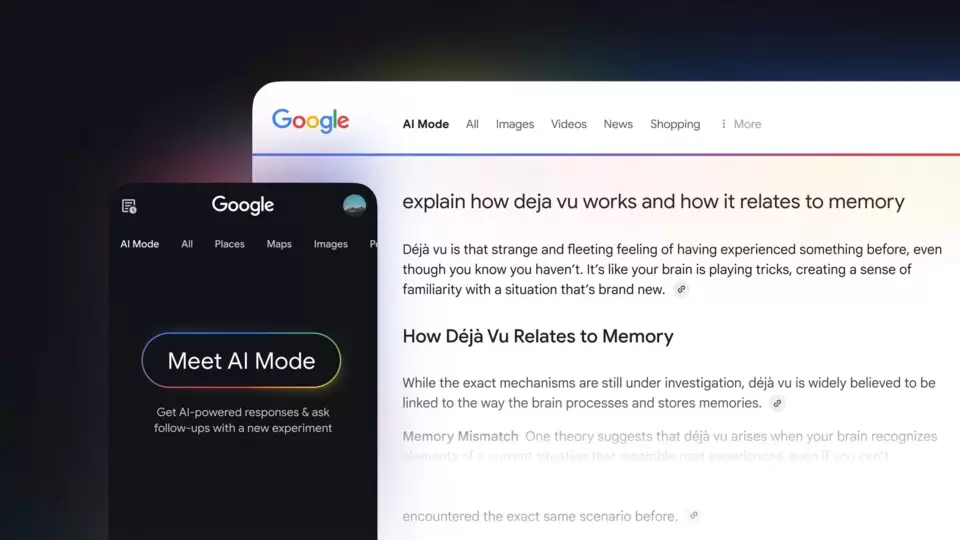

Here is a complete guide to using and managing Search Live.
What is Search Live?
Search Live lets users communicate with Google in a conversational way. You can speak to Google or show it what you see through your phone’s camera. The AI then provides spoken responses, and you can ask follow-up questions to continue the conversation.
Also read: AI models now capable of passing toughest CFA exam, study shows
This feature can help in multiple situations: following a recipe, troubleshooting household tasks, completing school assignments, or exploring new places. Conversations continue in the background, allowing you to use other apps while interacting with Google. You can also access your previous Search Live interactions through your AI Mode history.
Also read: How to quietly limit someone on Instagram without blocking, unfollowing, or causing drama
How to enable and use Search Live
Activating Search Live is straightforward:
- Open the Google app on your phone.
- Tap the Live icon located below the Search bar.
- Follow the on-screen instructions if this is your first time using it.
- Use your voice to ask questions: tap Mute to stop the microphone or Unmute to resume. Say “stop” to interrupt Google’s response.
- To use your camera, tap the Video icon and show Google what you want it to see.
- Tap Exit to end the conversation.
You can switch between AI Mode and Live conversation anytime by tapping the Live icon. You can also start a Search Live session directly from Google Lens by tapping Live.
Also read: How to easily compress data on your iPad to save storage space
How to disable Search Live
If you want to turn off Search Live, you can do so by disabling AI Mode. To do this, visit labs.google.com/search and follow the instructions to turn off the feature.


