
 E-Paper



Now hide your WhatsApp online status for greater privacy. Here's how
The WhatsApp online presence feature lets you decide who can see when you are online.

 Prefer HTon Google


We have all had times when we wanted to check our WhatsApp privately without letting our contacts know about it. While WhatsApp users were earlier able to turn off ‘Last Seen’ feature – which showed the time stamp of the last time you used the online messaging platform – we could not hide from our contacts when online. It means whenever WhatsApp users opened the messaging app, their contacts could see their online status.
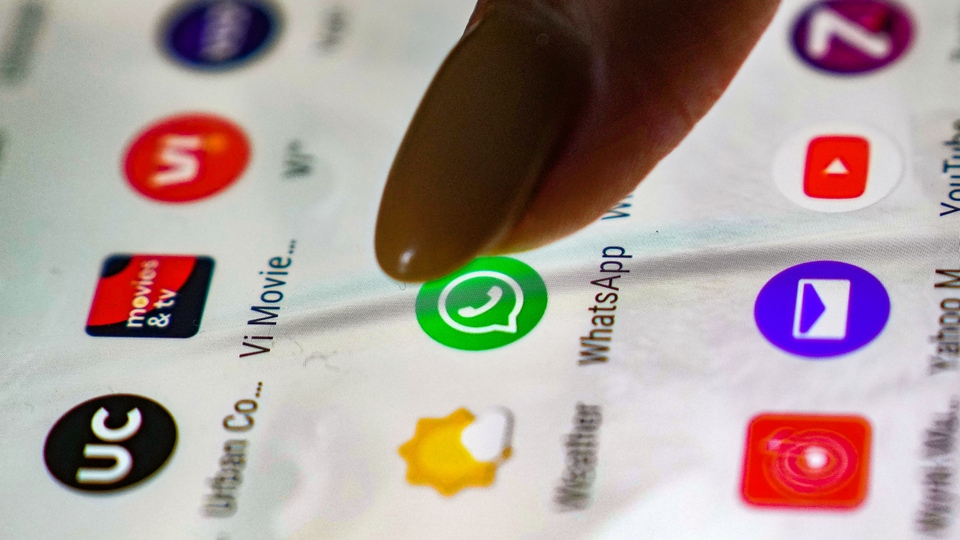
For the moments you want to keep your online presence private, WhatsApp has rolled out the much-awaited feature that allows users chat with certain people without letting the contacts know about their online presence. The online presence feature lets you decide who can see when you are online.
By default, WhatsApp sets your privacy settings to allow any user to see your last seen and online.
Here's how you can change it:
On:
Android: Tap More options > Settings > Privacy.
iPhone: Tap Settings > Privacy.
KaiOS: Press Options > Settings > Account > Privacy.
Desktop: Click Menu > Settings > Privacy.
There you can change who can see your Last seen and online.
Tap on Last seen and online.
Select the relevant option from ‘Who can see my last seen’
Under ‘Who can see when I'm online’, tap on ‘Same as last seen’
Note:
If you don't share your last seen or online, you won't be able to see other users’ last seen or online. Irrespective of the option selected under privacy option, people online in a chat thread with you can see when you’re typing.


