
 E-Paper



Unsubscribing from spam emails? Be careful, you may get scammed
About 1 in 644 unsubscribe clicks can lead to scam sites that confirm your email is active. Use Gmail or Outlook’s unsubscribe options to stay safe.

 Prefer HTon Google


You may be interested in

79% OFF

Aristocrat Oasis Plus Set of 2 Cabin & Large Size (Check in) Soft Luggage (59 cm & 79 cm) | Spacious Polyester Trolley with 4 Wheels and Combination Lock | Dazzling Blue | Unisex| 5 Year Warranty

₹3,699
₹17,800Check Details
74% OFF

Aristocrat Polyester Oasis Plus Large Size Soft Check in Spinner Luggage (79 Cm)|Spacious Polyeste Trolley with 4 Wheels and Combination Lock|Dazzling Red|Unisex| 5 Year Warranty
₹2,833
₹11,000Check Details
55% OFF

Lenovo V15 AMD Ryzen 7 7730U 15.6" (39.62cm) FHD 250 Nits Antiglare Thin and Light Laptop (Free MS Office) Lifetime (16GB/512GB SSD/Windows 11/Iron Grey/1.65 Kg) 1 Year Brand Warranty, 83CRA01SIN
₹44,990
₹99,999Check Details


You must have experienced that your mailbox is always filled with subscription renewal reminders, surveys and feedback, job offers, weight loss program details, webinar invites, and what not. The easiest way to unsubscribe from these types of emails is the unsubscribe option in our mailing list. It is the simplest way possible, everyone knows it, to avoid these promotional emails, but it may put you at risk.
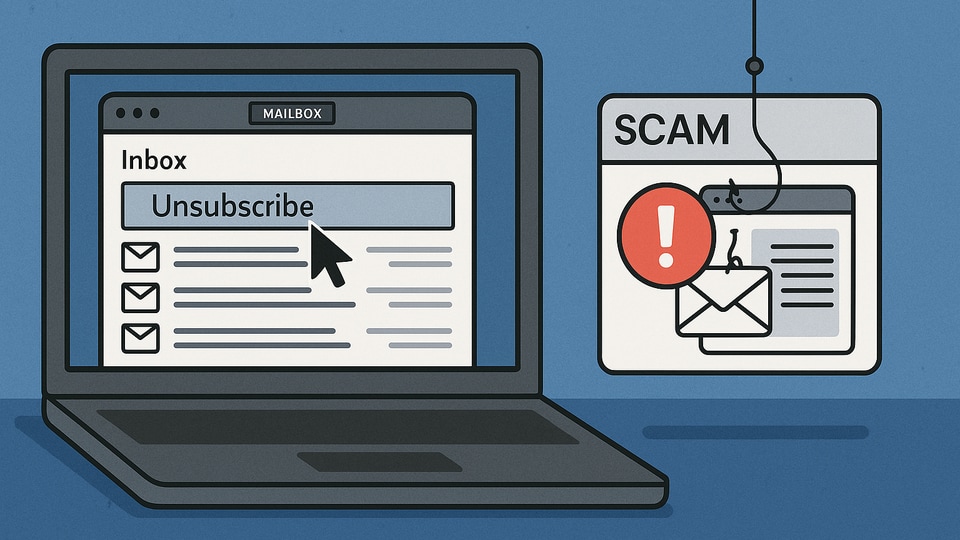

A report by The Wall Street Journal says clicking on those unsubscribe links can actually put your device and personal info in danger. When you click them, you leave the safe zone of your email app and enter the risky side of the web. TK Keanini, CTO of cybersecurity company DNSFilter, calls it like entering the wild west of the internet.
What are the simple steps to stay safe online?
Here are simple steps to protect yourself when unsubscribing from emails:
- Use your email provider’s unsubscribe option instead of the links inside emails. Gmail, Outlook, and other apps have safe unsubscribe buttons that keep you inside your inbox.
- Mark suspicious or unknown emails as spam instead of unsubscribing from them.
- Avoid clicking unsubscribe links in emails from senders you don’t trust or recognise.
- Use tools like Apple’s “Hide My Email” feature and browser extensions for Chrome or Firefox to keep your real email address private.
- Keep your email app and security software updated to guard against new threats.
Following these easy steps can help you avoid phishing scams and keep your inbox safer. Unsubscribing doesn’t have to be risky if you stay cautious and use the tools your email app provides. Stay smart and protect your info online.


