
 E-Paper



IndiGo flight chaos: How to claim your refunds after mass cancellations | Step-by-step guide
IndiGo’s week-long disruption left flyers stranded and demanding refunds. This guide explains the simple steps to cancel, choose refund options, and more.

 Prefer HTon Google


It has now been almost a week since IndiGo’s massive operations collapse left airports crowded and tempers rising. More than six hundred flights were scrapped, many others ran hours late, and passengers say they were left confused with very little information. From students missing exams to families stranded overnight, the airline’s slow response has only added to the anger.
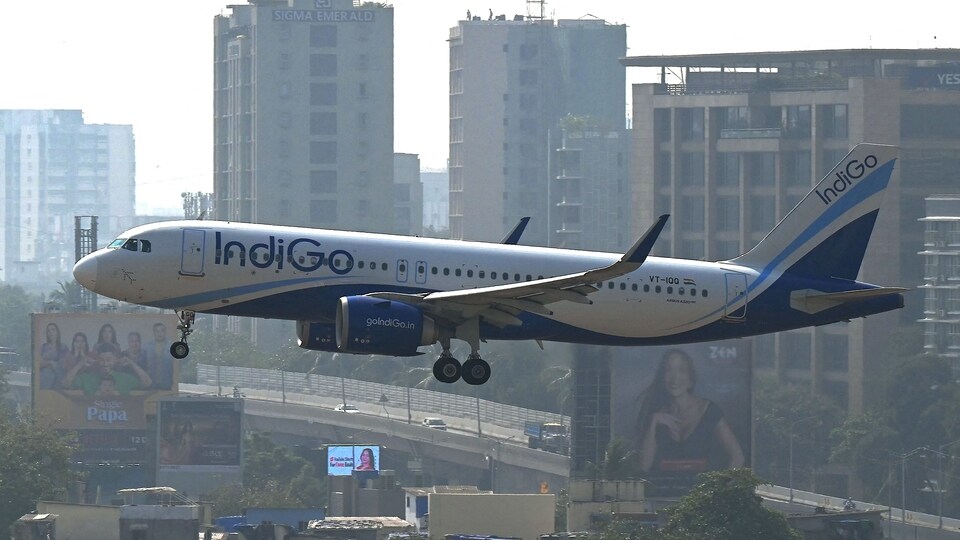
While IndiGo has apologised and says things are slowly returning to normal, refund complaints continue to pour in. Many people still don’t know how to get their money back or what steps they must follow. So here’s a simple guide that breaks down how the airline normally handles refunds, and what you can do right now if your trip was disrupted. Follow IndiGo flight cancellations live updates
Step-by-Step: Claiming a Refund via IndiGo’s Official Portal
1. Log on to IndiGo’s website
- Go to goIndiGo.in and navigate to the “Manage Booking” or “Refund” section.
- Enter your booking details
- Provide your PNR/booking reference number and email ID or last name to retrieve your itinerary.
2. Select “Cancel Booking”
Once you access your flight, click “Cancel Booking.” This starts the refund process. Or in the case of cancellation and delay, you are allowed to take a full refund or shift to another flight without paying anything extra.
3. Choose your refund method
You’ll be given the option to receive the refund back to your original payment method or convert it into a credit shell for future bookings (if offered).
4. Review details and confirm
Carefully check all details — booking reference, refund amount, payment method — then click “Proceed.”
5. Track refund status online
IndiGo allows you to track refund progress through its “Check Refund Status” page by entering your PNR and email or last name.
What IndiGo has done so far?
According to the aviation ministry's statement on Sunday, IndiGo has already processed refunds of more than ₹610 crore after the crisis began. The airline has also tracked and returned thousands of misplaced bags.
IndiGo’s CEO Pieter Elbers issued a statement saying the airline failed to give customers the service it aims for. He pointed to a mix of schedule changes, weather problems, technical issues, and overall congestion in the aviation system that created a chain reaction.
FAQs
Q1. How can I apply for a refund from IndiGo?
You can request a refund through IndiGo’s “Manage Booking” or “Refund” page by entering your PNR and last name, cancelling the booking, and selecting your refund method.
Q2. How long does IndiGo take to process refunds?
For online payments, refunds usually take 5–7 business days. Cash bookings must be refunded at the airport counter, and third-party bookings are refunded by the travel agency.
Q3. What if IndiGo cancels or reschedules my flight?
If the cancellation or major delay is from the airline’s side, you can choose a full refund, credit shell, or rebook another flight for free under IndiGo’s Plan B option.


