
 E-Paper



Apple Pay lands in India: Check if you’re eligible before you tap to pay
At the moment, Apple Pay payments can be made using iPhone, iPad, and Apple Watch. Apple Pay will gain support for Mac in the coming days.

 Prefer HTon Google


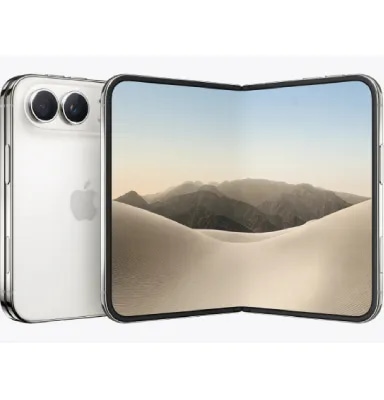


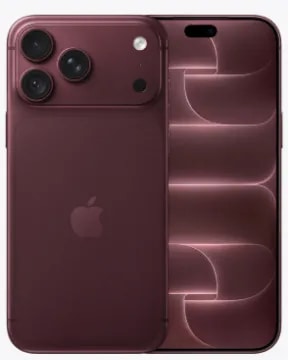
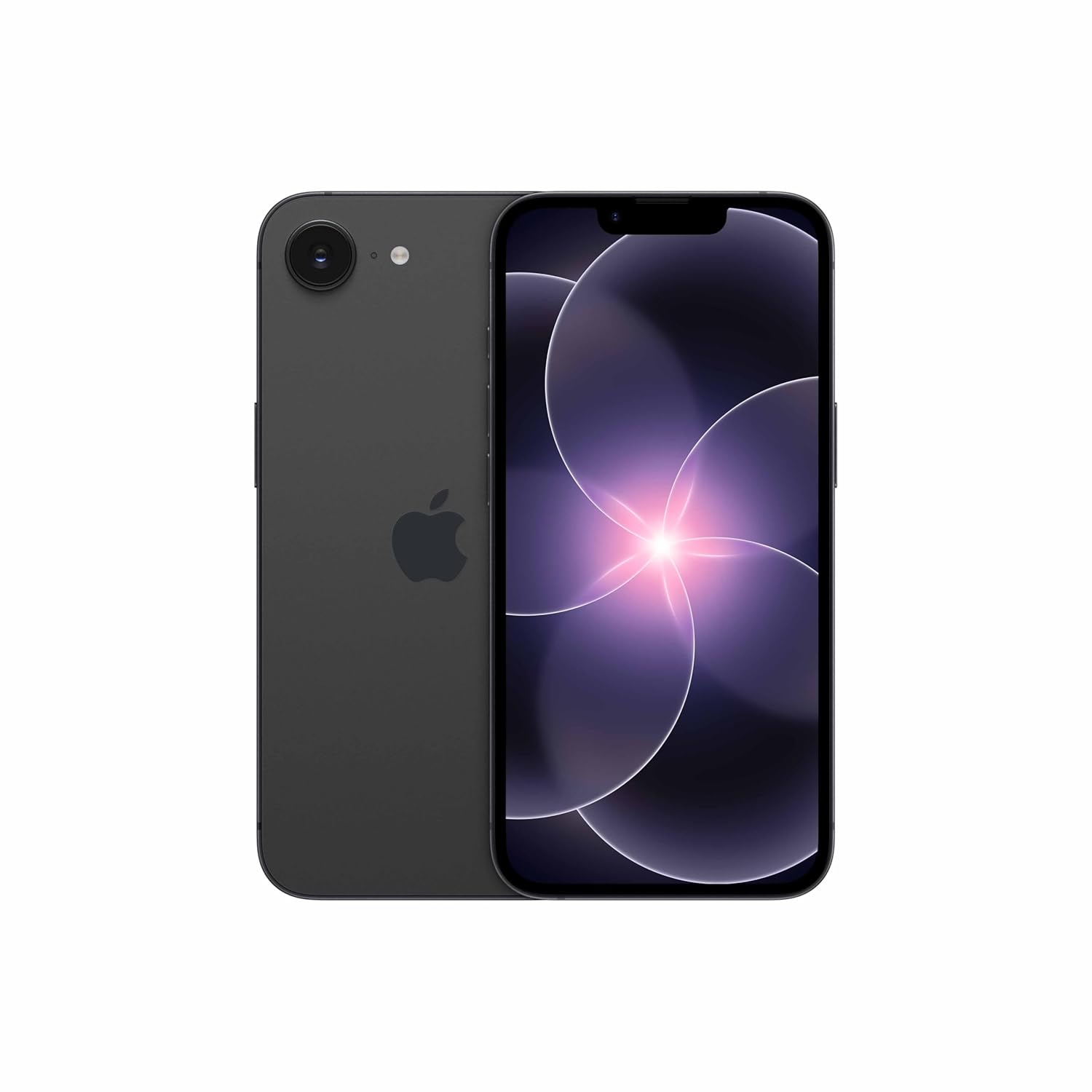
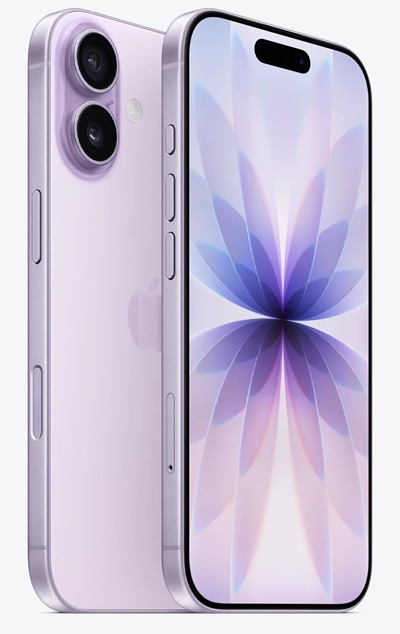

Apple today introduced its digital payments platform, Apple Pay, in India. After months of rumours and reports, the company today confirmed that it has started rolling out support for contactless payments via Apple Pay in the country.
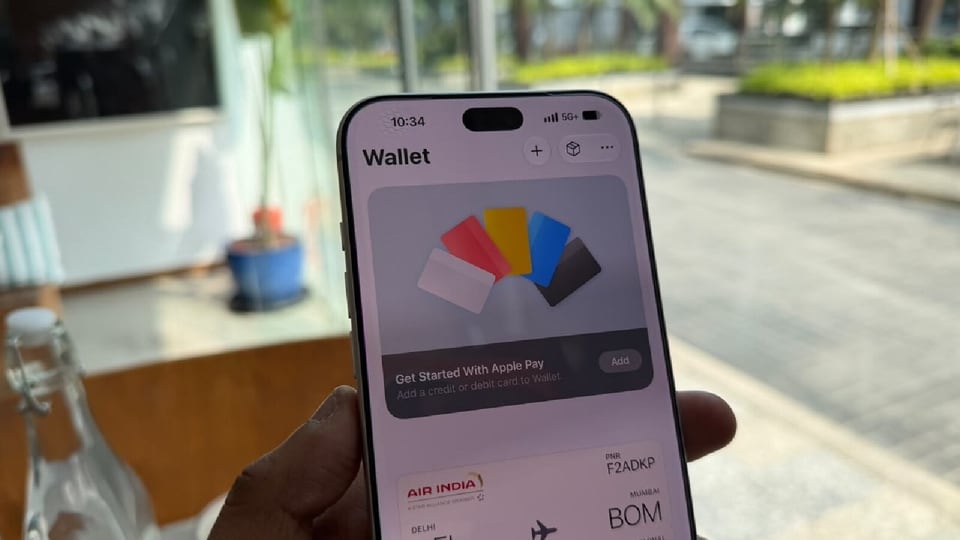

It is worth mentioning that Apple first introduced Apple Pay in the US back in September 2014. It gradually expanded this service to other markets across the globe. Now, almost 12 years later, the company is bringing this service to India that is dominated by UPI (United Payments Interface).
Apple Pay: Here's what you get
According to the details shared by the company, initially, Apple Pay will support Axis Bank-issued Visa and Mastercard credit cards only and that users will be able to use the service to make payments at supported in-store, online merchants across India, and all the stores that accepts NFC transactions. The list of supported merchants include Apple Store locations, Blinkit, Chaayos, Comet, Croma, Interflora, Ixigo, Le15 Patisserie, Reliance brands, Tata 1mg and Zomato.
In addition to this, Apple Pay will also work with payment service providers (PSPs) such as Cashfree, JusPay, Mswipe, Paytm, PayU, Pine Labs, Razorpay and Worldline. The company plans to expand its list of supported banks, merchants and PSPs in the coming days.
On the security front, Apple said that Apple Pay does not store the actual card number on device or on Apple servers. The company also said that it does not share the card number with the merchant as well. Instead, it creates a unique Device Account Number with each card that is assigned, encrypted, and securely stored in the Secure Element, an industry-standard certified chip that is designed to store the payment information safely on the device.
Furthermore, the company said that it does not retain transaction information that can be tied back to the user and that users transactions stay between them, that is, the user, the merchant, and their bank or card issuer. If a user’s device is lost or stolen, they can use the Find My app to quickly locate, lock, or suspend payments from that device.
Simply put, Apple encrypts the card number and then stores it on a chip that is exclusively designed to store such confidential information, which makes it safer to use.
As far as supported devices are concerned, Apple device owners can make payments via Apple Pay through their iPhones, iPads and Apple Watch models. Supported models include iPhone XR or newer models running iOS 18 or newer version, Apple Watch Series 6 or newer models running watchOS 11 or newer version. However, Apple Pay is not available on Macs yet. Apple said that support on Mac PCs and laptops will arrive in the coming days.
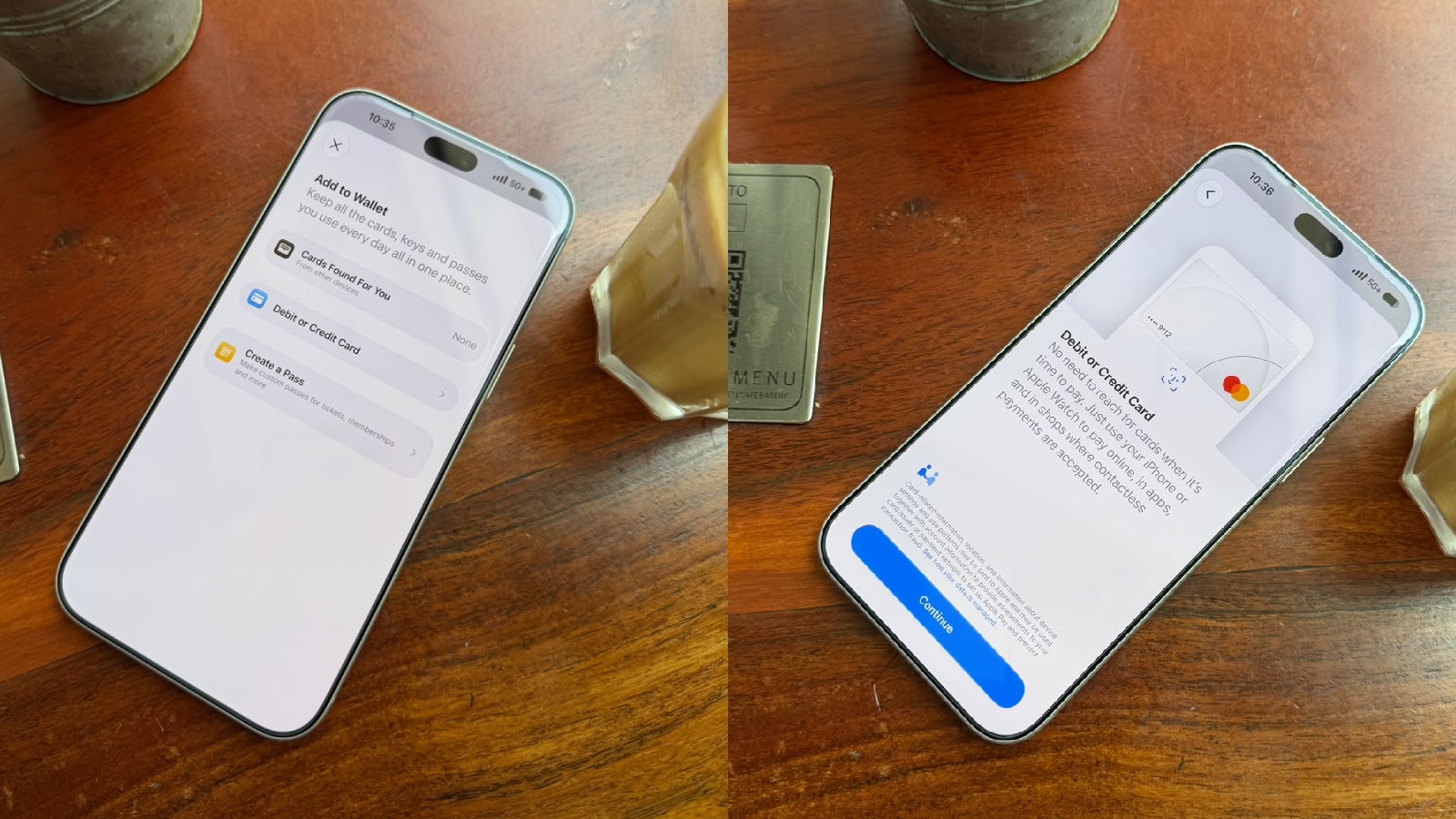
Apple Pay: How to add a debit or credit card on your iPhone
Step 1: Open the Wallet app on your iPhone and tap the Add Card button.
Step 2: Tap Debit or Credit Card to add a new card.
Step 3: Tap the Continue button.
Step 4: To add your card manually, tap Enter Card Details Manually and follow the onscreen instructions.
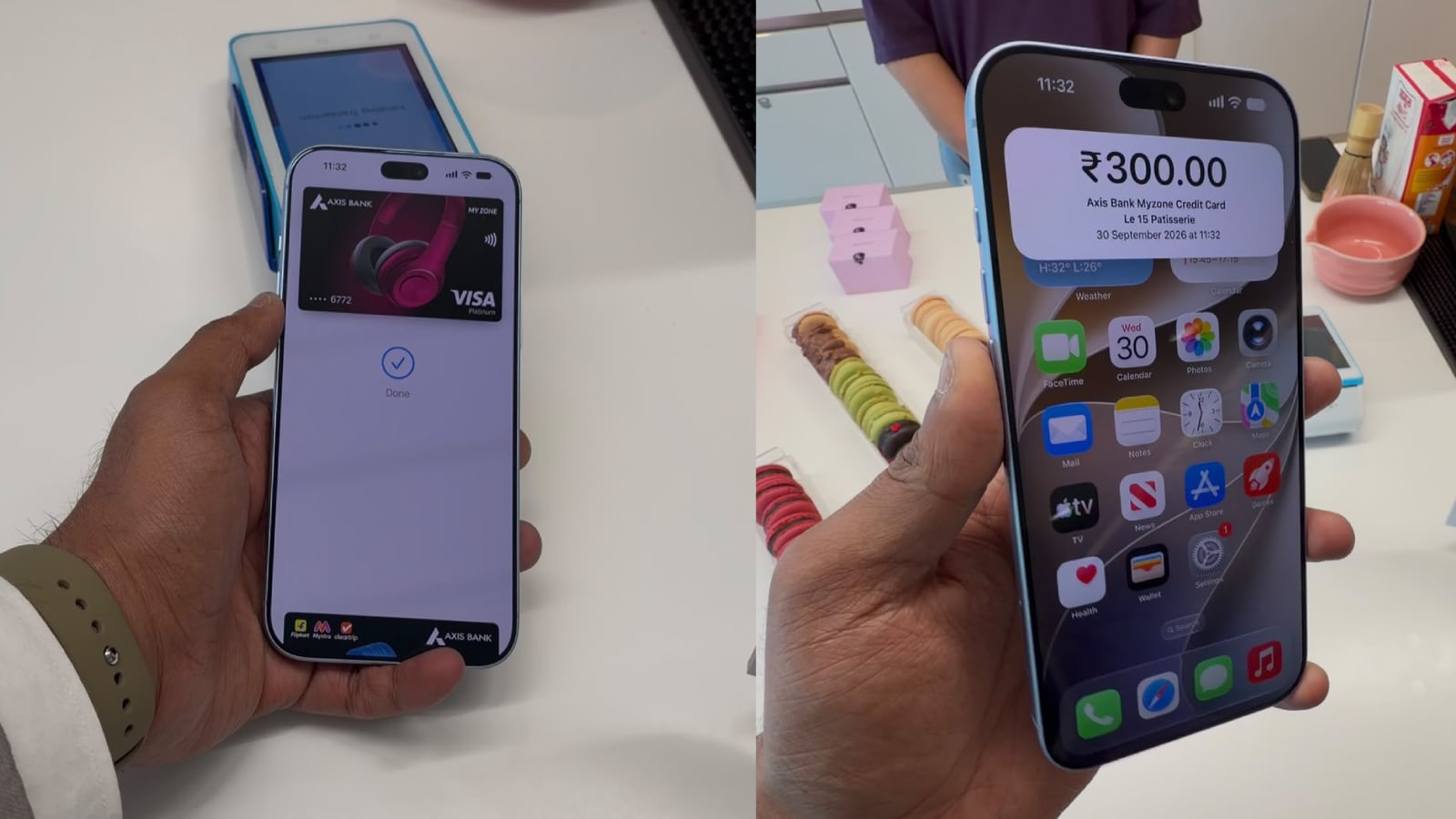
Apple Pay: How to add a debit or credit card to your Apple Watch
Step 1: On your paired iPhone, open the Apple Watch app.
Step 2: In the My Watch tab, tap Wallet & Apple Pay.
Step 3: Tap Add Card and then tap Debit or Credit Card to add a new card.
Step 4: To add your card manually, tap Enter Card Details Manually and follow the onscreen instructions.
It is worth mentioning that you may be asked to provide more information or to download an app before approving your card for use with Apple Pay while adding a new card to Apple Pay on iPhone or Apple Watch.


