
 E-Paper



iPhone 17 can record video from front and rear cameras at same time: Here’s how it works
Here’s how you can turn on the Dual Capture video feature on your new iPhone 17 model.

 Prefer HTon Google


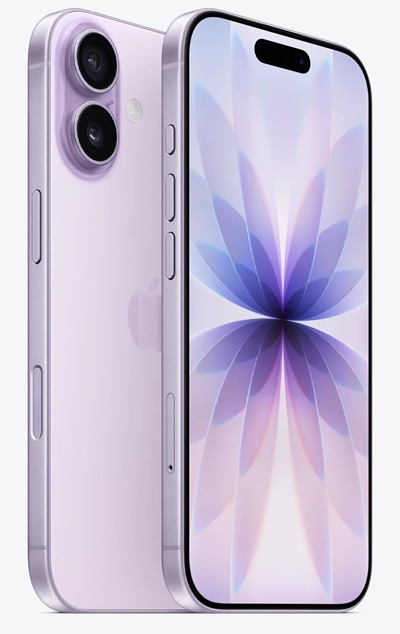

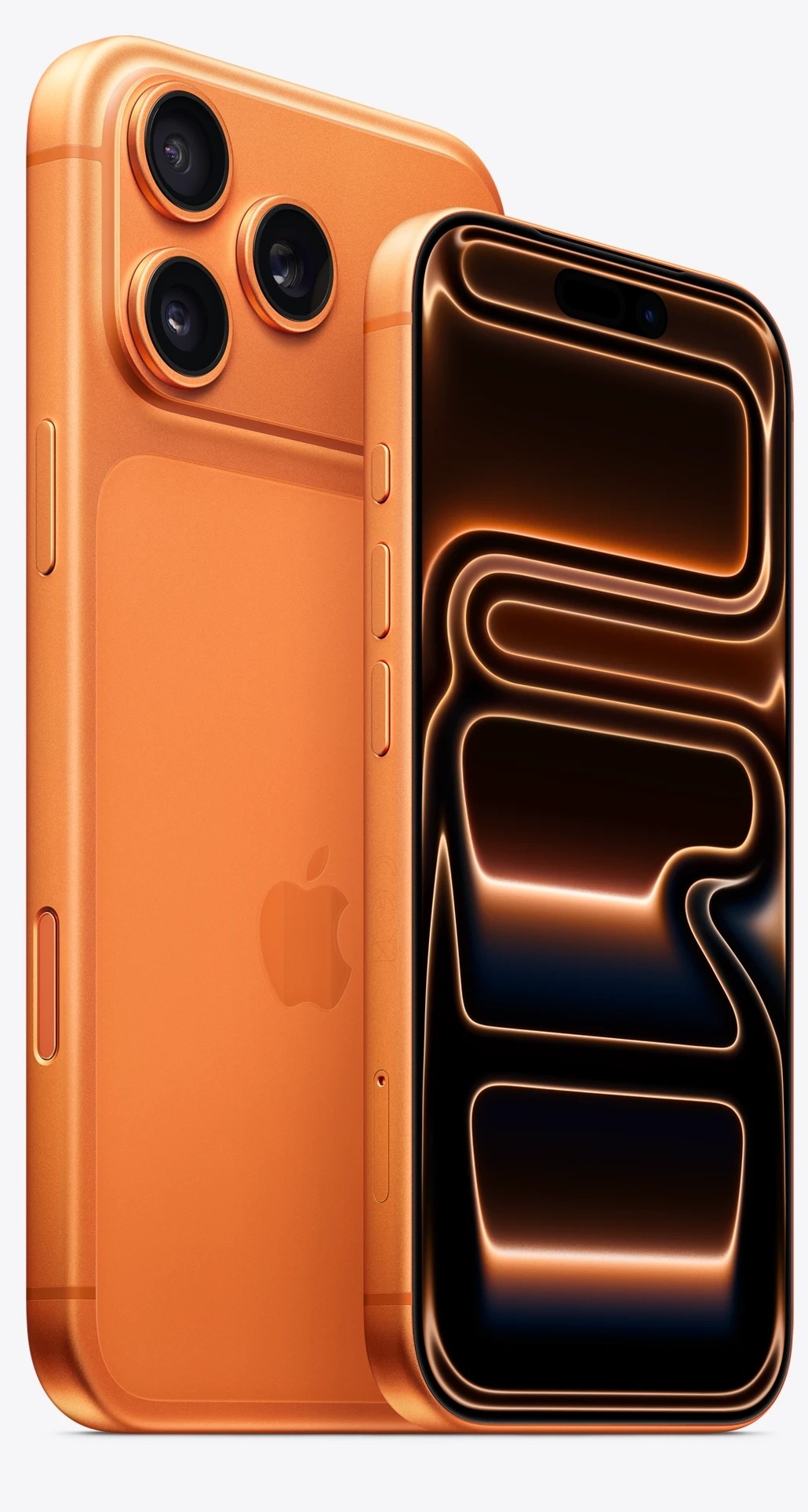
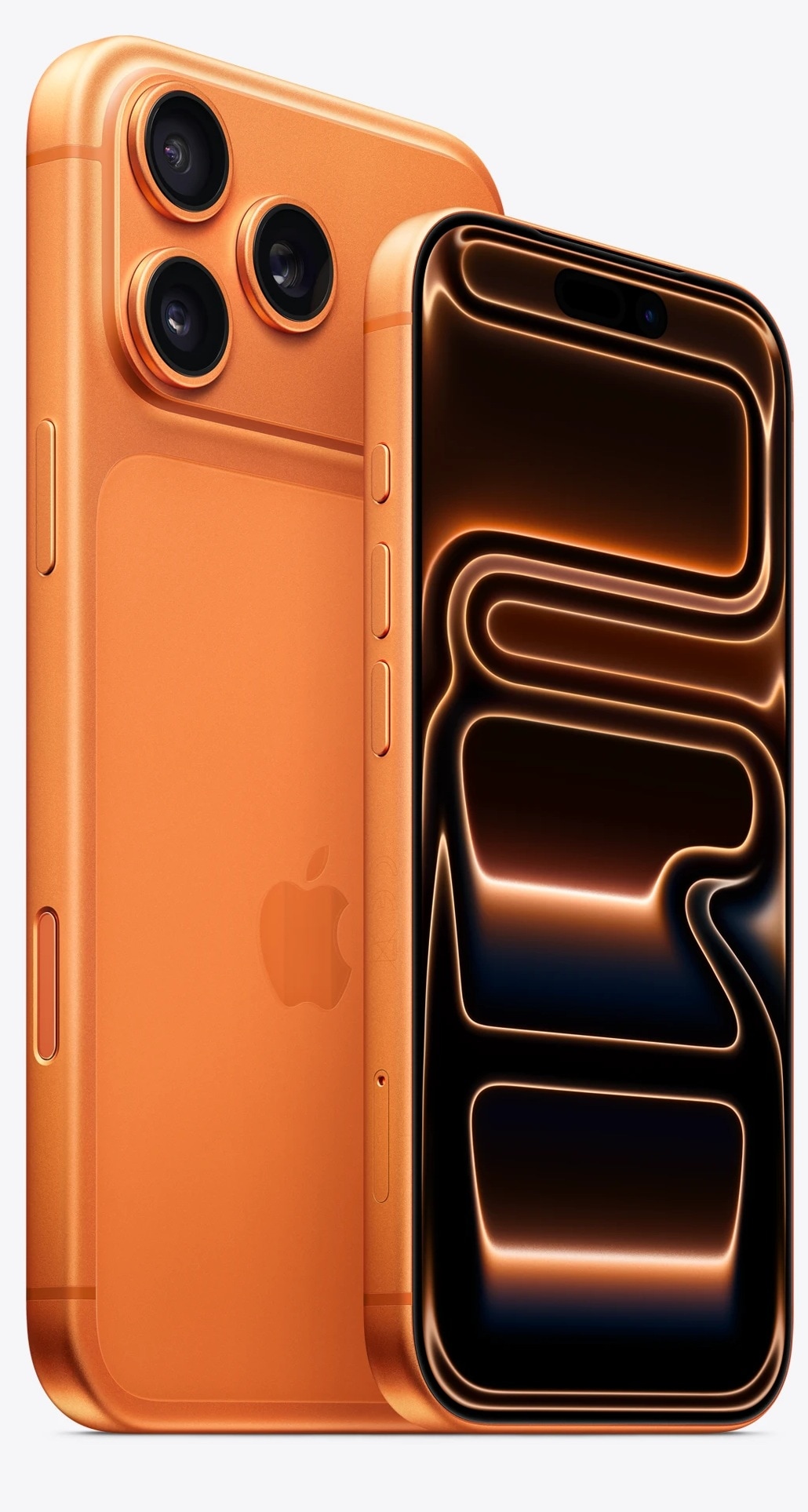


The iPhone 17 series debuted last month with some eye-catching upgrades and features. One of the features that caught our attention was the dual capture video recording that lets users capture from front and rear cameras at the same time. This feature already existed in iPhones with iOS 13, but it was only accessible via third-party camera apps. Now, with iPhone 17 models, users can take advantage of this feature right from the iPhone’s camera app. If you are unaware of this video recording feature, then here’s how you can activate dual capture video on your new iPhone 17 models.

How to use the iPhone 17 Dual Capture video
Here’s a step-by-step guide on how to turn on Dual Capture video feature on your iPhone 17 model:
Step 1: Open the camera app on your iPhone 17
Step 2: Now, in the Photos/Video tab, select Video to start recording.
Step 3: Open the quick settings menu from the top right corner
Step 4: You will be presented with four recording options, among which you have to select the Dual Capture option
Step 5: Now simply click on the red Record button to start the video recording. You can also use the Camera Capture to start the recording.
Note: The Dual capture option will record videos in 30 frames per second, and it can not to 60 or 120 FPS.
As of now, it's an iPhone 17 series exclusive feature, and it is unclear if it will be rolled out to previous generation models as well. Therefore, if you have any of the new iPhone 17 models, try out the feature and see how it works out.


