E-Paper



iOS 26: AI summaries return to iPhone news, entertainment apps, Apple warns…
iOS 26 AI notification summaries: The iPhone 17 and iPhone Air models come with iOS 26 pre-installed. Here is everything to know about the AI summaries feature.

 Prefer HTon Google


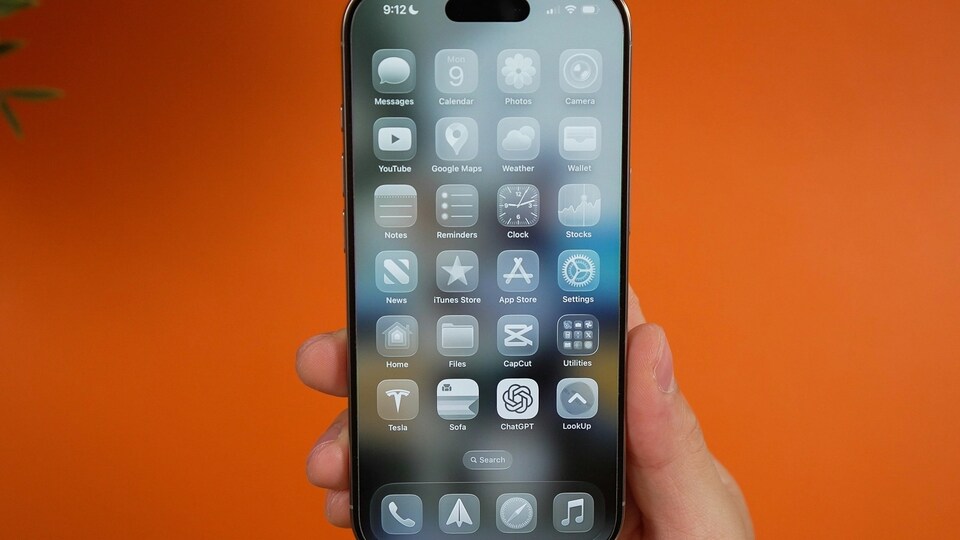
Apple released the iOS 26 update on Monday after launching the iPhone 17 series. This development comes just months after the company announced the update at the June Worldwide Developers Conference. The iPhone 17 and iPhone Air models come with the new software pre-installed, while existing iPhone users can download it on compatible devices.
Also read: iOS 26 hurting your iPhone’s battery? Apple says not to worry because...
Apple iOS 26: AI notification summaries return
Apart from the Liquid Glass redesign, call screening, and hidden features, the brand-new iOS 26 update has reintroduced AI notification summaries for news and entertainment apps in Apple Intelligence-enabled iPhones, CNET reported.
In December last year, the BBC had complained to Apple after the new iPhone feature produced a false headline about a murder in the United States. CNET reported that Apple disabled AI notification summaries for news and entertainment apps in January after the BBC pointed out the misleading headline.
The CNET report noted that after updating to iOS 26, one splash screen appeared for the AI notification summaries. The users are provided two options, with one showing ‘Choose Notifications to Summarize’ and the other denoting ‘Not Now.’ Opting for ‘Not Now’ will make the splash screen go away.
Also read: iOS 26’s big redesign leaves many users frustrated: Here’s what iPhone users are saying
iOS 26: Apple puts warning for AI notification summaries
If the user opts for ‘Choose Notifications to Summarize’, then they are taken to a new page showing three categories- News & Entertainment, Communication & Social and All Other Apps. Underneath the News & Entertainment category, a warning is outlined in red if one taps it.
The warning states, “Summarization may change the meaning of the original headline.” It further adds, “Verify information,” per CNET. Another warning, “This is a beta feature. Summaries may contain errors,” can be seen across the bottom of the screen.
The report also claimed that if one does not wish to see these summaries, they can simply choose 'Do Not Summarize Notifications'.
iOS 26: How to turn AI notification summaries off
There is also a method to turn off AI notification summaries. Here is how to do it: Go to Settings, tap Notifications, and then tap Summarize Notifications. In the final step, choose the Summarize Notifications toggle in the new menu.
FAQs:
When did Apple roll out its latest software update, iOS 26?
Apple released its iOS 26 update on Monday, September 15.
Can users turn the AI notification summaries off?
Yes, users have the option of choosing Do Not Summarize Notifications.