
 E-Paper



Need to change in address in Aadhaar card? Check new steps
UIDAI was allowing a change in address in Aadhaar cards without any proof of residence but the system has been discontinued.


People seeking to change their address in their Aadhaar card will have to follow a new set of steps as the Unique Identification Authority of India (UIDAI) has discontinued its previous guideline. UIDAI was allowing a change in address in Aadhaar cards without any proof of residence but according to a report in HT’s sister publication Live Hindustan the system has been discontinued.
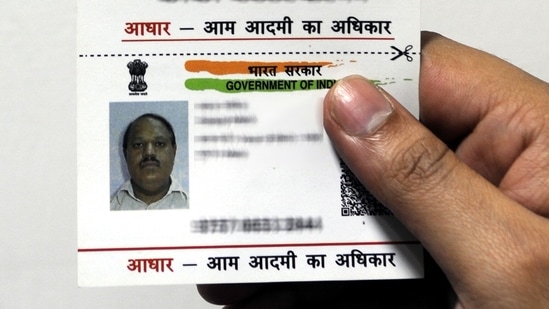
UIDAI said in a reply to a Twitter user that people have to provide proof of address or proof of residence now. It said that any one of the 32 mentioned documents can be used to change the address in Aadhaar cards.
Follow these steps to change the address in your Aadhaar card:
1. Log in to your account using your credentials at ssup.uidai.gov.in/ssup/
2. Click on ‘Proceed to Update Aadhaar’
3. Enter your 12 digit UID number
4. Enter the captcha code
5. Click on the ‘Send OTP’ option
6. Wait for the OTP to reach the registered mobile number
7. Enter the OTP received
8. Click on ‘Log In’
9. Enter the details of your Aadhaar card
10. Out of the list of 32 documents ascertaining proof of address and proof of identity, select 1
11. Update your address


