
 E-Paper



Here’s how to fix YouTube’s most annoying features: 8 simple setting changes for a cleaner, calmer viewing experience
YouTube is a mess but these eight simple tweaks, from hiding your history to fixing video quality, can make it enjoyable again.

 Prefer HTon Google


YouTube used to feel like an endless wonderland of user-made content but these days, it can drive you up the wall with all those ads, constant “recommended” videos, and pop-ups. If your sessions are interrupted more than inspired, it might be time for a bit of digital housekeeping. Here’s how you can take back control without drowning in settings menus, just like any smart, slightly annoyed regular would.
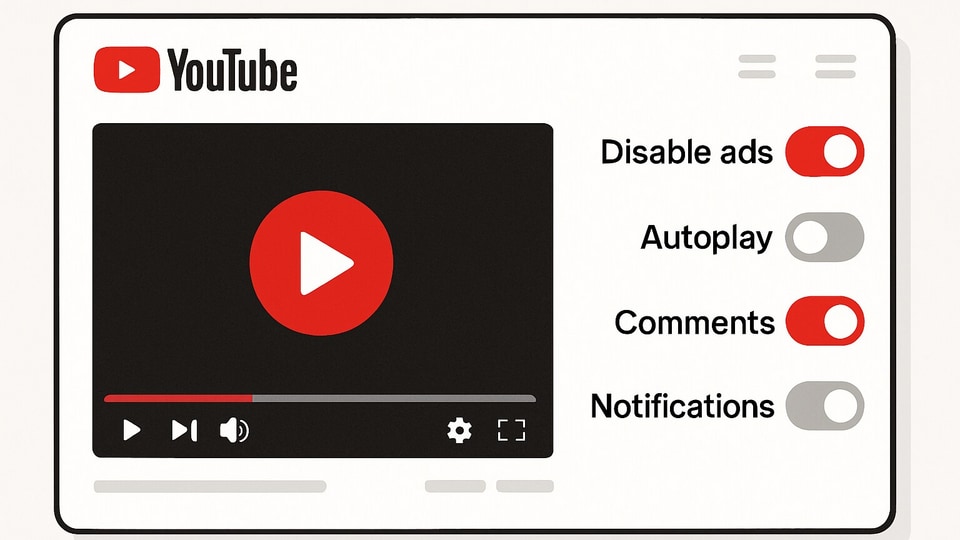

Start with the big one, Premium
If you’re on YouTube every single day, Premium will actually change your life. Ads disappear, downloads become an option, and music plays in the background. Yes, it means shelling out a bit, but for heavy users, it pays back in hours of peace. Can’t stomach the price? Watch for local offers, or try YouTube’s free trials when they pop up. But steer clear of dodgy third-party workarounds, they rarely last and can put your info at risk.
Draw your privacy boundaries
Privacy might be buried deep, but it’s worth the hunt. Head for your profile icon, tap through to Settings, then dig into your YouTube history controls. Pause both watch and search history, and, if you like a totally clean slate, clear them. Your recommendations will shift, and maybe even get smarter, or simply stop chasing your every interest. Don’t forget to hit up Google’s Ad Center and turn off ad personalisation for that last bit of peace.
Sort out video quality
Sick of hit videos that start in potato mode? There’s a fix for that. In Settings, find Video Quality Preferences, then set your default to “higher picture quality” when you’re on Wi-Fi. It’s a small change, but it makes every video smoother, less blurry and way more satisfying.
Mute the noise
Auto-play previews, instant next videos, those popping up info cards, none of these are essential. Head to Settings, then Playback, and simply switch off any bit you don’t want. Your feed gets quieter and you won’t get sucked into an endless scroll, unless you really want to.
Take back your notifications
Tired of alerts every time a random channel goes live or posts something new? In Settings, under Notifications, trim back what’s working for you and mute everything else. Trust me, you won’t miss much.
Keep your subscriptions quiet
There’s no reason the world needs to know your guilty-pleasure channels. On desktop, open Settings and Privacy, then tick “Keep all my subscriptions private.” For mobile users, look for the same. A bit of mystery does everybody good.
Supercharge with extensions
Browsing on Chrome or Firefox? Add-ons like Untrap or similar will let you tailor YouTube’s look, hide Shorts or live chat, and clear away suggested distractions, all with a click.
Try out simpler apps
If the main YouTube feed gets too much, try alternatives like NewPipe or Play. There’s no algorithmic feed, just exactly what you subscribe to and decide to watch. It’s quiet, predictable and, honestly, a breath of fresh air.


