
Sign in

How to continue using Windows 10 securely after support ends in October 2025

Windows 10 support ends in October 2025, but users can continue safely for a time by taking precautions. Though upgrading to a supported OS is recommended.

Published on: Jul 28, 2025, 18:30:28 IST
Share
Share via
  • facebook
  • twitter
  • linkedin
  • whatsapp
Copy link
  • copy link

Microsoft is officially ending support for Windows 10 in October 2025. After this date, Windows 10 will no longer receive security updates, software updates, new features, and technical support from Microsoft. But if you are not ready to transition to Windows 11 with its sparkly AI features like me, then there are a few methods to keep using Windows 10 safely after the support ends.
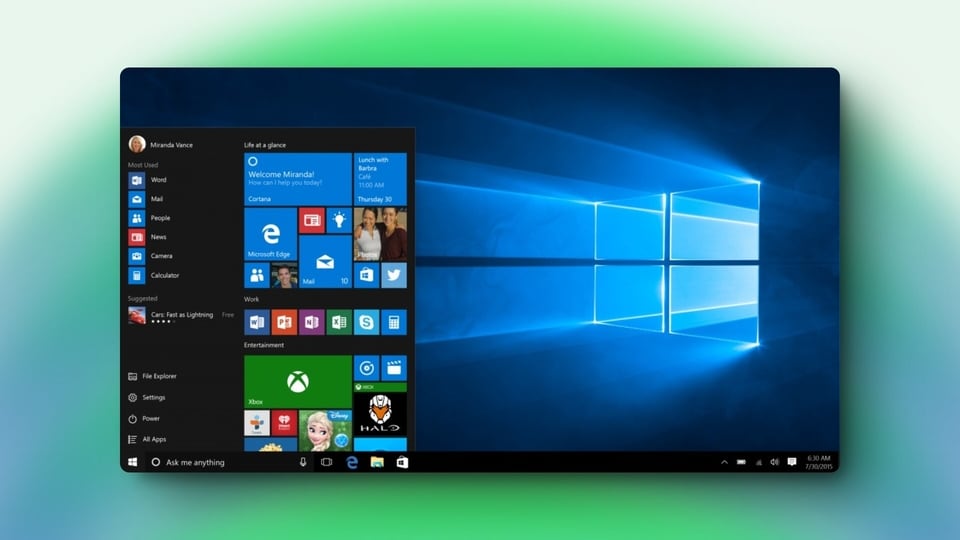
Extend your Windows 10 experience safely beyond support with trusted methods.
Amit Rahi

For the past seven years, I have tracked consumer tech through constant shifts in hardware, platforms, and the way people actually use devices. Covering everything from budget gear to flagship hardware, I focus on what readers need to know, not on buzzwords or launch cycle hype. My expertise spans gaming laptops and chairs, high-performance PCs, gaming monitors, printers, smartwatches, earphones, headphones, Bluetooth speakers, tablets, and more, with a particular emphasis on how these products hold up in daily use. Reviews, explainers, buying guides, and news pieces all share the same goal: giving readers enough detail to make confident decisions without wading through fluff. Away from deadlines, I spend a lot of time gaming and watching films and anime, which naturally filters back into the work. Performance, comfort, display quality, and sound are judged the way players and viewers experience them, not just by lab numbers, which keeps my coverage grounded in real scenarios rather than just benchmarks.

Read moreRead less

It must be noted that Windows 10 will still be able to operate after the support ends. The only difference is that you won’t get security updates, which are important to keep Windows secure from malware and hackers.

Use Windows 10 securely after support ends

  • Microsoft offers a paid Extended Security Updates program where you can pay Microsoft a fee to get critical security updates for your device. This will help protect your PC from serious threats, but these updates won’t include any new features or support. ESU costs around $30 per year for personal users. You can also use 1,000 Microsoft Rewards points to pay for this subscription.
  • Another way to do this without paying Microsoft is to use their OneDrive Windows backup system to get this service for free. The catch is that OneDrive offers only 5GB of storage, which will run out pretty quickly. And then you eventually have to pay to upgrade to a paid OneDrive subscription to keep the deal. The cheapest OneDrive subscription is $20, which will give you 100GB of storage.
  • If you don't want to pay Microsoft at all for another year of security updates, then I recommend that you install good antivirus software on your PC. Keep all the critical software that connects to the internet like browsers and online stores up to date. And make sure to keep internet usage to a minimum.

These are the only ways with which you can keep using Windows 10 securely after the support ends in October. We do recommend that you upgrade your PC to Windows 11 soon to save your money and keep your data secure.

  • Amit Rahi
    ABOUT THE AUTHOR
    Amit Rahi

    For the past seven years, I have tracked consumer tech through constant shifts in hardware, platforms, and the way people actually use devices. Covering everything from budget gear to flagship hardware, I focus on what readers need to know, not on buzzwords or launch cycle hype. My expertise spans gaming laptops and chairs, high-performance PCs, gaming monitors, printers, smartwatches, earphones, headphones, Bluetooth speakers, tablets, and more, with a particular emphasis on how these products hold up in daily use. Reviews, explainers, buying guides, and news pieces all share the same goal: giving readers enough detail to make confident decisions without wading through fluff. Away from deadlines, I spend a lot of time gaming and watching films and anime, which naturally filters back into the work. Performance, comfort, display quality, and sound are judged the way players and viewers experience them, not just by lab numbers, which keeps my coverage grounded in real scenarios rather than just benchmarks.Read More