
 E-Paper



WARNING! These 35 malicious apps are really harmful for your Android phone
These apps remain hidden from users because they ‘confuse the user and conceal their presence’ by changing icons and renaming themselves.

 Prefer HTon Google


Internet security researcher Bitdefender has identified 35 applications that have sneaked into Google Play Store and are malicious.
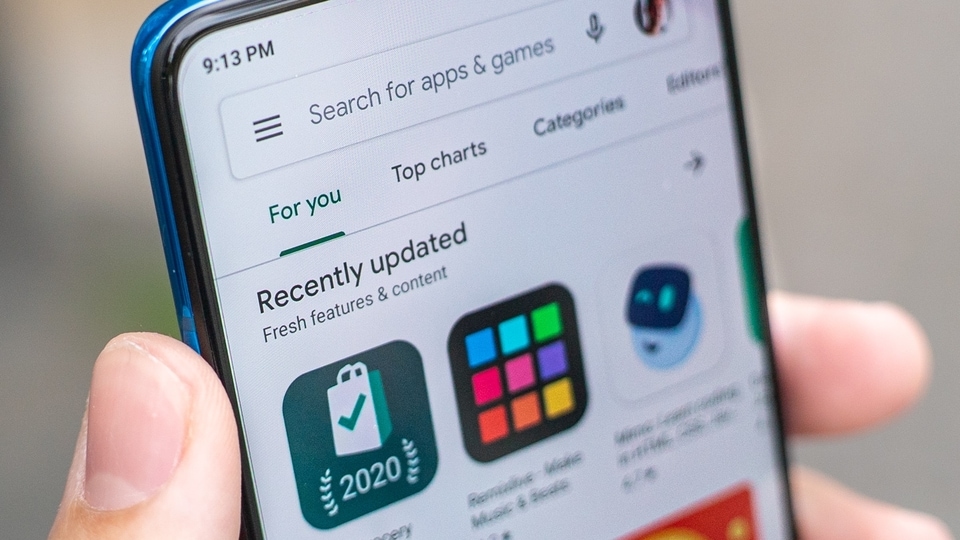
The applications found to be malicious have downloads reaching over two million, considering the accessible public data, stated the research.
They remain hidden from users because they ‘confuse the user and conceal their presence’ by changing icons and renaming themselves, the research by the Romanian firm said.
Once installed, they bombard advertisements as they are a source of revenue for them. These ads spoil the user experience and also have the potential to show ads that once clicked may lead to malware sites. “Many legitimate apps offer ads to their users, but these show ads through their own framework, which means they can also serve other types of malware to their victims,” the research says.
Google has pulled out most of these apps from the Play Store. But numerous third-party app stores like APKSOS, APKAIO, APKCombo, APKPure, and APKsfull still have these apps, reported Mint. It provided the list of malicious apps:
The List
GPS Location Finder (smart.ggps.lockakt)
Grand Wallpapers – 3D Backdrops 2.0 (gb.convenientsoftfiftyreal.threeborder)
Engine Wallpapers (gb.helectronsoftforty.comlivefour)
Stock Wallpapers (gb.fiftysubstantiated.wallsfour)
EffectMania – Photo Editor 2.0 (gb.actualfifty.sevenelegantvideo)
Art Filter – Deep Photoeffect 2.0 (gb.crediblefifty.editconvincingeight)
Fast Emoji Keyboard APK (de.eightylamocenko.editioneights)
Create Sticker for WhatsApp 2.0 (gb.convincingmomentumeightyverified.realgamequicksix)
Math Solver – Camera Helper 2.0 (gb.labcamerathirty.mathcamera)
Photopix Effects – Art Filter 2.0 (gb.mega.sixtyeffectcameravideo)
Led Theme – Colorful Keyboard 2.0 (gb.theme.twentythreetheme)
Animated Sticker Master 1.0 (am.asm.master)
Sleep Sounds 1.0 (com.voice.sleep.sounds)
Personality Charging Show 1.0 (com.charging.show)
Image Warp Camera
Walls light – Wallpapers Pack (gb.packlivewalls.fournatewren)
Big Emoji – Keyboard 5.0 (gb.blindthirty.funkeyfour)
How to stay protected
Only install apps you need. Check the numbers of downloads and reviews to make a wise decision. Be cautious of apps with many downloads but few or no reviews. One of the malicious apps found was ‘GPS Location Maps’. Even though it had over 100k downloads, it doesn’t have any reviews.
Always remember to delete apps that are useless. However, these apps were hard to tracea after installation. The ‘GPS Location Maps’ changed its label to ‘Settings’ after installation.
Allow special permissions requests carefully. The research says that to not get killed by the system, a few malicious apps even demand permission to bypass the battery optimization feature and start foreground services notifications. The permission to display over other apps is also sought to resemble user clicks in order to make easy money.
Users can install credible third party anti-malware software products that can expose malicious behaviour.


