
 E-Paper



Ways to customise iPhone 16 Camera Control button- Here’s how to change its functions
Know how the iPhone 16 Camera Control button can be used apart from activating camera app functions.


 Black
Black
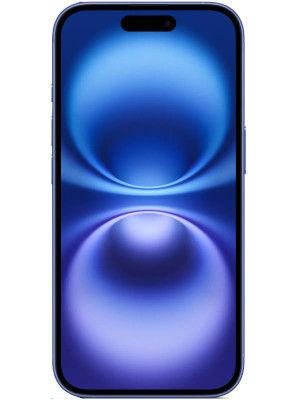
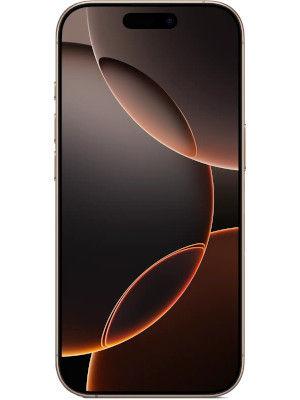
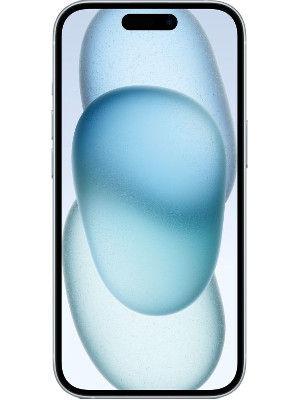

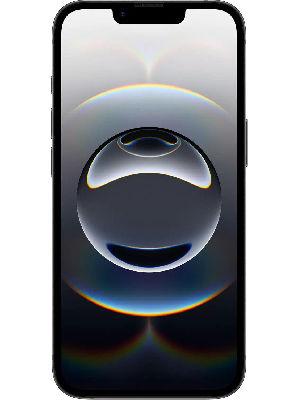
Apple introduced the new Camera Control button with the iPhone 16 series, providing users with a shortcut to manage camera app functionalities. With just a simple touch on the button, the camera app is activated, and with another click, users can snap an image and start recording video without having to interact with the display entirely. But, did you know that apart from camera app functions, the Camera Control button can do several other things? Well, users are just required to change the settings, and it will be able to scan QE codes or convert into a magnifier instantly. If you also want to activate such features of the Camera Control Button, then know how it's done in a few easy steps.


Also read: iPhone 17 Air likely to come with optional accessories for lasting battery life- Details
What iPhone 16 Camera Control button do?
Camera Control is a new physical button which is placed on the right bottom of the iPhone 16, iPhone 16 Plus, iPhone 16 Pro and iPhone 16 Pro Max models. This new button uses a haptic click for adjusting functions like zoom, exposure, focus, changing the Photographic Style, and much more. While it takes up most of the camera functionalities, the button can be used to access two other functions that including code scanner functions and the magnifier, which can be used as an accessibility feature.
Also read: iPhone 17 Pro may not come with anti-reflective display coating as Samsung- Details
How to activate the code scanner on iPhone 16 using Camera Control button
To activate the code scanner on the iPhone 16 series, go to the “Settings” app and click on “Camera.” Now users can select which function users can activate using the Camera Control button between the Camera app, QR code scanner, and Magnifier app. Now, simply select the QR code function. Now, simply click on the Camera Control button and point your camera at the QR scanner. As it recognises a QR code, the reference URL will be displayed for further actions.
Also read: iPhone 17 Air likely to get 12GB RAM upgrade: Know what’s coming
How to activate the Magnifier app on iPhone 16 using Camera Control button
Apart from the QR code scanner, iPhone 16 users can also launch the Magnifier app using the Camera Control button. Follow the same instructions mentioned above and simply select the “Magnifier app.” This feature is preferred for users with have low visual or have difficulty reading small text.


