
 E-Paper



Why I use this iPhone camera app to take imperfect photos
Imperfection, grain, film tones, it’s all cool again, and I’ve found a new iPhone app that lets you do a lot for free.

 Prefer HTon Google


You may be interested in




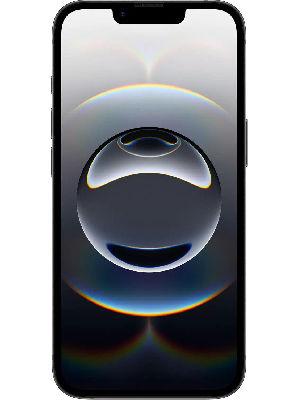

Smartphone images today can often look too perfect. Aggressive HDR, overly controlled highlights and shadows, and an ultra-sharp finish can feel almost sterile, something some of us, including me, don’t always enjoy.

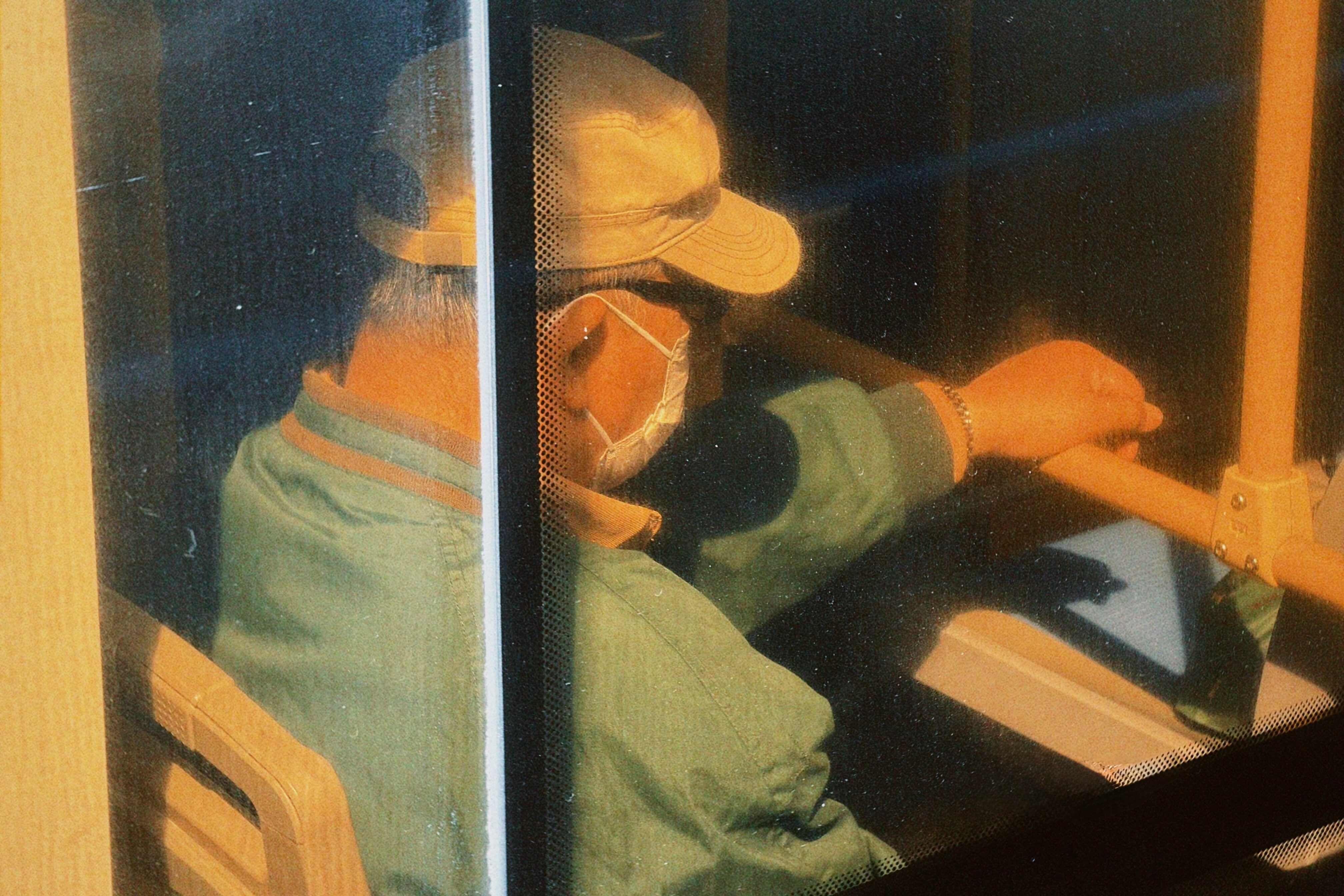
I’ve always preferred my photos to be a little imperfect. Not overly flawed, just slightly rough around the edges, much like the good old analogue film days. Highlights that clip a bit, reds that feel slightly grungy, greens that are subtle and easy on the eyes, and images that carry real character. I genuinely miss that look. But given that our phones are now our primary cameras, achieving this aesthetic without heavy editing is nearly impossible.
We’re slowly getting there with phones like the Realme GT 8 Pro, which offer Ricoh GR film tones. But when it comes to iPhones, you’re largely stuck with the default camera app and the built-in Photographic styles, which are not replace for proper film emulation.
Recently, driven by my obsession with film photography and my attempt to replicate it digitally without spending a small fortune on a Fuji X100 VI, I started experimenting with various film-emulation camera apps on my iPhone. Over the past year, I’ve tried several. Not too long ago, I stumbled upon an app called Dazz Cam, and I genuinely think this might be the one. The best part is that most of its functionality is completely free.
How it works
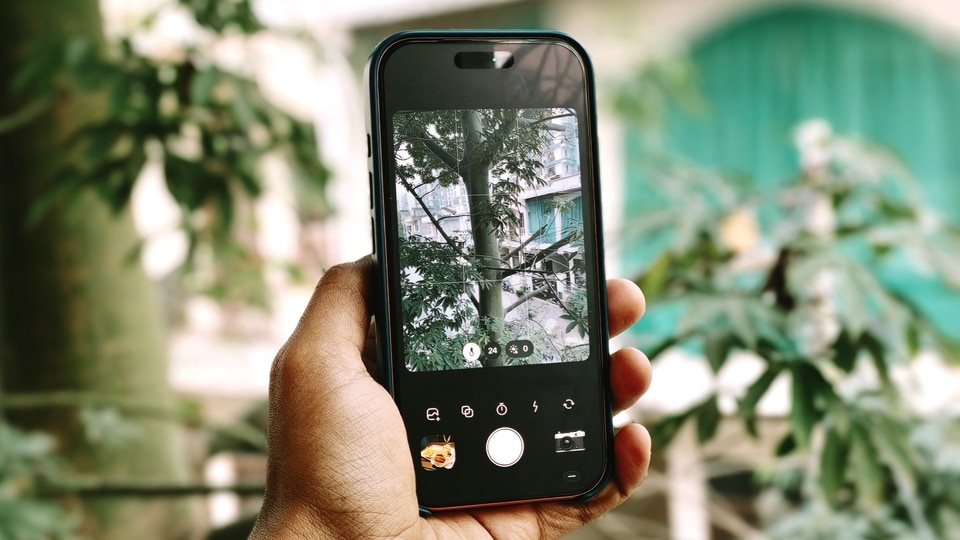
The app feels refreshingly seamless. Once you open Dazz Cam, you’ll notice the different camera looks tucked away at the bottom right. Tap on it, and you’re presented with a wide selection of camera profiles and styles. Still photo options sit at the bottom, while video modes are placed at the top.
Yes, many of these profiles are paid, but there’s a healthy selection of free options as well, including Classic U, CCDR, FQSR, Dclassic, Inst Cand D3D. What I particularly like is the “Try” option for paid cameras. You can preview how a specific film look turns out before committing. You won’t be able to save the image, but it is a genuinely useful feature that helps you decide whether it’s worth paying for.
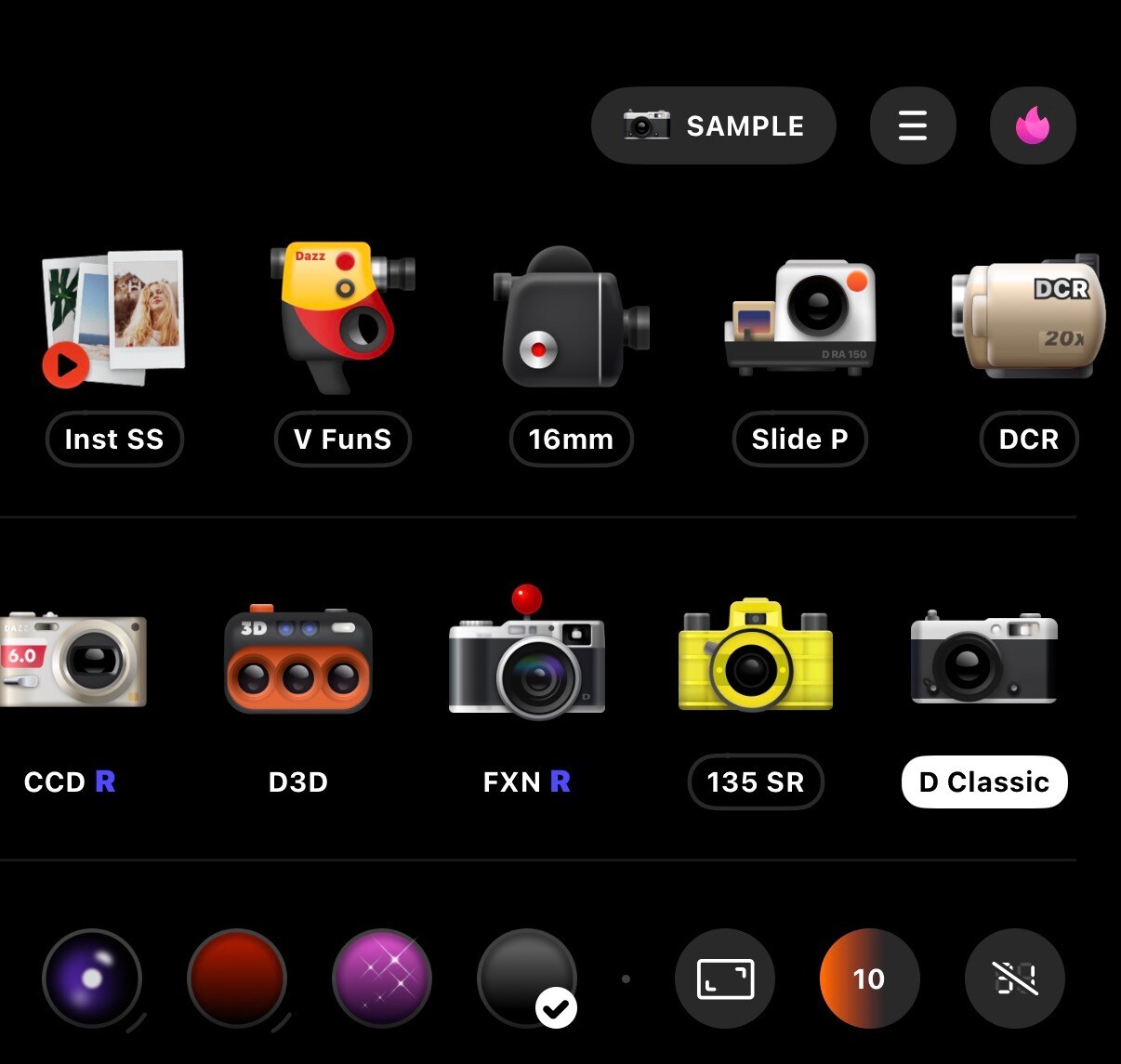
Beyond that, you get all the essentials. You can switch between front and rear cameras, use the flash, set a timer, or even apply film looks to existing photos from your gallery. That alone adds a lot of flexibility.
You can also choose different focal lengths depending on the selected camera stock and based on how many lenses your iPhone has. Exposure controls and other manual adjustments are available too, giving you a surprising amount of control over how your photos turn out. Plus, I forget to mention that you can tweak the looks as well. So, if you want more light leaks, you can do that. Want more looks like fisheye for the lens, you can do that, too. Overall, it lets you shape your images exactly the way you want.

How did the images turn out?
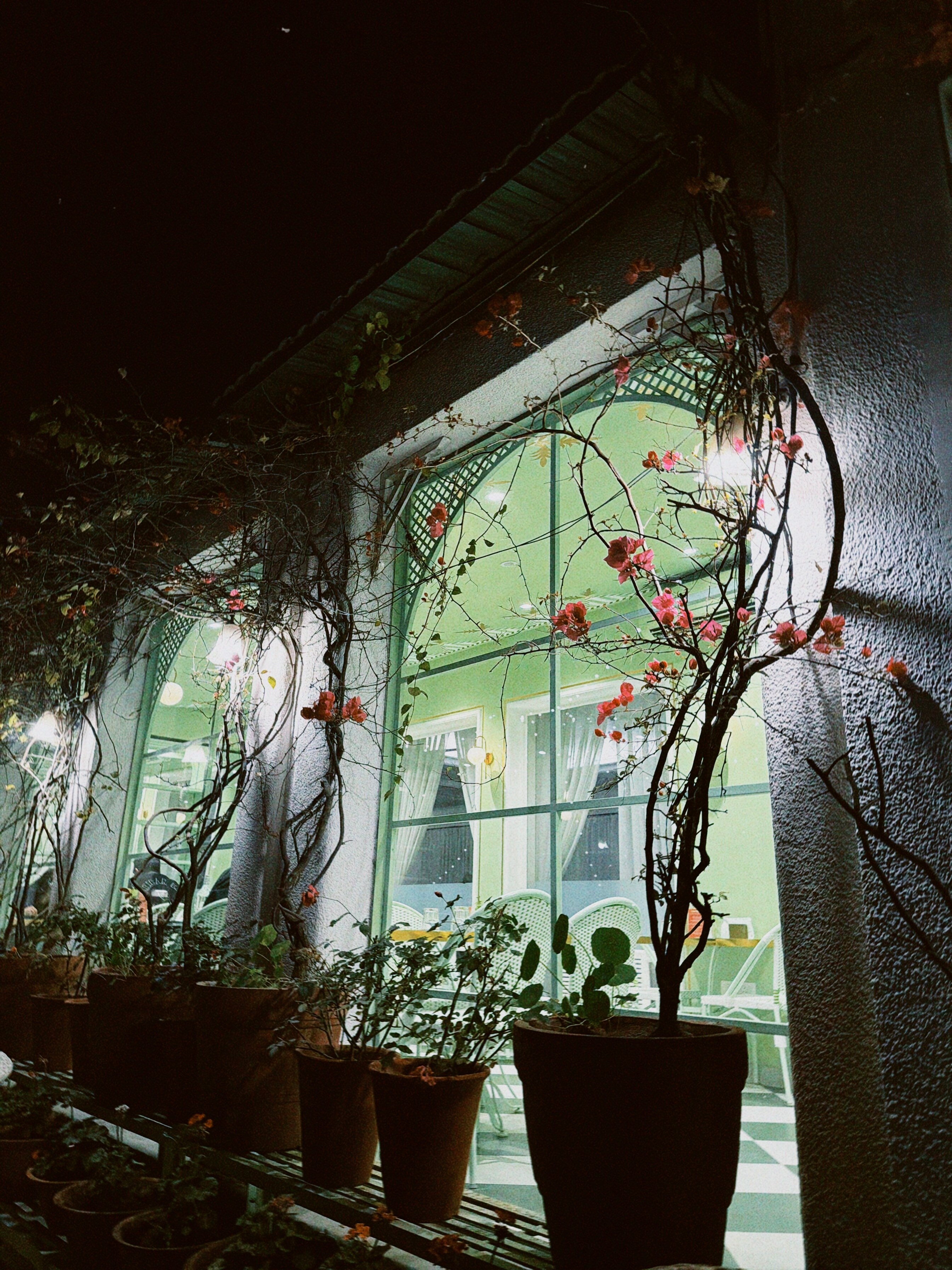
As for the results, I think the images look genuinely impressive. I showed the same photos to a friend who swears by his Fuji X100 VI, and even he said he would happily use them. They have character. They feel imperfect, and that is precisely the point. That’s the kind of aesthetic Gen Z gravitates towards these days, myself included. Yes, I’m a zillennial, another Gen Z term, but who really cares.
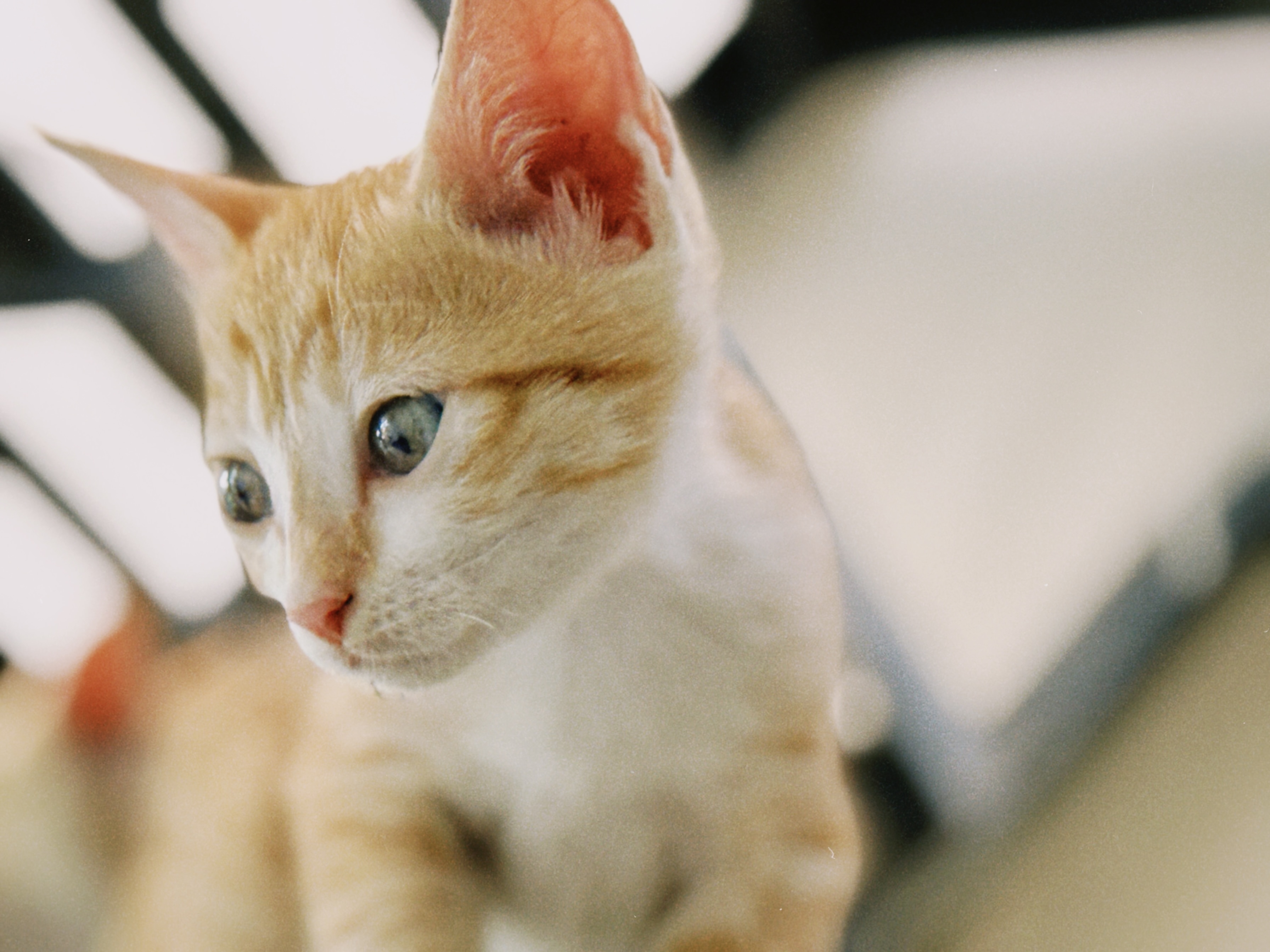
These images feel distinctly anti-AI to me, almost like a quiet rebellion against the heavy overprocessing that most smartphone photos come with these days, and I genuinely enjoy that. There’s grain in these photos, not digital noise. And even though the effect is artificial, it still takes me back to a time when life felt slower, when it wasn’t about chasing 200-megapixel cameras or ever-bigger sensors.
Back then, photography was about capturing moments. It was about emotions. About freezing memories in time. It wasn’t about technical perfection or image quality. It was simply about documenting life as it happened. When images look like this, they evoke those same feelings.
The reds feel grungy, the highlights aren’t overly controlled, skin tones are warm, and everything looks a little imperfect. And that’s exactly what I want from my photos sometimes.
I can’t use images like these for most of my professional work, and that’s fine. But when I’m creating memories in my personal time, this is how I want them to look.
There’s a lot you can extract from this app without spending a single rupee. If you’re tired of the clinical, overly processed phone photography look, which many people have grown to like, but you find yourself in that minority craving something more organic and film-like, Dazz Cam is absolutely worth trying.


