
 E-Paper



Windows’ Blue Screen of Death is now black: Why Microsoft is ‘killing’ the iconic design
Microsoft is now going for a much simpler UI for abrupt restarts to match Windows 11’s overall design language and create a simpler experience.

 Prefer HTon Google


You may be interested in


Microsoft has finally confirmed that the iconic “Blue Screen of Death” in Windows, typically used to denote a problem, is being retired, and it is being replaced by a Black Screen of Death. The company says it is making this change to simplify the user interface for a more streamlined experience and that this updated UI improves readability and aligns better with the overall design principles of Windows 11.
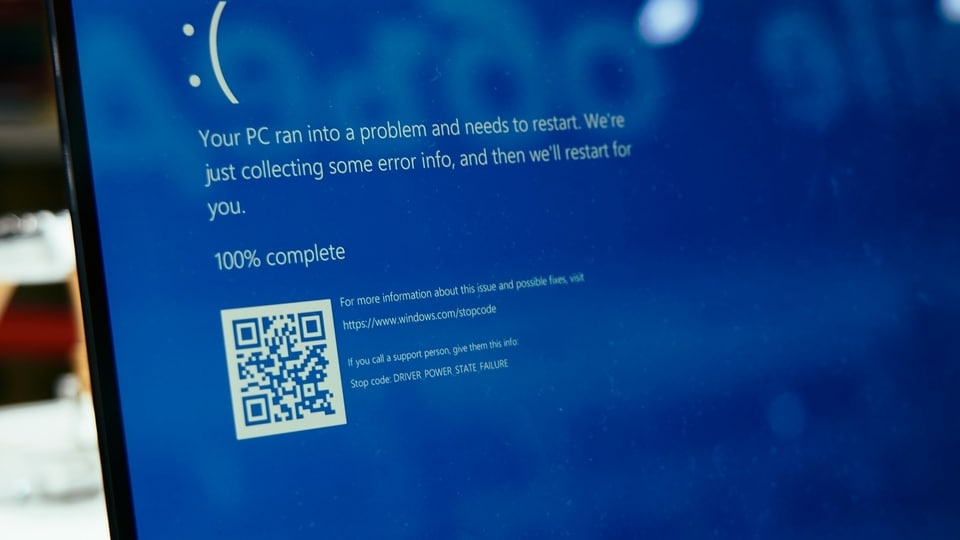

Interestingly, Microsoft had begun testing these colour changes earlier this year in March, with the black screen first appearing in Windows 11 preview version 24H2.
Also Read: OpenAI hit hard? Zuckerberg reportedly poaches top AI experts from ChatGPT maker
Microsoft Explains New UI Changes
Microsoft says that this change fits better and still preserves the technical information on-screen for when it is needed.
Even in the screenshot shared by the company, there’s brand new text. Instead of the previous message: “Your PC ran into a problem that it couldn't handle and now it needs to restart,” the screen now simply says “Your device ran into a problem and needs to restart”, with a percentage displayed below.
Release Timeline
Microsoft has confirmed that the simplified UI will roll out in the summer on all Windows 11 devices running version 24H2. This makes sense, considering the change was initially spotted in that same version's preview back in March.
The Blue Screen of Death was typically Microsoft’s way of showing a serious issue with your PC, often related to an error that caused an unexpected shutdown. It was implemented to prevent data loss and could be triggered by a variety of issues, including hardware failure, driver conflicts, and other software-related problems.
There are ways you can fix this issue, including booting in safe mode, removing any new hardware component you might have installed and more.
MOBILE FINDER: iPhone 16 LATEST Price, Specs And More


