E-Paper


AT&T internet outage: What is ‘DNS Probe Finished nxdomain’ error and how to fix it?
Downdetector reported that several AT&T users were facing issues with their connections on Friday night.

 Prefer HTon Google


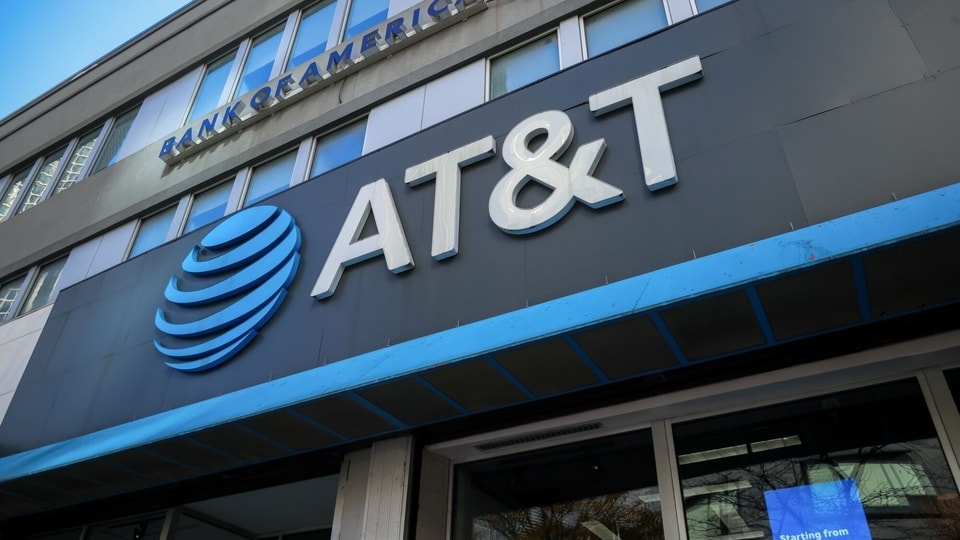
AT&T (American Telephone and Telegraph) internet users are facing issues with their connections on Friday night, as per Downdetector. At the time of writing, over a thousand people reported facing problems.

Several people expressed their frustrations in the comments. “I have att 500...and I'm still having trouble connecting to my PS5,” one person said. Another remarked, “The signal is broken.” Yet another commented. “AT&T Internet is having issue with DNS look up. Well known sites can't be accessed or are very slow, such as Wells Fargo, even AT&T itself. Happens in both Ethernet and WiFi, also mobile WiFi.”
Also Read | AWS outage brings down half the internet for hours. Here's what happened
Yet another commented, “NO connection to various websites, speed dropping to 0, and disconnects throughout the day.”
Downdetector also posted on X “User reports indicate problems with AT&T since 11:41 PM EDT.”
What is dns_probe_finished_nxdomain error, how to fix it?
The DNS_PROBE_FINISHED_NXDOMAIN can occur due to issues with the website, device, or internet connection. The solution depends on what the cause of the problem is.
One of the easiest ways to try and fix the issue is by flushing the DNS cache. This can be done by going to the Start menu, and searching for the Command Prompt. Then, one has to right-click to select the Run as administrator option. When the new window appears, the ipconfig /flushdns command has to be given, and then the user has to hit enter. This is for Windows.
For MacOS, one has to open the Terminal application and enter the following command: sudo dscacheutil -flushcache; sudo killall -HUP mDNSResponder. Then, they have to hit the Return key, as per web hosting company, Hostinger. After this, the password has to be entered, and Return has to be hit again.
One can also try to release and renew the DNS address, but this is a more in-depth method which should be kept for later. A more obvious check is to try and change DNS servers. By default systems use the DNS server addresses given by internet providers. To change DNS servers for Windows, go to Control Panel -> Network and Internet -> Network and Sharing Center. The hit Change adapter settings. The right click on current connection and choose Properties. Then, choose Internet Protocol Version 4 (TCP/IPv4) or Internet Protocol Version 6 (TCP/IPv6) and press the Properties button.
Enter 8.8.8.8 (IPv4) for preferred DNS server, and 8.8.4.4 (IPv6) for alternate DNS server, as per Hostinger. Then click okay and restart the browser.
For MacOS go to System Preferences -> Network. Choose the current local area connection and hit the Advanced button. Then, go to DNS tab and press the + button. One has to then type in the new IPv4 or IPv6 DNS servers. Once the addresses are typed in, hit okay.