
 E-Paper



Paytm FASTag: How to delete your FASTag account from Paytm Payments Bank?
Paytm FASTag: You must deactivate your Paytm FASTag due to the 'One Vehicle, One Fastag' rule.

 Prefer HTon Google


The National Highway Authority of India (NHAI) removed Paytm Payments Bank Ltd (PPBL) from its approved list of FASTag providers. With this, users have to obtain Fastags from the approved list of 32 banks. This comes as the Reserve Bank of India in January issued a report saying that Paytm Payments Bank faces charges of non-compliance and needs to halt its operations by February 29.
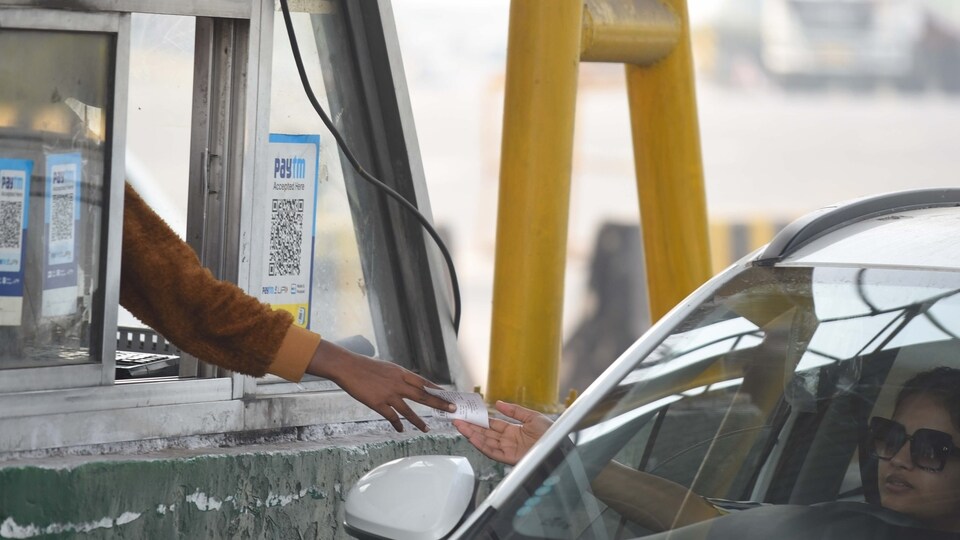
Read more: Paytm Fastag Deactivate: How to do it, a step by step guide for you
What is the deadline for the change?
RBI extended the deadline for Paytm Payments Bank from February 29 to March 15. This means, you can use your Paytm Fastag until that date, after which it will become inactive. Additionally, you will not be able to top-up or recharge your FASTag issued by Paytm Payments Bank after the date as well.
Why should you deactivate your Paytm FASTag account?
You must deactivate your Paytm FASTag due to the 'One Vehicle, One Fastag' rule. This mandates that there will only be a single FASTag per vehicle. Therefore, users must close their PPBL accounts and obtain a refund. Then they can acquire a new FASTag from a different bank.
Read more: Paytm invalid for FASTag: These are 32 authorised banks you can use
How to deactivate Paytm FASTag account?
In the Paytm app, follow these steps:
- Go to Profile
- Choose ‘Help & Support’
- Click on Banking Services & Payments
- Then choose FASTag
- After this click on "Chat with us" to request deactivation.
- In the FASTag Paytm Portal: Log in and provide your Fastag number, registered mobile number, and details for verification. Then, under "Help & Support," select "I Want to Close My Fastag Profile."


