
 E-Paper



ICSE ISC Results 2019 to be declared on May 7. Here’s how to download
ICSE ICS Results 2019 will be declared on May 7. Schools can download results through career portal of CISCE. Students can get their individual scores through SMS. Read full details here.

 Prefer HTon Google


Council for The Indian School Certificate Examinations (CISCE) has announced the date of declaring the results of ICSE Class 10th and Class 12th board exam 2019.
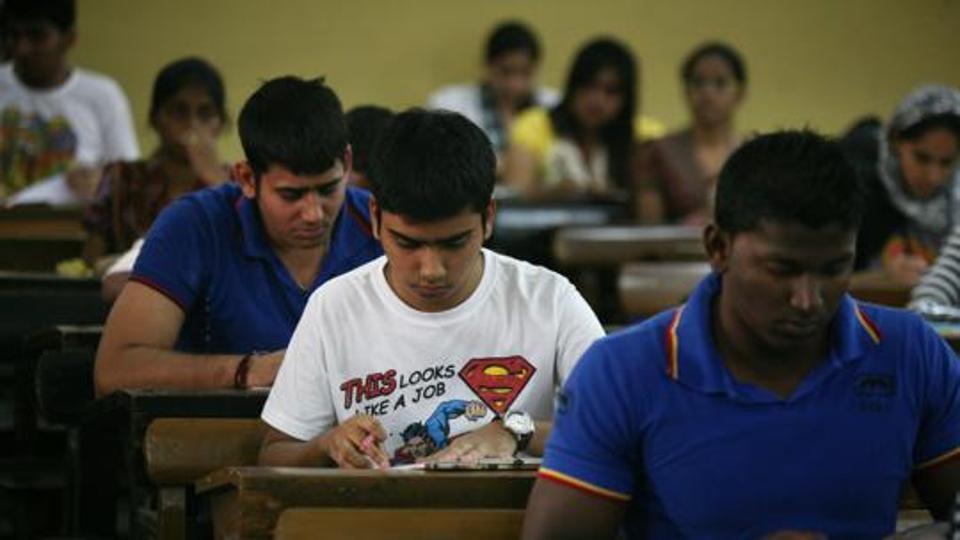
CISCE will declare the results of ICSE Class 10th and ISC Class 12th board exam on May 7, 2019.
The results can be checked online at cisce.org. A career portal will be made available at the CISCE website. Schools can download the results from this portal by using the principal’s user ID and password.
Candidates can get their individual result through SMS. They have to type ICSE or ISC followed by their seven-digit unique ID code and send the message to 09248082883.
Steps to download ICSE/ ISC results through Career portal
Visit the official website of CISCE
You will get a ‘Career portal’ page
Log in using the ID and password
Click on Examination System
On the menu bar click on ‘ISCE’ or ‘ISC’ result
Click on ‘Reports’
Click on ‘Result tab’ to get the results of the school
How to get individual score
Open your SMS box
Type ICSE>your unique ID> and send it to 09248082883
Type ISC>your unique ID> and send it to 09248082883
Candidates will get 7 days to apply for rechecking of paper if they are not satisfied with their marks. Candidates can apply for rechecking online at the official website of CISCE from May 7 to 13, 2019.


