
 E-Paper



Gmail inbox full? Here’s the fastest way to delete emails in bulk
Follow these easy steps to clear hundreds of messages from your Gmail inbox in minutes.

 Prefer HTon Google


A packed inbox often grows quietly in the background until it becomes hard to manage. Many users notice the impact only when important updates get buried under old notifications, slow searches, or large clusters of unread mail. But there's no need to worry, as Gmail offers simple tools that let you clear this clutter in minutes, so you can recover space and keep your account organised.
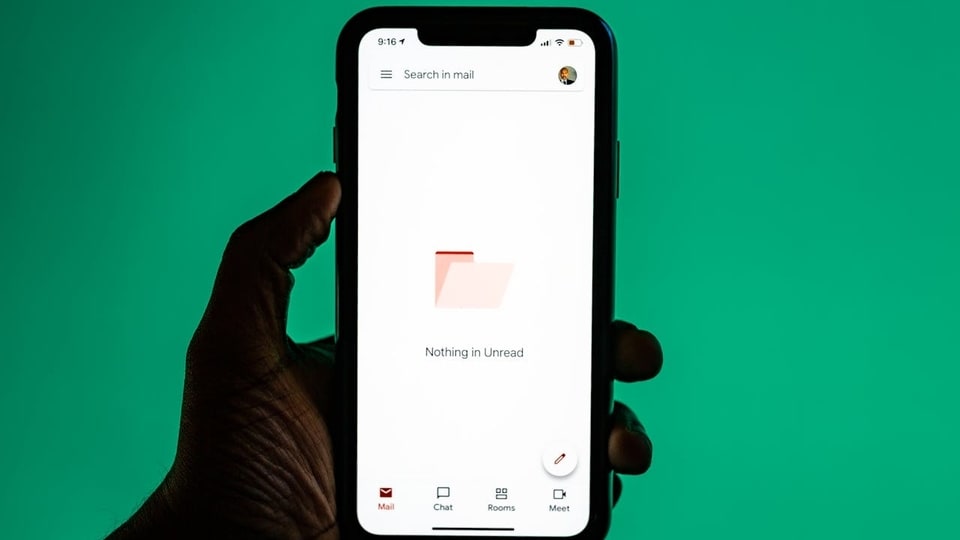

Here is a quick guide to bulk-delete emails and clean your inbox without scrolling through endless pages.
Use Select All for a Full Cleanup
Open Gmail on a desktop browser and click the checkbox in the top-left corner to select all visible messages. Gmail will show an option to select all conversations in the inbox. Click it and tap the Bin icon to remove everything at once. This step works best when you want a fresh start.
Also read: Your IndiGo flight didn’t take off? Here’s how you can claim quick refunds or book another flight
Delete by Category
Gmail groups many emails under tabs such as Social or Promotions. Open one of these tabs, choose Select All, and delete the messages together. This method clears large sets of promotional or automated mail while keeping personal conversations in place.
Use Search Filters
Use Gmail’s search bar to remove older or large emails faster. Type filters such as:
- older_than:1y to find mail older than one year
- larger:10M to locate emails taking up more space
- from:(sender) to delete messages from a specific contact
When the results appear, select all conversations and delete them in bulk.
Also read: OnePlus 15R battery and charging details officially confirmed - All details
Bulk Delete on Mobile
On the Gmail app, long-press one email to activate multi-select mode. Tap additional messages and delete them at once. This is useful for quick cleanups when you do not have access to a computer.
Also read: Google rolls out Gemini 3 Deep Think: How it works and who can access it
Restore if Needed
If you remove something by mistake, Gmail stores deleted messages in the Bin for 30 days. Open the Bin folder, select the email, and choose Restore to move it back.
In short, bulk deleting emails is a simple way to keep your inbox organised. Start with one tab or filter and clear out old messages to maintain a cleaner and more manageable inbox.


