
 E-Paper



How to set custom WhatsApp notification sounds to never miss an important message again
Want to know who's messaging you without checking your phone? Here’s how to set custom WhatsApp notification sounds for specific contacts quickly.

 Prefer HTon Google






WhatsApp offers several ways to help users stay connected and manage communication more efficiently. However, sometimes it gets overloaded with a flood of text messages, and we end up missing important ones that remain unread. To address this, WhatsApp has now introduced an option for users to set custom notification sounds for specific contacts, so you won’t miss any important messages and can instantly recognize who is messaging you without even looking at your phone screen. Whether you need to prioritize alerts from family, friends, or work contacts, assigning distinct tones can enhance your messaging experience and save time.
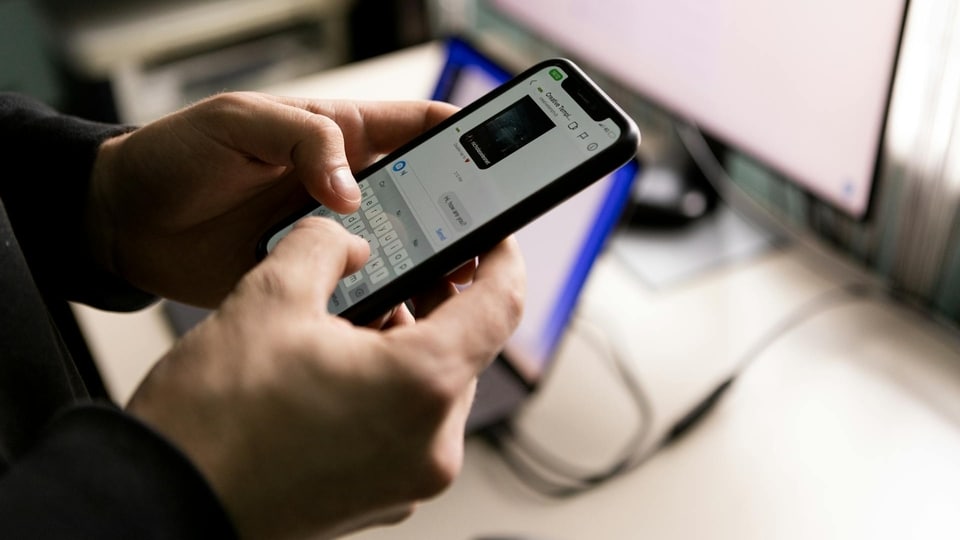

So, here we’ll guide you through the process of how to set custom notification sounds on WhatsApp for both Android and iPhone users.
How to Set Custom Notification Sounds on Android
- Launch WhatsApp and open the chat of the contact you want to assign a unique tone to.
- Tap the contact’s name at the top of the chat screen to access their profile.
- Scroll down to find and select the "Notifications" option.
- Under the notification settings, tap on "Notification tone." Choose your preferred sound for messages and calls from the list.
- Confirm your selection by tapping "OK" or "Save." The contact will now have their own notification sound.
Also read: Big tech’s tariff troubles: Why US trade policy has Silicon Valley on edge
How to Set Custom Notification Sounds on iPhone
- Open WhatsApp and navigate to the chat of the contact whose notification sound you want to change.
- Tap the contact’s name at the top to open their contact info.
- Select the "Notification" section and then tap “Alert Tone.”
- Choose a sound from the available options.
- Save your changes. The new tone will play when this contact sends a message or calls you.
Also read: Understand the key specs that matter most when buying a budget laptop
Note: Keep in mind that if your device is set to ‘Do Not Disturb’ or ‘Silent Mode’, custom tones may not play. Make sure your notification settings allow sounds to be heard. Additionally, users can also tweak options like vibration settings or popup alerts to fine-tune their experience. Also, make sure to keep WhatsApp updated to access the latest features and upgrades.


