
 E-Paper



No more long edits: 7 AI tools that do the heavy lifting for you
If you’re tired of spending hours editing videos, these seven AI hacks can help you create faster, cleaner, and more professional results effortlessly.

 Prefer HTon Google


If you’ve ever spent hours trimming clips, syncing audio, and fine-tuning colors, AI video editing tools in 2025 might just be your new shortcut. With platforms like Adobe Premiere’s AI features, Descript, and Runway leading the change, video editing has become faster, smarter, and easier for everyone. Whether you’re creating social media clips, vlogs, or business videos, these seven AI-powered hacks can help you speed up production and simplify your workflow, no advanced editing skills required.
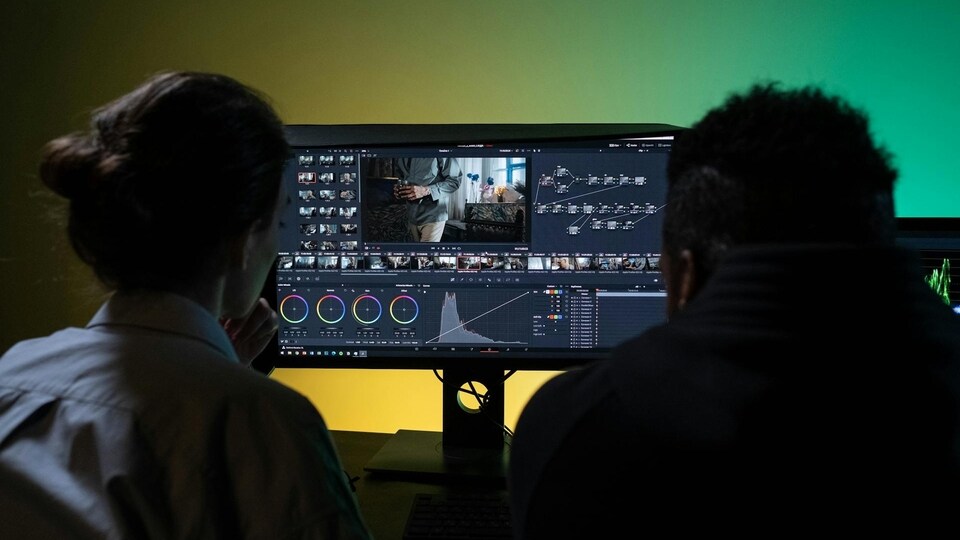

1. Clean Audio Instantly with Descript
Descript’s AI tool removes filler words such as “um” and “uh” from your recordings automatically. Upload your video or audio file, and Descript generates a text transcript you can edit directly. Deleting text removes the corresponding part of the video. The free plan allows one hour of transcription each month, enough for short videos or podcasts. This method eliminates the need to manually search for and edit out awkward pauses.
Also read: Your next call could show the caller’s real name: Here’s why
2. Improve Clarity with Runway’s AI Upscaling
Runway’s free tier enables users to upgrade low-resolution clips to 1080p or 4K. After uploading your video, select the upscale option, and the AI sharpens the image while enhancing colors and clarity. It also provides background removal and color correction tools, offering a quick way to refine footage for YouTube or social media platforms.
3. Speed Up Editing with VEED.IO’s Scene Detection
VEED.IO uses AI to detect scene changes in your footage automatically. It divides videos into segments, allowing easy trimming or rearranging of clips. You can add text, sound, or effects directly through its built-in editor. The tool’s free version doesn’t require sign-up, making it convenient for quick edits on TikTok or Instagram Reels.
Also read: Samsung Galaxy AI now supports 22 Indian languages including Gujarati and Hindi
4. Build Intros Fast with Canva’s AI Templates
Canva’s AI video templates help generate branded intros and outros. Choose a layout, add your logo or tagline, and the AI adapts animations to match. You can also integrate text-to-speech for simple voiceovers. The free plan provides access to standard templates, saving time on design and ensuring visual consistency across your videos.
5. Remove Backgrounds with Clipchamp
Clipchamp’s AI background remover deletes unwanted backdrops from videos with one click. Once the subject is isolated, you can replace the background with a solid color or image. The free version includes basic editing and exports with watermarks, ideal for creating professional-looking clips quickly.
Also read: Realme GT 8 Pro tipped to launch in India on November 20: Check specs, features and more
6. Add Transitions Automatically with InVideo
InVideo’s AI recommends and applies transitions that fit your footage. Upload your clips, and the tool suggests fade-ins, wipes, or motion effects automatically. The free plan supports basic transitions for short social videos, helping you skip manual editing.
7. Adjust Lighting with Filmora’s AI Color Correction
Wondershare Filmora’s AI automatically adjusts brightness, contrast, and saturation to balance lighting in your video. With one click, you can apply cinematic presets to enhance the overall tone. The free plan offers essential tools for vloggers or creators who want to refine their visuals quickly.
These AI tools cut down editing time and simplify post-production tasks, which will allow creators to focus on storytelling instead of technical work.


