
 E-Paper



Running out of storage on your phone? Here are five easy ways to free up space
Struggling with low storage on your phone? These five simple tricks can help free up space without deleting your favourite apps, photos, or files.

 Prefer HTon Google








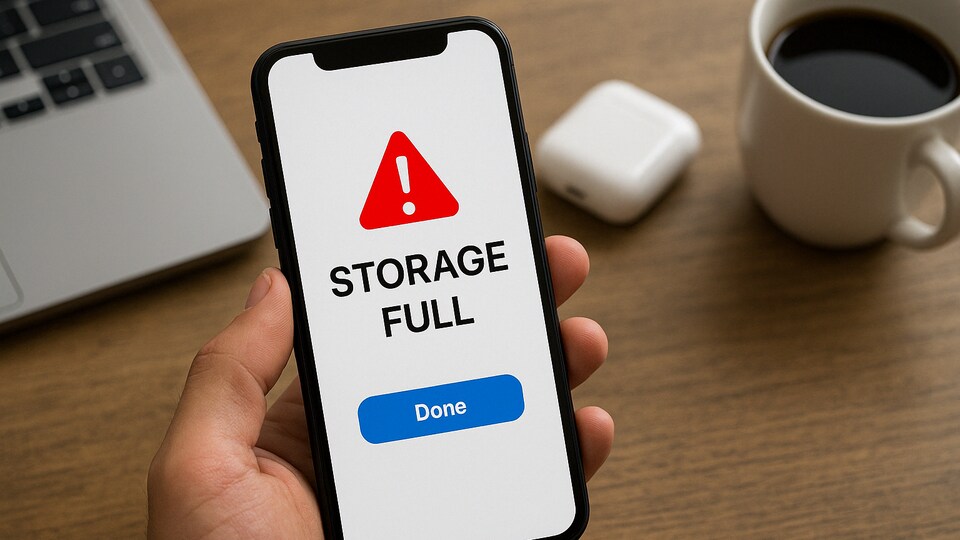
Running out of storage on your smartphone can be a real hassle, especially with modern devices no longer offering expandable storage options. Whether you're an iPhone or Android user, you may find yourself constantly clearing space to make room for new apps, photos, or updates. While deleting your favourite apps or photos can quickly solve the problem, fortunately, there are several methods to recover storage without losing valuable content or needing a device upgrade. Here are five effective ways to help clear up some space on your phone.

1. Clear Cache and App Data
Many apps store data that accumulates over time, taking up valuable storage. On Android, you can go to Settings > Storage > Cached Data to clear the cache. If you don't want to remove apps entirely, you can also offload apps by going to Settings > General > iPhone Storage and selecting "Offload Unused Apps" on an iPhone. This will free up space without removing the apps themselves.
Also read: Netflix Top 10: The most-watched series worldwide this week, from crime dramas to documentaries
2. Review Photos and Videos
Your phone’s photo gallery may be using up more storage than you realise. To check how much space it occupies, go to Settings > General > [device] Storage and find the Photos section. If it’s taking up over a gigabyte, consider uploading your photos and videos to cloud storage. Google Photos or Amazon Photos are great options for backups. Make sure to delete photos from your device once they are uploaded to free up storage. Don't forget to clear the Recently Deleted folder to ensure you’re truly freeing up space.
3. Remove Unnecessary Files
Over time, you may collect files that aren’t necessary. These might include movie downloads, app installation files, or old documents. Deleting these from your device can free up significant space. This is especially true for larger files like movies that you don't plan to revisit anytime soon.
Also read: OPPO K13 key details and specifications tipped online ahead of India launch - All details
4. Use Lite Apps or Web Versions
Certain apps, especially social media platforms, can take up significant storage. Instead of keeping heavy apps like Facebook or Snapchat, consider downloading their "lite" versions or accessing them through a web browser. Lite apps perform well and take up less space, giving you more room for other important data.
Also read: How to turn your photos into Ghibli-style art with ChatGPT for free: Step-by-step guide
5. Leverage Cloud Storage
Cloud storage solutions like Google Drive for Android users and iCloud for iOS users can help manage your storage more effectively. By uploading your documents, photos, and videos to the cloud, you free up space on your device while maintaining access to your files from any connected device. Many cloud services offer flexible plans, so you can scale up or down as needed.
By using these strategies, you can keep your phone running smoothly without worrying about constant storage issues.


