E-Paper



De-clutter: Wires to keep, wires to chuck
With the HTC 10 no longer compatible with the standard USB-C wire, we look at the most common cables: ones you need, ones you should chuck


With the HTC 10 no longer compatible with the standard USB-C wire, we look at the most common cables: ones you need, ones you should chuck
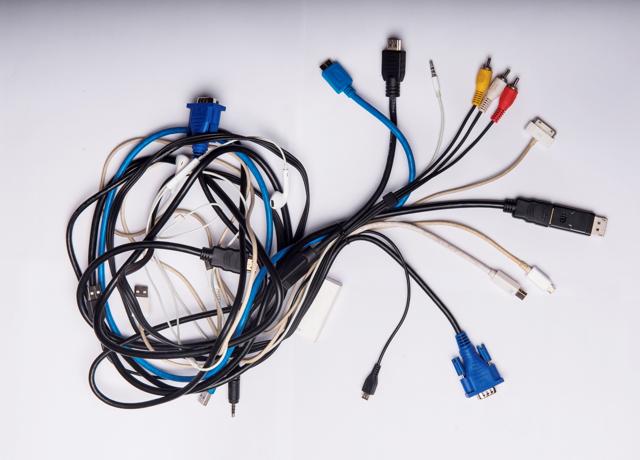
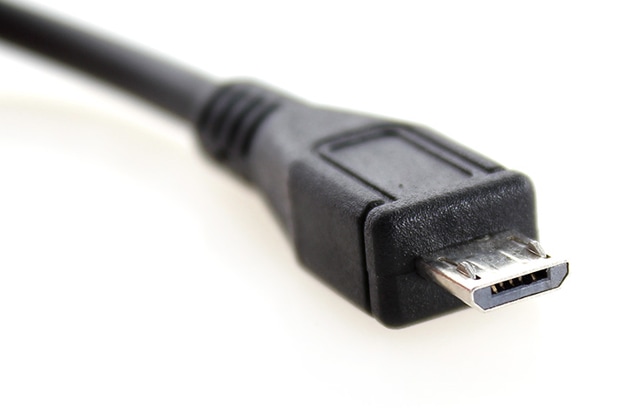
Micro USB: A majority of compact and mobile devices (smartphones, MP3 players, GPS devices, digital cameras) come with this connector.
Verdict: Get three: one each for home, office and the car.
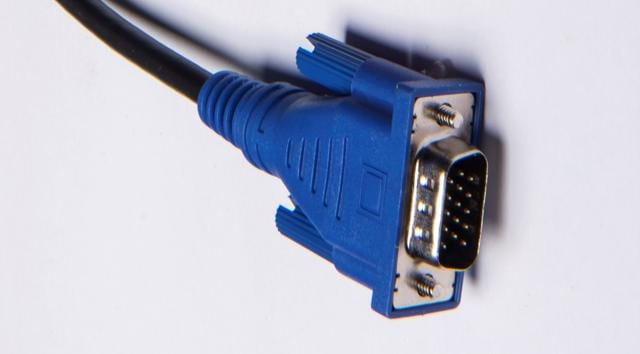
VGA: The staple chord of the old VGA-only monitor, it is no longer compatible with most current devices.
Verdict: Out it goes.
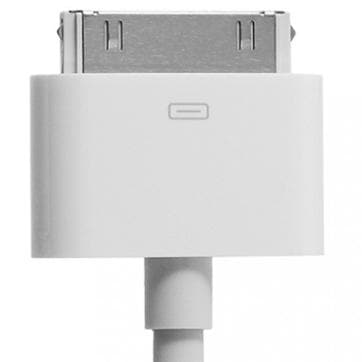
Apple 30-pin: Phased out by Apple with the launch of iPad 3 and iPhone 4, replacing it with newer Lightening connection. Only used by those who haven’t upgraded to the latest models.
Verdict: Chuck it. Also, get a new tab.
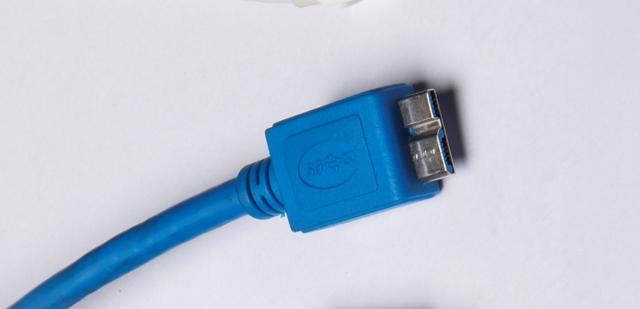
USB 3 Micro-B: Compatible with few devices, the odd-looking connector works with newer external hard drives and the Samsung Note 3.
Verdict: Wait-and-watch approach advised.
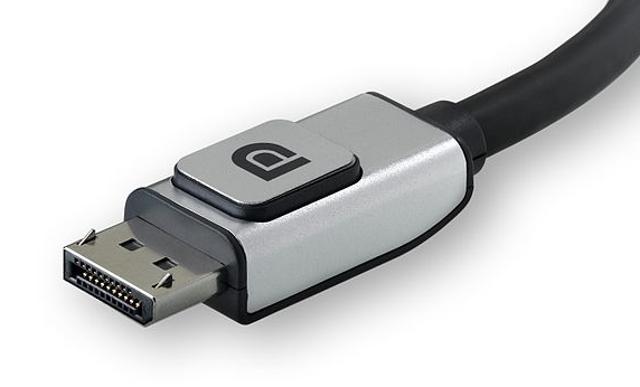
DisplayPort: The latest generation of laptops may be transitioning to the mini DisplayPort, but audio/video enthusiasts still vouch for this connector’s high-performance features.
Verdict: Keep it handy.
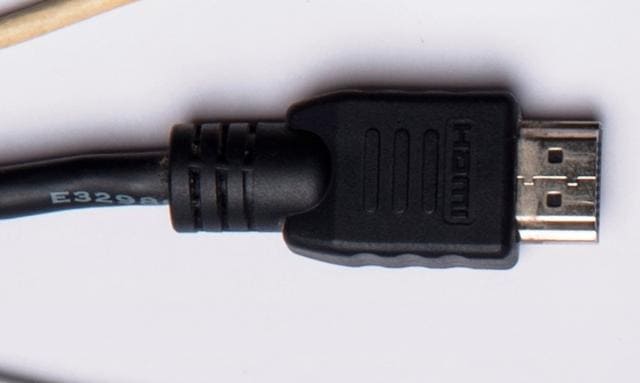
HDMI connector : HDMI cables are designed for source to display connectivity in home theatres and desktops. Verdict: Keep it for sure.
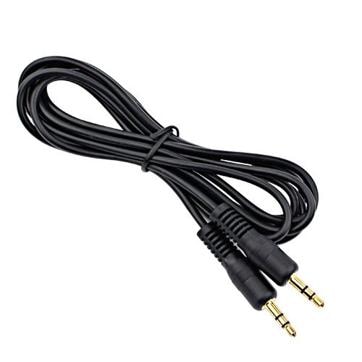
3.5mm auxiliary: Found almost everywhere, it can be used with almost all devices, ranging from smartphones and tablets to TVs and audio set-ups.
Verdict: Definitely a keeper.
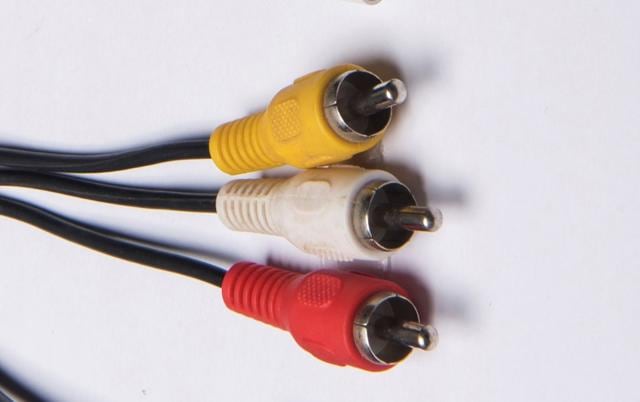
RCA/Composite: Easily identifiable, the red, white and yellow cable trio is still compatible with some TVs and computer monitors.
Verdict: Hold on to these for some time.