
 E-Paper



Know about these safety features in Uber app to secure your travel
Uber offers several safety features for its users to secure them during emergencies. These kinds of features enable users' access to the emergency button to report the complain directly to the company. Let's check these features in detail.


Online cab booking is one of the easiest and at times cost-effective way to travel. However, in recent days many cases have surfaced raising question on safety issues during journey. For this, it becomes very important that the app has dedicated safety function embedded in it.
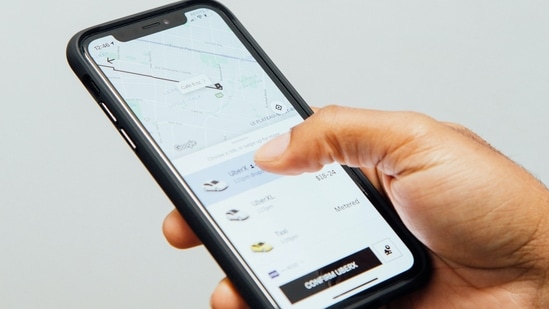
Uber also offers many safety features for its users to secure them during emergencies. These kinds of features enable users' access to the emergency button to report the complain directly to the company. Let's check these features in detail.
Emergency assistance control
When an emergency arises, Uber users can contact authorities for assistance by pressing the emergency button built-in the app. With the use of the app, users may instantly inform emergency services of their whereabouts by sending their location and travel data. Here is how to call the 24-hour helpline:
STEP 1: Scroll up and tap the Safety button on the ride information menu.
STEP 2: Pick one of the two options—Call 112 or the Safety Line.
STEP 3: Either choice will transfer the call to Uber authorities.
How to send Uber trip details to trusted contacts?
STEP 1: Once the Uber ride has been confirmed, visit the details page and tap the ‘Share your trip button’
STEP 2: Select the contact to whom you have to send the trip status and tap the Send button.
STEP 3: The ride status would be shared then. The receiver can then track the route.
RideCheck function
When users enable the RideCheck feature, it will alert both the driver and the rider when the trip does not go as planned and check whether everything is okay. Riders can use the app to alert Uber staff that everything is fine, or they can take further steps like pressing the emergency button or dialling Uber's Safety Line. The Uber app's RideCheck feature could be activated as follows:
STEP 1: Launch the Uber app
STEP 2: Click the Account button in the lower right corner of the screen.
STEP 3: Go to the Settings tab
Step 4: Locate the "Safety" option and select it.
Step 5: Select the RideCheck menu item and toggle the RideCheck notifications on.


